


 GoogleFree
| Developer | xAI |
| Origin | United States |
| Released | Grok Imagine · 2026 |
| Native audio | Yes |
| Max resolution | 720p |
| Max clip length | 6–15s |
| Availability | Proprietary |
| Available via | Grok app · X · API |
| Pricing from | $0.05 / sec |
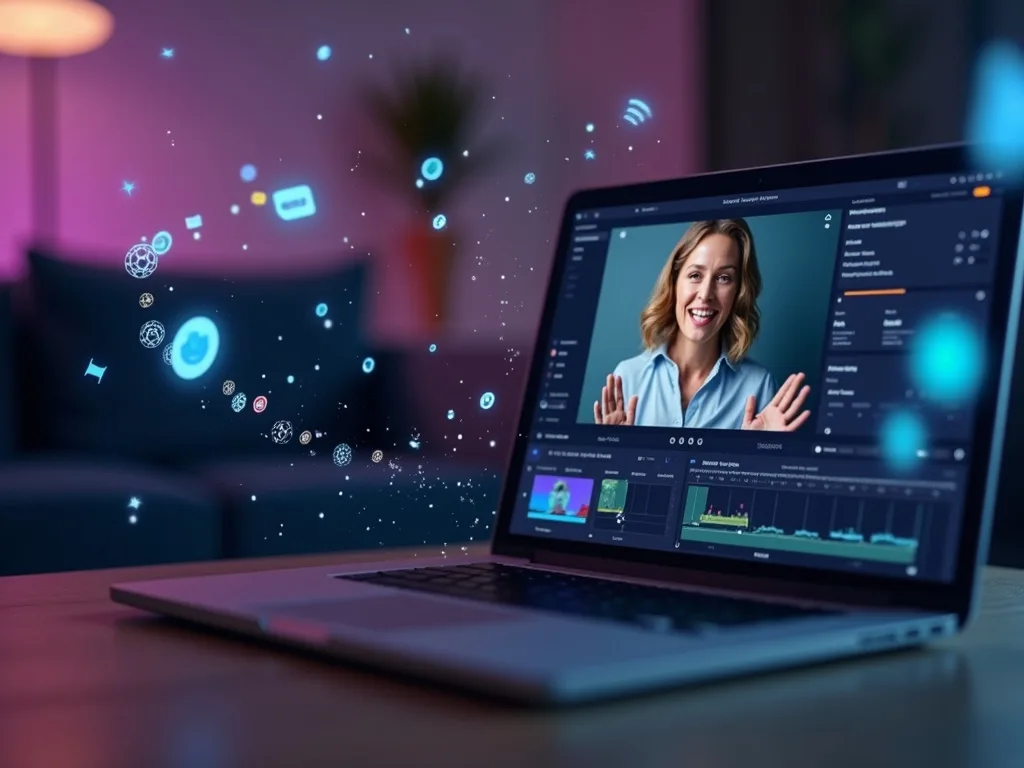
Use the Grok video generator when you want fast, expressive clips with built-in sound. Grok Imagine turns a short prompt or a photo into a lively, audio-synced video — good for social, reactions and quick creative shots.
Background. Grok Video is powered by Grok Imagine, the media model from xAI (Elon Musk's AI company). It generates short, expressive clips with native audio. Natively it's limited to X Premium subscribers via the Grok app; on Vivideo the Grok video generator runs online with no X subscription.
Open Vivideo and start a new video.
Select Grok Video as your model — or let the Video Agent pick it for you.
Describe your shot (or upload an image) and set duration and aspect ratio.
Generate with Grok Video, then refine, add a voice or avatar, and export for any platform.
Vivideo puts xAI's Grok Imagine in your browser with no X Premium and no Grok app. Generate Grok videos from text or image prompts, get native audio, and export them watermark-free.
Grok sits beside 30+ other AI video models on Vivideo, so you can run a fast Grok clip, switch to Sora 2 or Veo 3.1 for a cinematic one, and stitch it into one edit — the fastest way to use Grok video online without an X subscription.
Grok, powered by Grok Imagine, is the model to pick for fast, expressive video. It turns short prompts into lively, audio-synced motion, which is why creators use it for reactions and quick social clips.
On Vivideo you generate Grok video online and export it watermark-free — no X Premium, no Grok app, no downloader.
Lively, expressive output from short prompts
Native audio built into Grok Imagine
Watermark-free Grok exports on Vivideo paid plans
Natively, Grok Imagine is limited to X Premium subscribers in the Grok app. On Vivideo you reach the same Grok video generation online, with no X subscription and no credit-counting per clip.
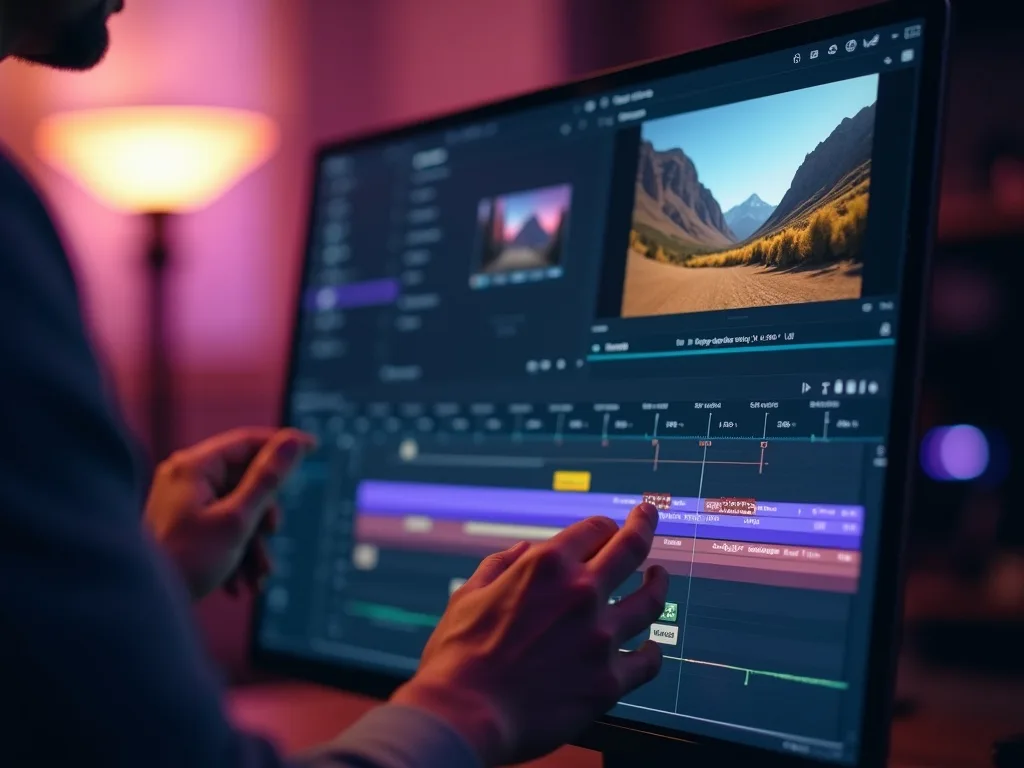
Generate freely, then finish your Grok clip with captions, voice and a soundtrack in Vivideo's editor.
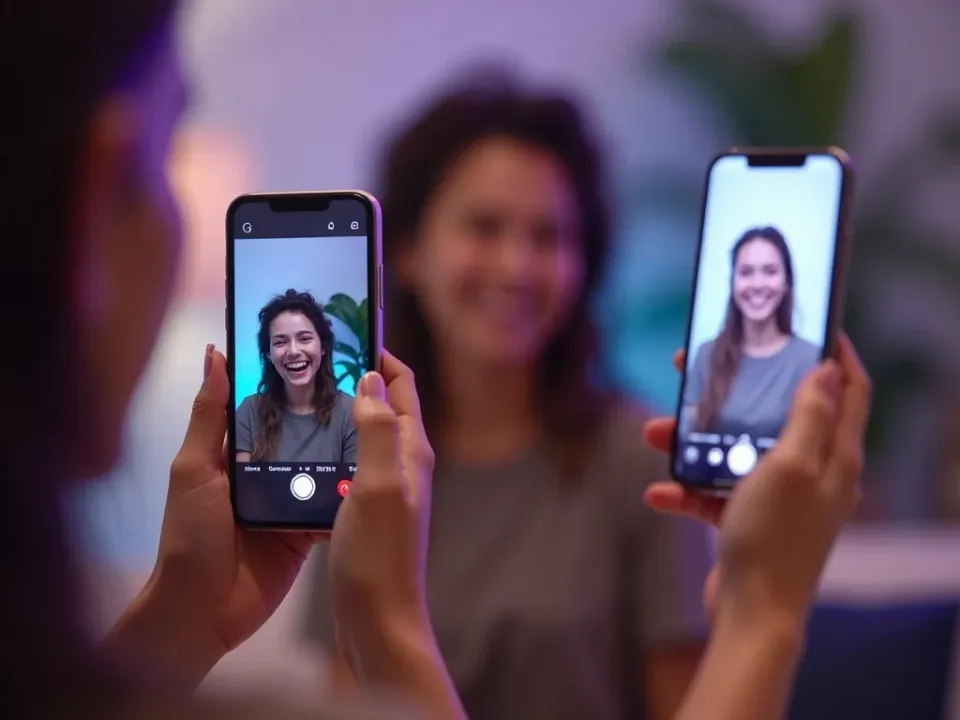
Vivideo runs both Grok text-to-video and Grok image-to-video. Write a short, punchy prompt or upload a still, and Grok returns an expressive, audio-synced clip.
Keep prompts snappy for Grok; direct the vibe, and the Grok video generator on Vivideo returns fast, lively motion you can refine.
Grok text-to-video from a written prompt
Grok image-to-video from a single photo
Native audio synced to the clip
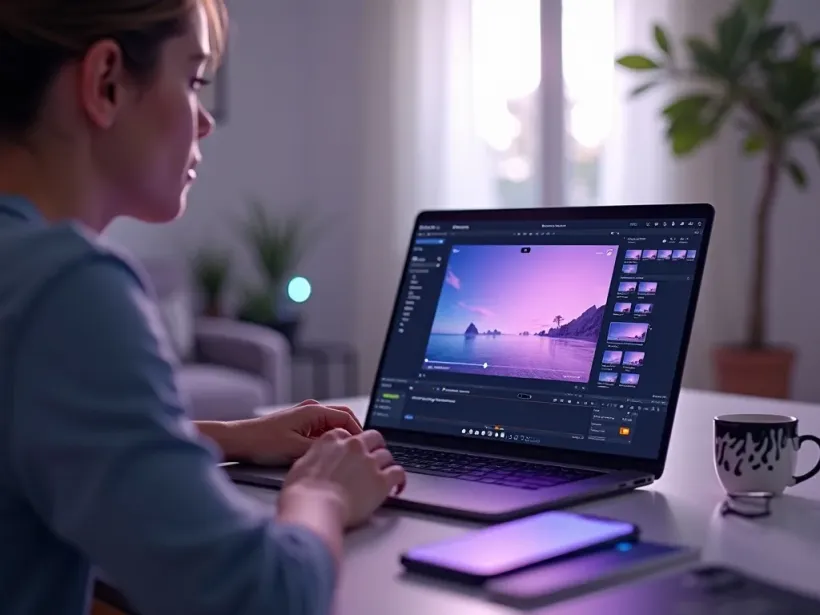
Grok is the pick whenever you want fast, expressive, audio-synced clips without an X subscription.
Vivideo is more than a Grok video generator — it's the whole workflow. Generate expressive clips with Grok Imagine, edit the result, and localize it into 30 languages without leaving your browser.
Grok Video, from xAI's Grok Imagine, is a video generation model with native audio and support for short, expressive clips. As an AI video generator, Grok is known for lively output and fast turnarounds straight from a prompt.
Natively, Grok Imagine is gated behind X Premium and the Grok app. On Vivideo you can use Grok video online without an X subscription — Grok is one of 30+ AI video models on a single plan. Run Grok text-to-video from a prompt or Grok image-to-video from a still, and switch models per shot.
People search "Grok Imagine API" and how much a Grok video costs in credits. On Vivideo, Grok is included in one subscription rather than metered per clip, so you can generate Grok videos without tracking credits.
Grok is quick to prompt. A short, punchy Grok video prompt returns expressive, audio-synced motion — handy for reactions, social clips and fast creative ideas.
Grok has limits: native clips are short (about 6–15 seconds) and top out at 720p. For longer or higher-res pieces, Vivideo chains Grok shots — or switches to Sora 2, Veo 3.1 and others — into finished videos up to 10 minutes.
Is Grok video free? You can try the Grok video generator free on Vivideo with daily generations, no X Premium and no xAI account. A small upgrade unlocks watermark-free exports.
Watch a prompt become an expressive clip — then make your own Grok video free on Vivideo.
Use the Grok video generator online on Vivideo — no X Premium, watermark-free exports. Type an idea or add an image and press generate.
Yes — Grok generates video through Grok Imagine, xAI's media model: short clips with native audio from text or image prompts. On Vivideo you can use Grok video online without X Premium.
You can try the Grok video generator free on Vivideo with daily generations, no X Premium and no xAI account. An affordable upgrade clears the watermark and the daily limits.
No — natively Grok Imagine needs X Premium and the Grok app, but on Vivideo you reach Grok video online without an X subscription. Just pick Grok and generate.
Open Vivideo, choose Grok, type a prompt or drop in a photo, and generate. Vivideo can also chain Grok shots with other models into one longer edit.
Yes — Grok Imagine supports native audio, so many Grok clips come with synchronized sound. On Vivideo you can add AI voices and a track whenever you want more.
Natively Grok Imagine meters usage in credits. On Vivideo, Grok is included in one subscription alongside 30+ models, so you don't count credits per Grok clip — free to try, affordable to scale.
Vivideo exposes an API and MCP that covers Grok along with 30+ other models, so you can automate Grok video generation from one integration instead of a single-model API.
Native Grok clips run about 6–15 seconds at up to 720p. Vivideo chains multiple Grok shots — and mixes in other models — into finished videos up to 10 minutes.
Grok is fast and expressive for short clips; Sora 2 leads on cinematic realism and higher fidelity. Run both on Vivideo and keep whichever lands better.
Yes — Vivideo runs the Grok video generator in any modern browser, so you can use Grok on a PC, Mac or phone with no X app to install.
Yes — Vivideo is a free Grok video generator online: pick Grok, generate with daily free credits, no X Premium. Paid plans export watermark-free.
Each model is one of 30+ in Vivideo — switch per shot to get exactly the look you want.
GoogleFree Google
 OpenAI
 OpenAI
 ByteDance
A full 30 seconds in one shot, with native audio.
 ByteDance
State-of-the-art motion, realism and native audio.
 Kling
Kling Kling
Kling