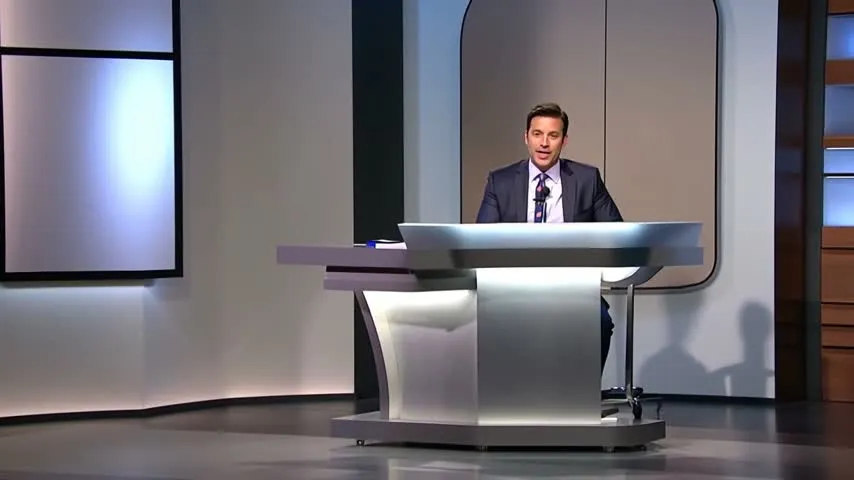
 Avatar cast
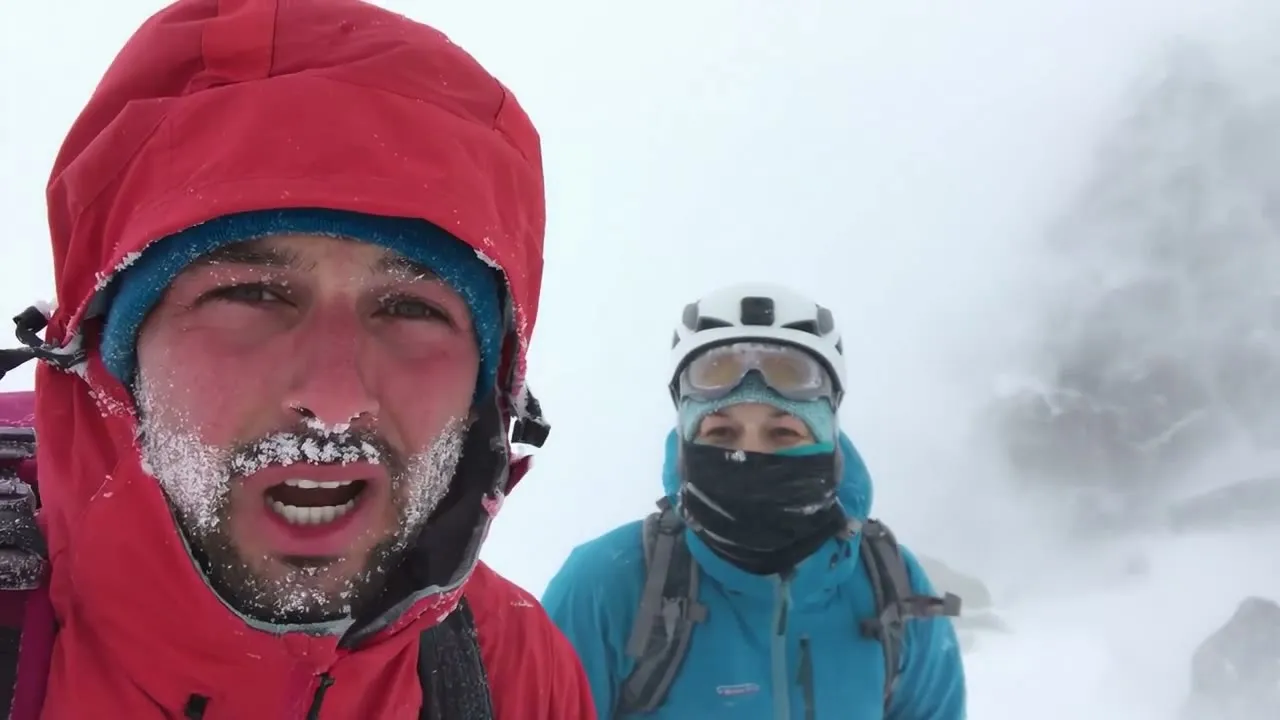
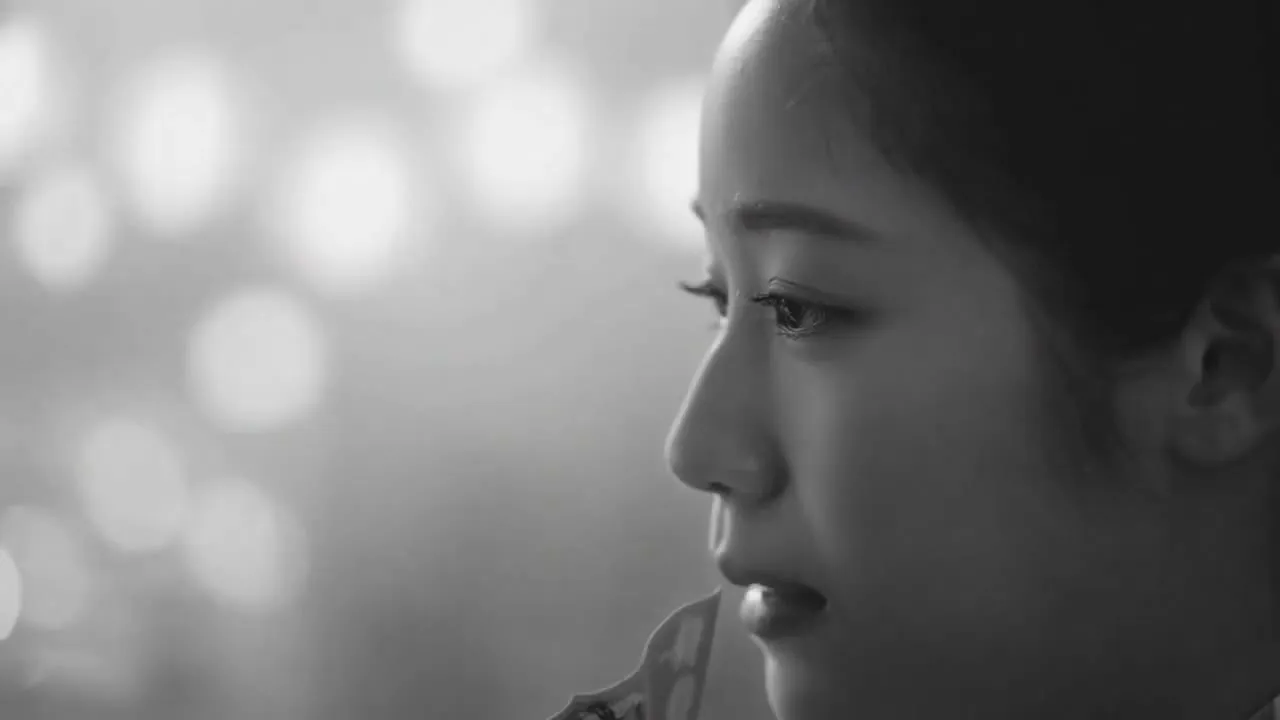

One prompt. The agent does the rest.
You write a single line — our AI video agent runs the entire pipeline and doesn’t stop until your finished video is ready.
Organizes the scenes
It breaks your idea into a scene-by-scene storyboard and writes the script for every shot.
Writes the voiceover
Each line is scripted and narrated for you — naturally, in dozens of languages.
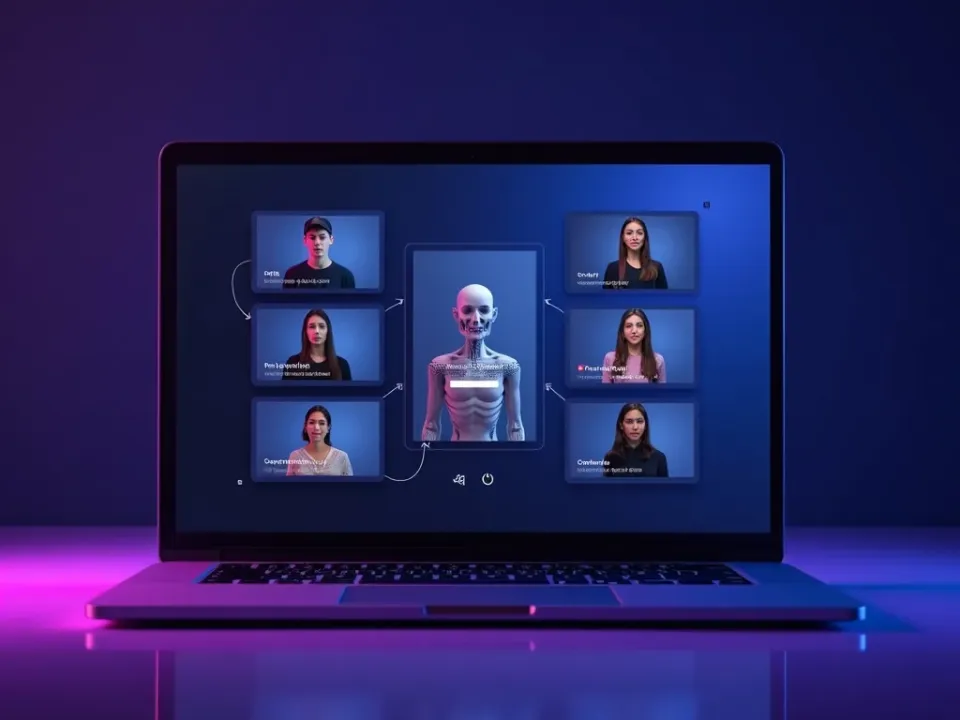
Creates the avatars
It casts a lifelike presenter — or your own digital twin — to front the video.
Picks the voices
It matches the right voice and tone to your script, so you never have to choose.
You enjoy the result
A finished, on-brand video lands ready to post — no timeline, no editing, no hassle.
How to auto-generate a video
Type one prompt
Describe your video in a sentence — the topic and vibe. That's the only input auto-generate needs.
The agent runs the pipeline
It writes a script, generates scenes across 30+ models, and adds voiceover, captions and music automatically.
Get a finished video
In minutes you have a complete, ready-to-post video — not a raw clip, but the whole thing assembled.
Tweak if you want
Keep it as-is, or take it into the editor or the chat agent to refine. Export watermark-free.
Works with every top AI model











How auto-generate video works, explained
Most AI video tools make one clip per prompt, leaving you to script, generate, voice, caption and assemble the rest yourself. Auto-generate collapses all of that into a single step: you type one sentence, and the agent runs the entire pipeline — writing a script, generating the scenes, adding a voiceover, captions and music, and assembling a finished video. It's the fastest path from an idea to something you can post.
Under one prompt, a lot happens. The agent decides the structure, picks the right model for each scene from 30+ options, generates the footage, and layers in narration and sound — the work that would normally be a dozen manual steps. You don't configure any of it; the whole point is that a sentence is enough.
Finished doesn't mean locked. If the auto-generated video is exactly right, post it; if not, take it into Vivideo's editor for hands-on control, or hand it to the chat agent to revise by conversation. Auto-generate gets you 90% of the way in one move, and the other tools cover the last 10%.
It's also free to start — daily generations, no credit card, watermark-free exports on an affordable plan. When you want a video now and don't want to think about the steps, auto-generate turns one prompt into the whole thing.
Auto-generate video — FAQ
What is auto-generate?
Auto-generate turns one prompt into a complete video automatically — script, scenes, voiceover, captions and music. Vivideo runs the whole pipeline across 30+ models, so a single sentence becomes a finished, ready-to-post video.
How is it different from a normal generator?
A normal generator makes one raw clip from a prompt. Auto-generate produces a whole assembled video — with a script, multiple scenes, narration, captions and music — from the same single prompt.
Do I need to do anything after the prompt?
No — that's the point. One prompt runs the entire pipeline. You can tweak the result if you want, but it arrives finished and ready to post.
Which models does it use?
Auto-generate runs across 30+ models — Sora, Veo, Kling and more — picking the right one per scene, so you get the best look without choosing.
Is it free?
Yes — you can auto-generate videos free with daily usage and no credit card. Watermark-free downloads come with a paid tier.
Can I refine the video afterward?
Yes — take it into the editor for manual control, or the chat agent to revise by conversation. It's finished, but not locked.
What's the fastest way to make a video on Vivideo?
Auto-generate — one prompt, no steps. For more control, use the chat agent or manual mode instead.
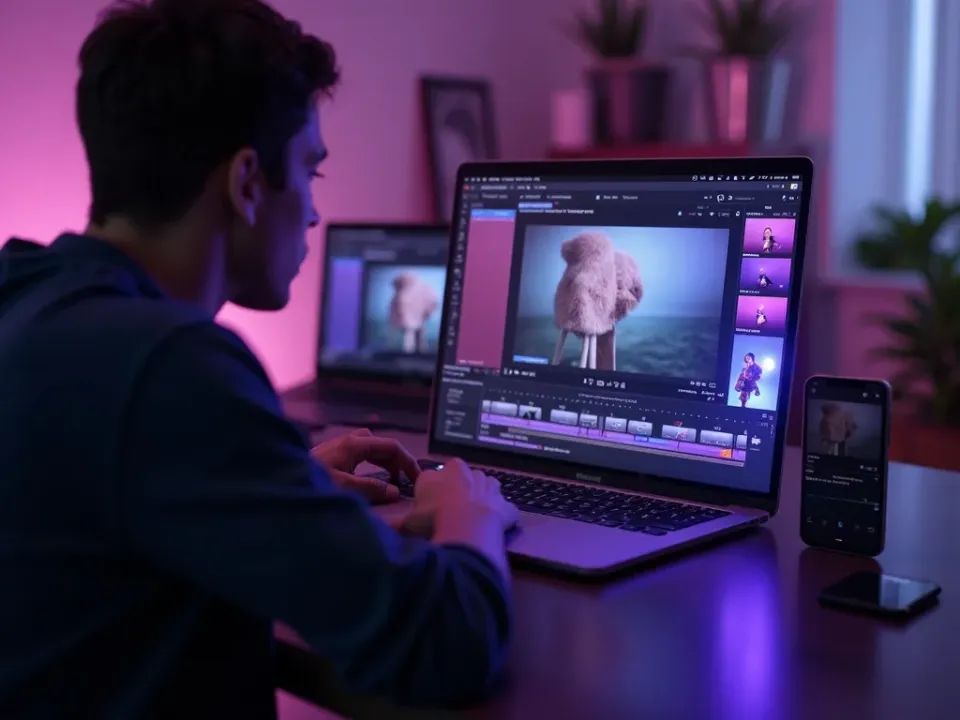
One Prompt, the Whole Video
Auto-generate runs the entire pipeline from a single sentence — script, scenes, voiceover, captions and music — across 30+ models. Not a raw clip, but a finished, assembled video, in minutes.
A sentence in, a ready-to-post video out. No steps, no settings.
The Fastest Way to a Finished Video
Where most tools make one clip and leave the rest to you, auto-generate does script, generation, narration and assembly in one move — the answer to "what's the fastest way to make a video."
90% of the way in one move; refine the last 10% if you want.
Finished, but Not Locked
Post the auto-generated video as-is, or take it into the editor for control, or the chat agent to revise. Free to begin, clean exports on a plan.
One prompt to start; full control whenever you want it.
Everything Auto-Generate Includes
One place to turn a single prompt into a complete, finished video.

Who Uses Auto-Generate?
Anyone who wants a finished video, now:


One Free Studio Behind Every Tool
Each utility here is a doorway into the full Vivideo studio — create, edit and localize video in the same place.

More Ways to Make Video With Vivideo
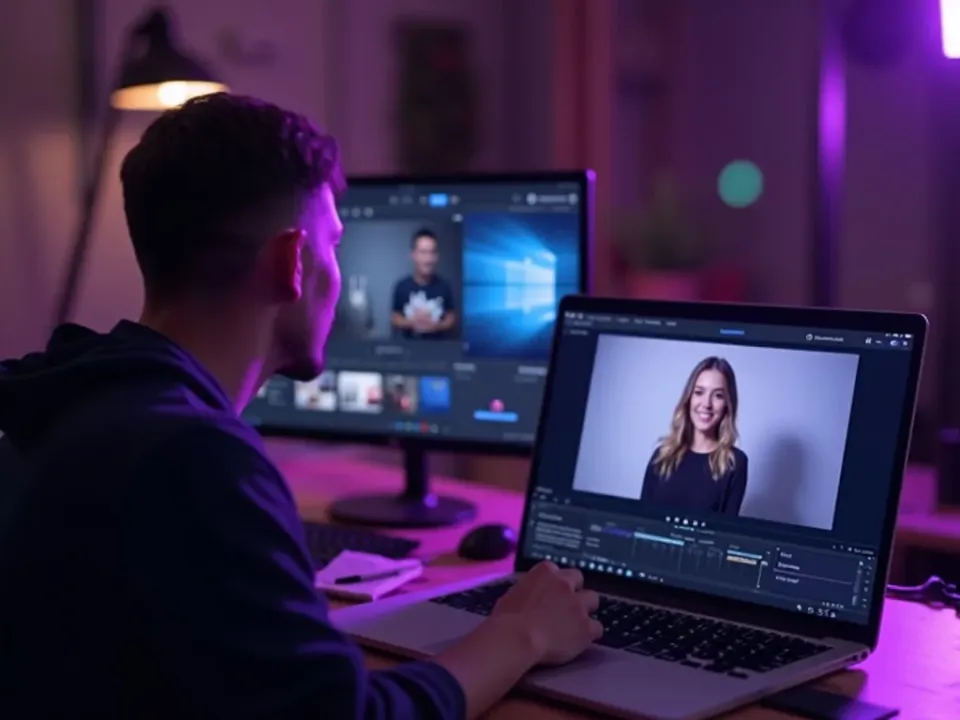
See Auto-Generate in Action
Watch one prompt become a whole finished video — then try it free on Vivideo.
