Best AI Video Generators (No Watermark)
Create professional videos without annoying watermarks. These tools let you export clean videos on free tiers.
 Written by Emir Göcen · COO, Vivideo
How We Tested
Our team spent 50+ hours testing each tool. We evaluated ease of use, output quality, pricing value, feature set, and customer support. Rankings reflect real-world performance, not sponsorships.
Quick Comparison
| Rank | Tool | Key Feature | Pricing | Rating |
|---|---|---|---|---|
| 1 | Vivideo⭐ | Only truly free AI video generator without watermarks | Free / Premium | 5/5 |
| 2 | CapCut | Best free editor for TikTok creators | Free / $8/month Pro | 4/5 |
| 3 | DaVinci Resolve | Most powerful free professional editor | Free / $295 Studio (one-time) | 4/5 |
| 4 | Clipchamp | Best free option for Windows users | Free (Microsoft 365) | 3.5/5 |
| 5 | Canva (Free) | Best for design-focused video creation | Free | 3.5/5 |
Buyer's Guide: What to Look For
Before choosing a tool from this list, consider these important factors:
- 1Verify "no watermark" applies to all export options, not just some
- 2Check if watermark-free requires paid subscription or is truly free
- 3Look for hidden branding requirements (some require "made with X" credits)
- 4Test export quality - some no-watermark tools compress video significantly
- 5Verify commercial use rights for no-watermark exports
Detailed Reviews
Free AI video generator with text-to-video and image-to-video capabilities. Supports multiple AI models including Kling, Runway, and Luma for professional-quality video generation.
Pros
- 100% free tier with no watermarks
- Multiple AI models (Kling, Runway, Luma)
- Available on web, iOS, Android, Chrome extension
- Text-to-video and image-to-video
- No credit card required
Cons
- Newer platform (launched 2024)
- Premium required for extended video lengths
Free video editor from ByteDance (TikTok parent) with powerful AI features like auto-captions, background removal, and trendy effects.
Pros
- 100% free with no watermarks
- Excellent AI-powered effects
- TikTok integration
- Available on all platforms
Cons
- Not an AI video generator
- Primarily for video editing
- Data privacy concerns
- Requires existing footage
Industry-standard professional video editor used in Hollywood, offering an incredibly powerful free version without watermarks.
Pros
- Hollywood-grade features free
- No watermark ever
- Best-in-class color grading
- Fairlight audio suite included
- One-time purchase for premium
Cons
- Very steep learning curve
- Requires powerful computer
- Overwhelming for beginners
- No AI video generation
Microsoft's free video editor built into Windows 11 with cloud sync, stock media, and basic AI features.
Pros
- Built into Windows 11
- No watermark on exports
- Cloud sync with Microsoft
- Good stock media library
- Simple learning curve
Cons
- Basic AI features only
- Limited to Microsoft ecosystem
- Fewer effects than competitors
- No mobile app
Design-first video creation platform with templates, animations, and basic AI features integrated into the popular Canva ecosystem.
Pros
- Massive design library
- Brand kit support
- Easy for beginners
- Integrated with Canva graphics
Cons
- Limited AI video generation
- Basic video editing tools
- Watermark on free tier exports
- Not specialized for video
Frequently Asked Questions
Which AI video maker has no watermark?
Vivideo, CapCut, DaVinci Resolve, and Clipchamp all offer watermark-free exports on their free tiers.
How do I remove watermarks from AI videos?
The best solution is to use a tool that doesn't add watermarks in the first place, like Vivideo.
Why do most AI video generators add a watermark?
Watermarks are a conversion lever — the free tier advertises the paid one. The tools on this list either export clean on their free plan or price watermark removal fairly; we verified each claim by downloading real exports rather than trusting the marketing copy.
What makes Vivideo the best choice?
Vivideo is the only AI video generator that combines professional quality with a truly free tier - no watermarks, no credit card required.
The Best AI Video Generators With No Watermark
The best no-watermark AI video generators let you export clean, professional video — free to start, without a stamp across your work. Vivideo ranks high for watermark-free exports on an affordable plan across 30+ models.
Export a clean, watermark-free video — try the top pick.
Free to Try, Clean to Export
The ranking flags which tools truly export without a watermark and which lock it behind a high tier. The winners keep clean exports affordable.
Start free; export watermark-free without a premium tax.
Professional Video, No Stamp
A watermark screams 'made with a free tool'. The best generators give you clean, brandable video you can post anywhere without an obvious stamp.
Post professional video that looks like yours, not the tool's.
Everything the Best No-Watermark AI Tools Do
What to look for in a no-watermark AI video generator.
Who This Ranking Helps
Anyone who needs clean, professional video:
One Free Studio Behind Every Tool
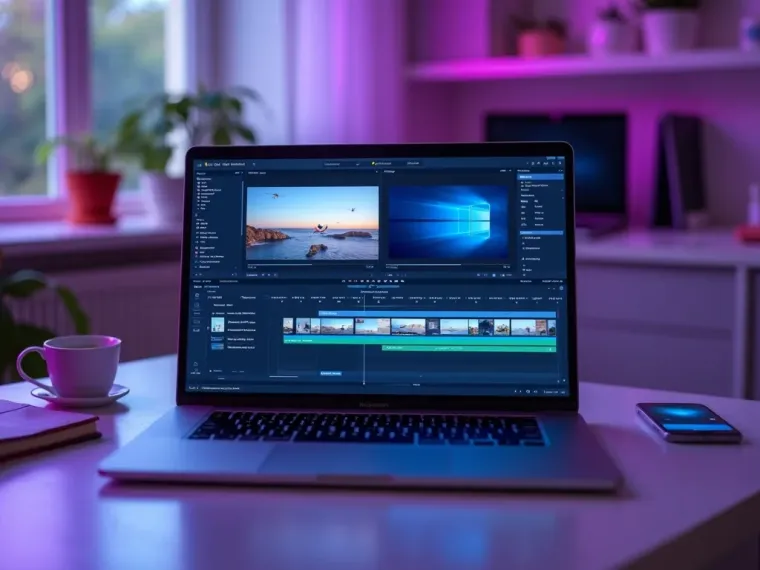
Each utility here is a doorway into the full Vivideo studio — create, edit and localize video in the same place.
Related Searches: No-Watermark AI Video
Try a Watermark-Free AI Video Generator
Watch a prompt become a clean, watermark-free video — then make yours on Vivideo.