Here's how to turn a podcast into short clips without an editor: upload your episode (audio or video), and Vivideo's AI podcast clips generator finds the best moments, cuts them into captioned vertical clips with animated captions and speaker framing, and exports them for TikTok, Reels and Shorts — across 30+ models, in minutes. Clips are how podcasts grow — they reach far beyond your feed and pull new listeners to the full show — but manually finding and cutting them is the grind that stops most podcasters. Generation removes it.
Why clips grow a podcast
The podcast clips creators make most
The cuts the algorithm rewards — each one a one-click preset in Vivideo.
Single quote moment
One sharp, repeatable line lifted clean from the conversation. The most shareable thing in any episode — a well-phrased moment people want to send to a friend.
Hot take
A bold, debate-starting opinion that earns the comment section. Controversy and conviction travel fastest, so this is the format built to spark replies.
Guest highlight
The guest's best 30 seconds — their origin story, their mic-drop, their funniest beat. Tag them and you borrow their audience too.
Two-person split
Both faces in frame as the back-and-forth heats up, auto-reframed to follow whoever's talking. Perfect for the interview moment that needs the reaction shot.
Animated audiogram
Audio-only show? Turn a powerful line into a clean, captioned waveform clip — short, scroll-stopping and built around one strong moment.
Teaser trailer
A fast-cut montage of the episode's three best beats with a closing hook — the 'watch the full thing' clip that converts a scroll into a subscribe.
How to make podcast clips with Vivideo
Drop in your episode
Upload the recording or paste the YouTube link — full video podcast or audio-only, both work. No timeline, no editor.
Vivideo finds the moments
It scans the whole episode for hooks, quotable lines, laughs and hot takes, then suggests the strongest clips automatically.
Reframe, caption & brand
Each clip is reframed to 9:16 with active-speaker tracking, animated word-by-word captions and your brand kit applied.
Publish everywhere
Export 9:16 for Reels, TikTok and Shorts and 16:9 or 1:1 for YouTube and feed — every aspect ratio from one render.
Post each clip where it'll land — at the right spec
Vivideo renders every cut to the exact format each platform rewards.
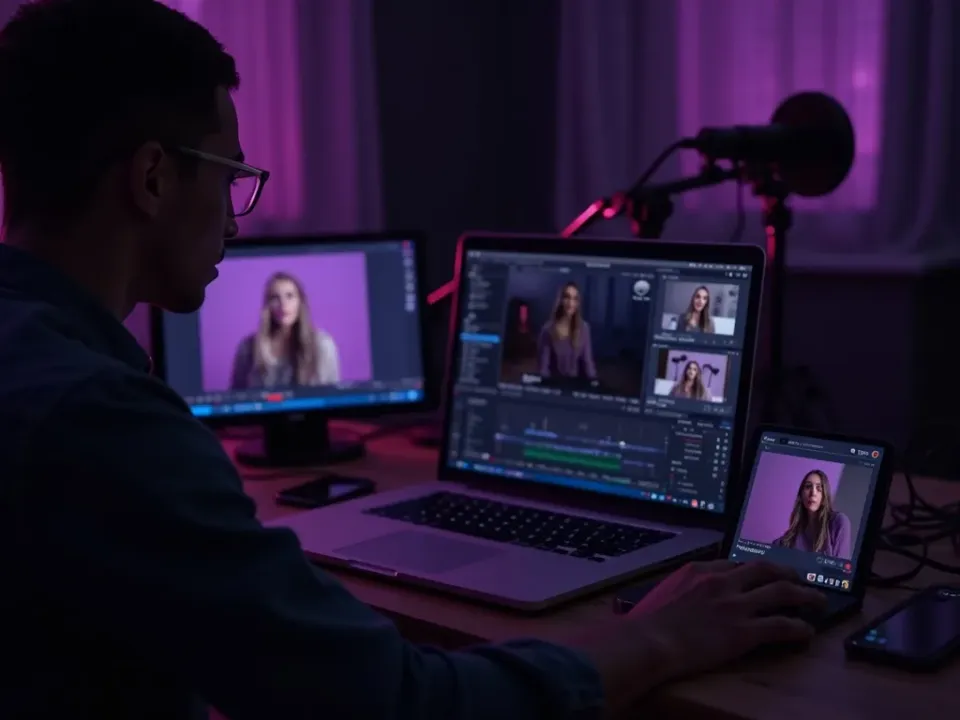
Turn a Podcast Into Clips, Automatically
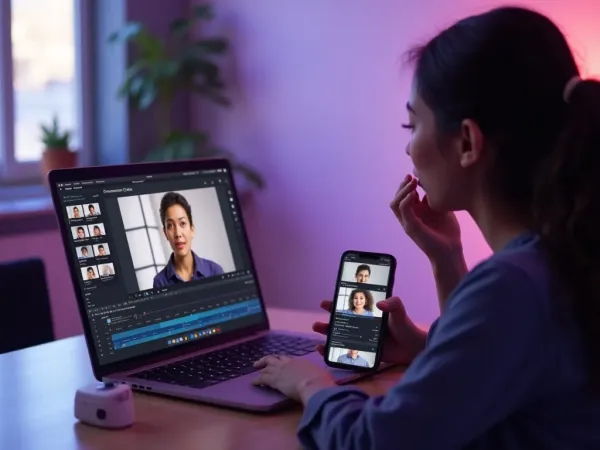
Vivideo's AI podcast clips generator finds the best moments in your episode and cuts them into captioned vertical clips with speaker framing — and the same screen lets you edit them. Turn a podcast into shorts without an editor.
One episode becomes a week of clips, extracted in one pass.
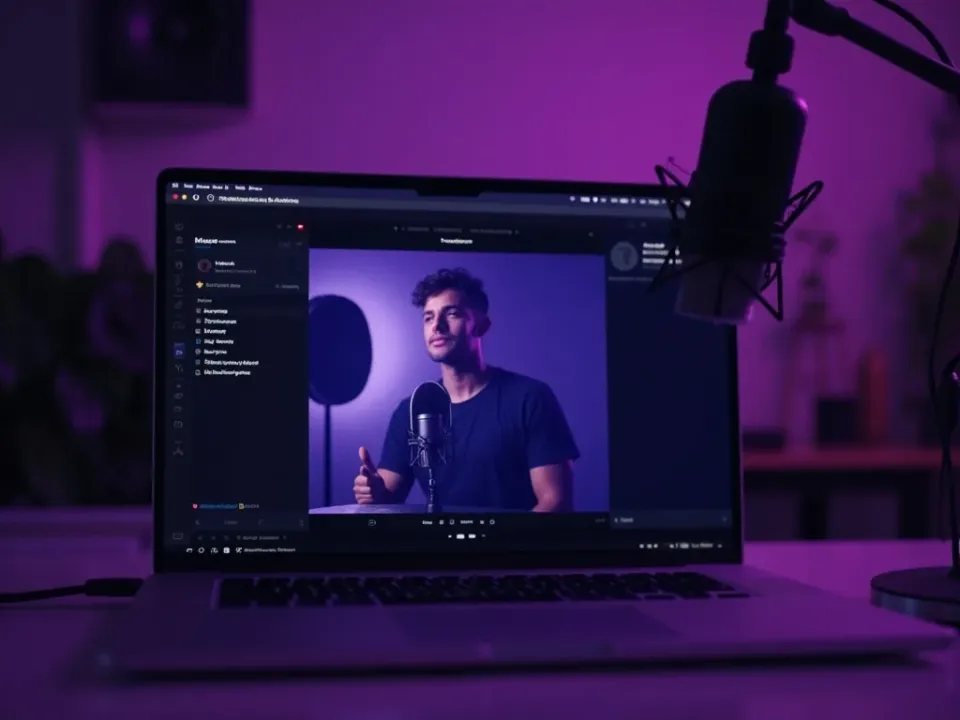
The Best Moments, Auto-Detected
Manually finding clips is the grind that stalls podcasters — the answer to "how do I turn my podcast into shorts." The generator detects hook-worthy moments and cuts them for you.
A dozen postable moments from one recording, no timeline scrubbing.
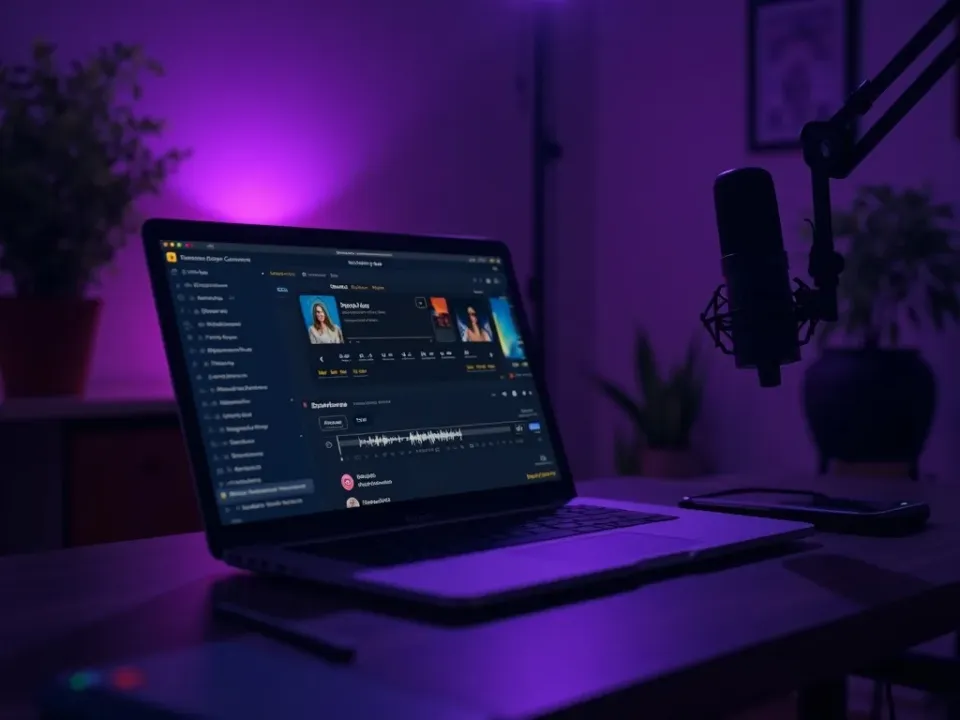
Captioned, Speaker-Framed, On-Brand
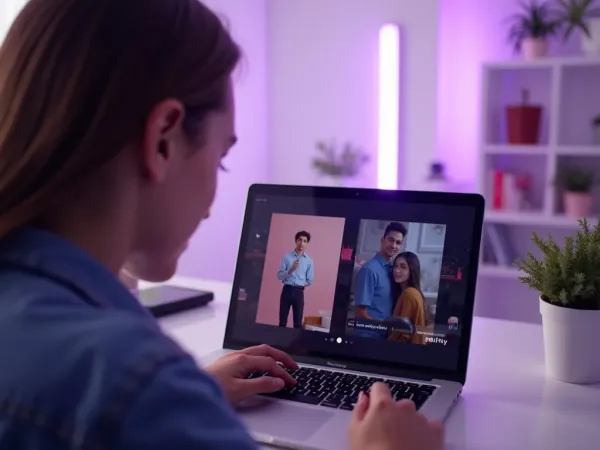
Word-by-word animated captions carry each clip on mute, speaker tracking keeps the person centered in vertical, and your show's branding makes every clip look like the channel. Localize into 30 languages.
On-brand shorts from every episode, sized for every platform.
Everything the Podcast Clips Generator Includes
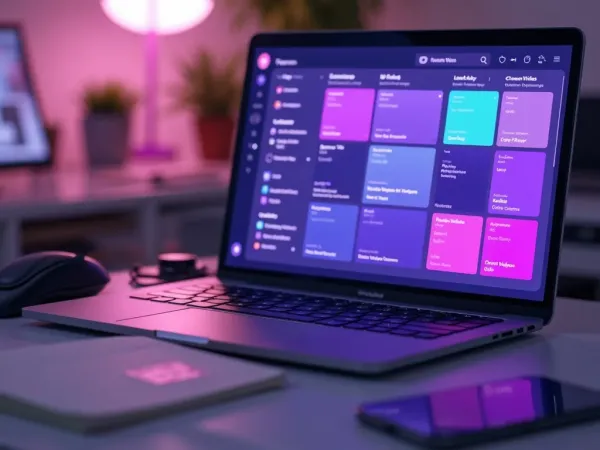
One place to auto-cut, caption and brand shorts from every episode.
Who Makes AI Podcast Clips?
Everyone growing a show:
One Free Studio Behind Every Tool
The gap between phone-made and professionally-made video closes here.
More Ways to Repurpose Long Content





See the Podcast Clips Generator in Action
Watch an episode become captioned vertical clips — then make your own free on Vivideo.
How to make podcast clips with AI, explained
Podcast clips are the growth engine for shows — a single strong moment posted vertical can reach far beyond your subscriber base and funnel new listeners to the full episode. But the work of listening back, finding the best moments, cutting them to length, captioning them and reframing for vertical is a grind that most podcasters can't sustain. An AI podcast clips generator removes it: upload the episode and it surfaces the highlights and cuts them into ready-to-post clips automatically.
The craft is picking moments and making them pop. A clip needs a self-contained hook — a hot take, a story, a laugh — with animated captions that carry it on mute and framing that keeps the speaker centered. Vivideo detects those moments, adds word-by-word captions and speaker tracking, and sizes each for TikTok, Reels and Shorts, so every episode becomes a week of clips.
Volume and repurposing are the whole point. One recording holds a dozen postable moments, and generating means you extract them all in one pass instead of scrubbing a timeline — turning a single episode into a steady cadence of shorts that keep the show in the feed between drops. Add your show's branding, and every clip looks like part of the channel.
Put together, it's a way to run podcast promotion like a system. Not the occasional hand-cut clip, but a batch of captioned, on-brand shorts from every episode, sized for every platform and localized for wider reach. That repurposing cadence is what compounds downloads and subscribers.
Podcast clips FAQ
How do I turn my podcast into clips?
Upload your episode (audio or video) to Vivideo's AI podcast clips generator and it finds the best moments, cuts them into captioned vertical clips with speaker framing, and exports them for TikTok, Reels and Shorts — automatically, no editor.
Is the podcast clips maker free?
Yes — you can make podcast clips free with daily generations, no credit card and no download. Go paid for watermark-free podcast clips and room to scale.
Does it find the best moments automatically?
Yes — it detects self-contained, hook-worthy moments across the episode and cuts them into ready-to-post clips, so you don't scrub the timeline.
Can I clip an audio-only podcast?
Yes — upload audio and the generator builds a captioned video clip with speaker visuals and animated captions, so audio shows get video clips too.
Are the captions animated?
Yes — word-by-word animated captions are added by default, since most clips are watched on mute and captions drive watch time.
Can it keep the speaker in frame?
Yes — speaker tracking keeps the person centered when reframing a wide recording to vertical 9:16.
Can it stay on my show's brand?
Yes — apply your show's logo, colors and layout, and every clip looks like part of the channel.
Can I localize podcast clips?
Yes — turn clips into 30 languages with AI translation and dubbing, so your show reaches a global audience.