



























Pick a model, see it shine
Industry-leading text-to-video models — all in one composer.
The best AI video models, one prompt box
AI video generation models each excel at different things — realism, motion, audio, style — and this hub tracks what every model does best so you can choose the right one per shot.
Vivideo runs 30+ text-to-video and image-to-video models behind a single prompt, so you can generate the same idea across Sora, Veo, Kling and more and keep the strongest result.
Browse the models below, compare them, and try any of them free — no separate account or subscription for each engine.
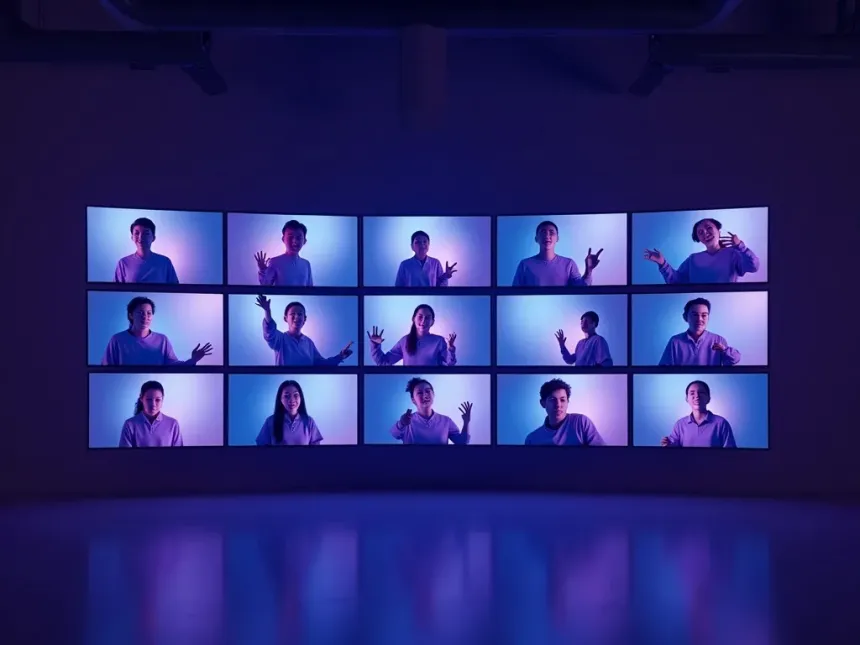
Every AI video generation model, in one place
AI video generation models are advancing faster than any single tool can keep up with — Sora 2, Veo 3.1, Kling, Hailuo, Vidu, PixVerse and dozens more, each with different strengths in realism, motion, audio and style. This hub is a running map of the best AI video models, so you can see what each one does well and pick the right model for the shot instead of betting on one.
No model is best at everything. Sora 2 and Veo 3.1 lead on photoreal physics and native audio; Kling and Hailuo on expressive human motion; Vidu and PixVerse on anime and stylized looks; LTX-2 and open-source models on speed and cost. Vivideo runs all 30+ text-to-video and image-to-video models behind one prompt, so you can generate the same idea across engines and keep the strongest result — no per-model account or subscription.
Because the field moves weekly, the newest AI video model matters: a new release can jump ahead on a specific benchmark overnight. Each model page here is kept current with what the engine is good at, how it compares, and how to use it free on Vivideo. Browse the models, compare them side by side, and generate with any of them from a single place.
AI video models — FAQ
What are AI video generation models?
AI video generation models are the engines that turn a text prompt or an image into video — Sora, Veo, Kling, Hailuo, Vidu and more. Each is trained differently, so they vary in realism, motion, audio and style. Vivideo gives you 30+ of them behind one prompt.
Which is the best AI video model?
It depends on the shot: Sora 2 and Veo 3.1 lead on realism and audio, Kling on motion, Vidu and PixVerse on stylized looks, LTX-2 on speed and cost. Rather than pick one, Vivideo lets you run a prompt through all 30+ and keep the best take.
What is the newest AI video model?
New models ship almost monthly and can leapfrog the field on a benchmark overnight. Each model page in this hub is kept current, and every new model is added to Vivideo so you can try it without a separate account.
Can I try these AI video models for free?
Yes — Vivideo runs every model on one subscription with free daily generations, so you can test Sora, Veo, Kling and the rest without signing up for each provider. Watermark-free exports come with an affordable plan.
What's the difference between text-to-video and image-to-video models?
Text-to-video models generate a clip from a written prompt; image-to-video models animate a still photo into motion. Most engines here do both, and Vivideo lets you switch per shot.
How do I compare AI video models?
Open two model pages, or run the same prompt through several models on Vivideo and watch the results side by side. This hub links each model to its strengths, sample output and comparisons.
Do the models generate audio?
Some do natively — Sora 2, Veo 3.1, Seedance and a few others generate synchronized sound. For the rest, Vivideo lets you add AI voiceover, music and captions to any clip.