Restaurant marketing is sensory, local, and immediate. People do not save a Reel because it says “authentic cuisine.” They save it because the dish looks irresistible, the offer is clear, or the place feels like somewhere they want to go tonight.
AI video for restaurants can help with Reels, menu promos, event clips, catering explainers, seasonal campaigns, and local ads. But food trust is visual. Use AI to support real footage, not replace the appetite.
Start with the local diner problem, not the AI tool
The lazy version is asking for “a video about our restaurant” and posting the first render of a generic plate spinning on a table. That gives you stock-looking food, narration nobody believes, and no reason for a hungry local to choose your place over the five other spots in the same scroll.
The useful version starts with a diner who has a decision to make tonight: where to eat, what to order, whether to book, whether you deliver to their block. Once you know which decision the clip is closing, AI can help you draft hooks for the dish, voice a special, build B-roll of the room or neighborhood, and export the same promo for Instagram Reels, TikTok, Shorts, your Google Business Profile, email, and the screens above the counter.
Write the brief before you generate
Name the dish and the decision before you touch a generator. If you cannot say which plate, which offer, and which neighborhood the clip is for, the render will look like every other food page and convert like none of them. A menu video model will happily invent a burger your kitchen does not make unless you pin it down.
- Diner: who is hungry right now — lunch-rush regulars, date-night couples, tourists nearby, delivery-only households?
- Promise: what does the clip help them do — book a table, order the special, walk in tonight, try catering?
- Proof: which real plate, storefront, or busy room makes the food look worth leaving the house for?
- Format: vertical Reel, menu promo, event clip, catering explainer, seasonal offer, or in-store screen loop?
Make the first line earn attention
A hungry person scrolling food content gives you maybe a second before they swipe to the next plate. You may have room for a longer pitch now, but the opening test is just as brutal. The shot of the dish has to do its work before anyone has decided to stay.
A usable AI prompt should make the first line land like a craving, not a caption. Open on the sear, the cheese pull, the pour, the price, or the “open till midnight” — not “Welcome to our restaurant” or “Today we’re making…”, which read like a corporate menu board.
Write 12 hooks for a vertical Reel about our [dish/special] at a local restaurant. Each hook must trigger a craving or a clear reason to visit in under 12 words, avoid clickbait, and make sense muted while the food is on screen.Storyboard before you generate scenes
A shot list keeps the food from looking fake. It turns “make a video of the special” into an ordered sequence — the plate, the room, the offer — that you can shoot on a phone, generate, or stitch together under an AI voiceover. This is where most owners skip the work, post a wobbly pan of the counter, and then wonder why nobody booked.
For a Reel, five to seven shots usually carry it: appetite hook (the sear or pour), the dish in full, a glimpse of the room or street, the price or special, a reason to come tonight, and the booking or location card. For a catering or events explainer, break it into chapters so a planner always knows what they are scrolling toward.
Edit for retention, not decoration
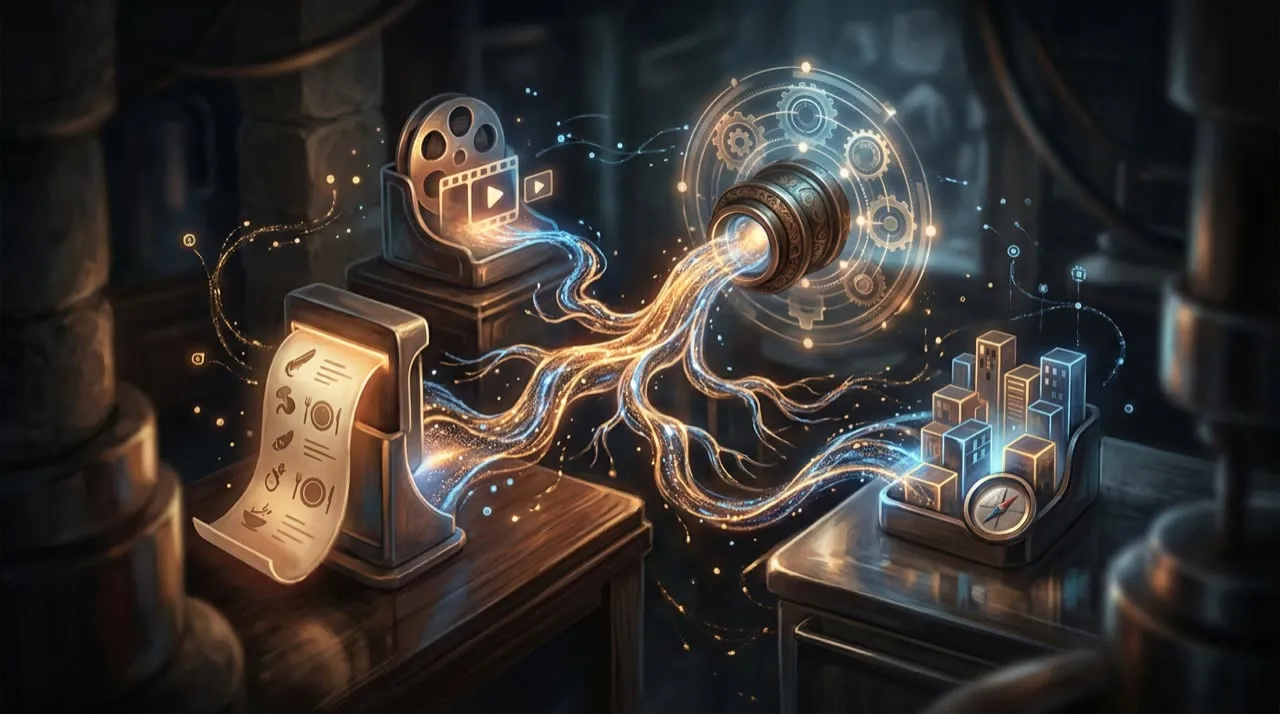
A gorgeous shot of the dish still loses if the cut drags. Skip the slow door-opening intro and the “hi guys” — get to the plate. Make captions carry the price, the hours, and the booking detail, since most people watch muted. Keep the first frame appetizing on its own; do not save the food reveal for the end unless the format is a deliberate slow build.
The honest retention test for a food clip is simple: watch it muted, then watch it with the phone face-down listening only to the audio. If the muted version does not make you hungry and the audio version does not tell you where to eat, the dish shot and the script are not doing each other’s job.
Measure versions, not vibes
One dish video posted once is not a marketing plan. Run the same special as several real angles — open on the sear vs. the price, lead with the room vs. the dish, a 7-second teaser vs. a 20-second walk-through, “book tonight” vs. “order delivery.” Then compare completion rate, saves, comments, profile taps to your map pin, and actual reservations or orders.
The reason AI is worth it here is speed: you can test five takes on tonight’s special before the dinner shift instead of one a week. Use that to learn what makes locals come in, not to spam the feed with ten near-identical plate shots.
The best use cases
- Dish-of-the-day and special Reels
- Menu walk-throughs and “what to order” clips
- Catering, private-event, and reservation explainers
- Offer and happy-hour announcements
- Behind-the-scenes kitchen and prep content
- Localized versions for tourist-heavy or multilingual neighborhoods
- Retargeting ads for people who viewed your map listing
- Seasonal and holiday menu campaigns
The risk to avoid
The mistake is letting AI invent food you do not serve. Restaurants are a high-trust, local business — a generated “perfect” plate that does not match the kitchen reads as a bait-and-switch the first time someone orders it. Check the dish, the price, the hours, the delivery zone, and any staff likeness before the clip goes out.
A practical weekly workflow
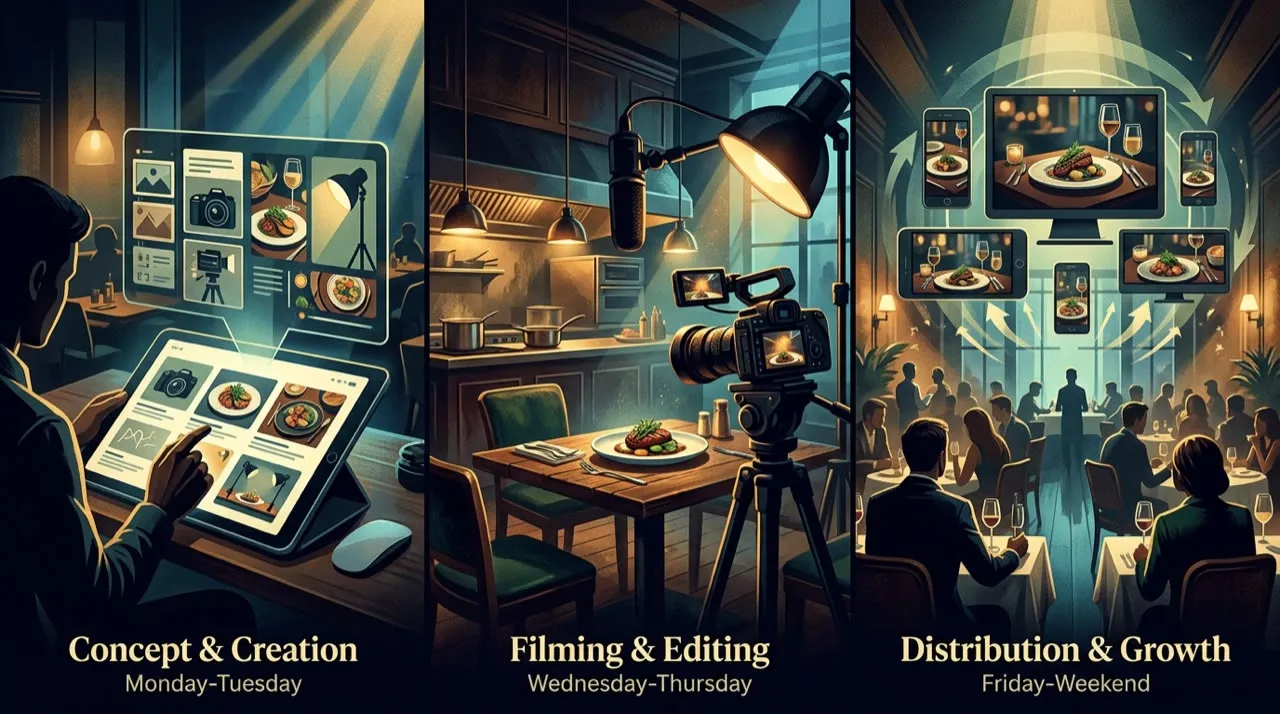
Monday: pick one dish or one offer for the week
Tuesday: write three hooks and one short script for it
Wednesday: shoot the real plate, then generate voice or extra B-roll
Thursday: cut captions, add booking details and brand kit
Friday: post one main Reel plus two variants and pin the offer
Next week: remake the version that drove the most bookings
Test the clip before you post it
Make three versions of every special worth pushing.
Version A opens on a different appetite shot (the sear vs. the pour vs. the price). Version B leads with a different visual (the dish vs. the packed room vs. the storefront). Version C reorders the payoff (offer first vs. food first). Do not just swap one word in the caption — that tells you nothing about why people did or did not walk in.
Track:
- 2-second hold (did the food shot stop the scroll?)
- 6-second hold
- average watch time
- completion rate
- rewatches
- shares to friends planning where to eat
- saves for later
- comments asking about price, hours, or “do you deliver?”
- taps to your Google Business Profile or map pin
- reservations, orders, or calls in the days after posting
The right lesson is rarely “the algorithm hated my restaurant.” Usually the first frame did not look appetizing, the food showed up too late, the offer was buried, or the clip never gave a nearby viewer a reason to eat there tonight.
Hook bank
Use these structures and fill them with your dish, price, and neighborhood:
- “The [dish] everyone in [neighborhood] is ordering this week.”
- “We only make [number] of these a day, and here’s why they sell out.”
- “If you’re within [distance] of us, this is your [day]-night dinner sorted.”
- “Stop scrolling — [restaurant] does [dish] better than [chain] for less.”
- “Open till [time]. Here’s what to order when nothing else is.”
- “Tourists walk past this place. Locals line up for the [dish].”
- “You’ve never tried [dish] like this in [city].”
Good food hooks are not loud. They make one specific person hungry for one specific plate nearby.
A practical AI video for restaurants workflow
Start with one dish or one offer. Not the whole menu. Not a vague “let’s do more social.” One plate, one reason to visit.
Decide the diner, the promise, the proof shot, and where it runs (Reel, Story, Google Business Profile, in-store screen). Write three hooks and one shot list. Generate or shoot only after the shot list is clear. Cut the first version, then make two real variants. Post it, watch what locals do, and remake the winner with a sharper opening craving.
The restaurant loop:
- The diner you want walking in
- The craving or deal the clip sells
- A mouth-watering first frame
- A shot list of the dish and the room
- Generate the scene or shoot the plate
- Edit to the steam and the sizzle
- A second cut built around the occasion
- Post to the local feed and maps
- Track the bookings and online orders
- Remake the clip that filled tables
Most restaurants fail because they start filming the dish before deciding what the clip is actually selling. Pick the craving, the occasion, and the offer first; the camera and the model come after.
The pre-publish quality bar
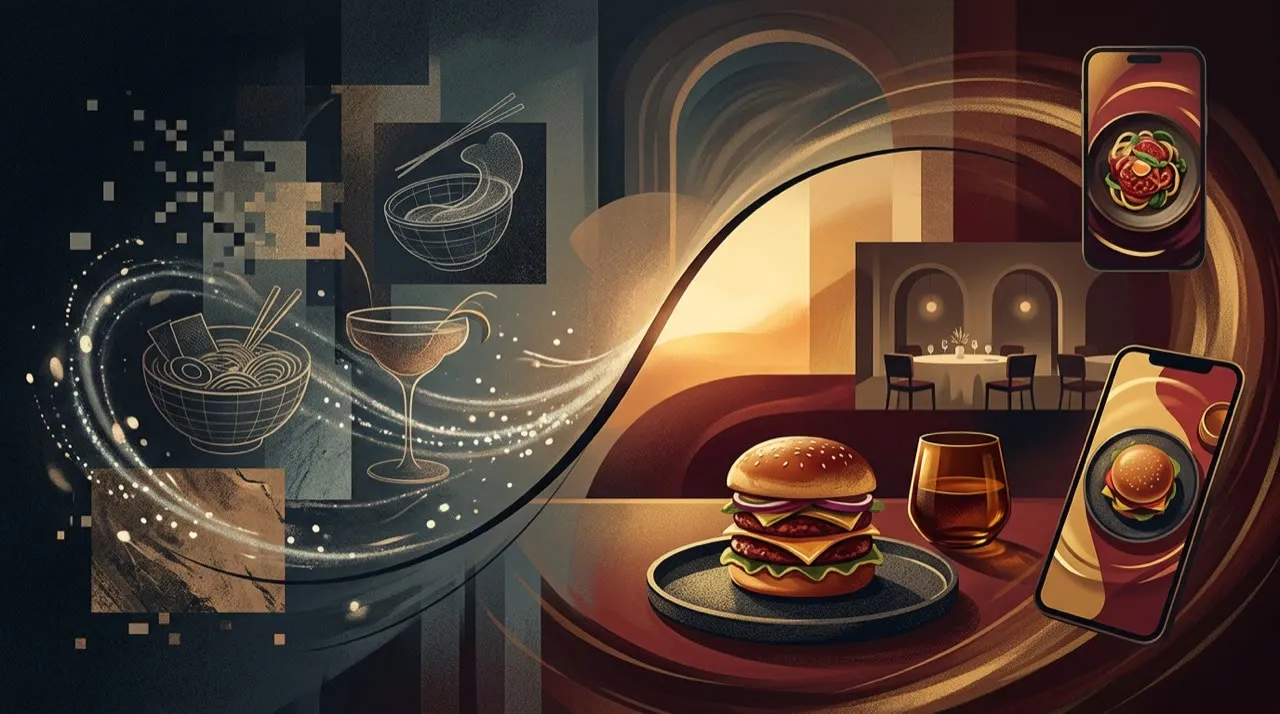
Before posting a restaurant clip, check it against these questions:
- Does the food on screen match what the kitchen actually serves?
- Are the price, hours, location, and booking or delivery details correct today?
- Is the first frame appetizing and clear without sound?
- Does the offer or occasion give a local viewer a reason to come in tonight?
- Is any AI-generated dish, voice, or scene honestly representing the real place?
If any of those fail the check, the clip stays in drafts no matter how good the render looks. A generator can turn a special into a polished Reel in minutes. It cannot make a video that promises a burger your kitchen does not serve safe to put in front of locals.
Make the menu easier to want
Start with dishes people already ask about. Turn each into a short video: what it is, what makes it different, when to order it, and what it pairs with. Use real photos or phone footage for the food. Use AI for captions, voiceovers, background scenes, translations, and format variations.
For local reach, build videos around moments: lunch rush, date night, family dinner, post-game food, rainy-day delivery, or weekend specials. Specific beats generic. “Fresh pasta near downtown tonight” beats “delicious Italian food” every time.
Where Vivideo fits in a restaurant's week
For a busy kitchen, the win is speed without a production crew. Use Vivideo's agentic AI chat to plan a week of menu and local-reach clips, one-prompt generation to draft a quick special before the lunch rush, and manual mode when you need precise control over a hero dish shot. Brand kits keep your colors, logo, and booking details consistent across every clip, AI voices and templates spin up seasonal promos and offer announcements fast, and API/CLI/MCP access lets a small team batch-produce localized versions for tourist-heavy neighborhoods.
AI video for restaurants: make the food and location specific
Restaurant videos fail when they look like generic food content. Local diners need to recognize the reason to visit: the dish, the room, the neighborhood, the occasion, the price point, or the person behind the counter.
Use AI to support, not replace, the real restaurant:
- Turn menu photos into short motion clips.
- Create voiceovers for specials and events.
- Build seasonal promo variants.
- Translate clips for tourist-heavy areas.
- Make short explainers for catering, reservations, or delivery.
But anchor the video in reality. Show the actual plate. Show the real storefront. Mention the real neighborhood. Use real opening hours and booking details. A generated “perfect burger” that does not match the kitchen’s burger is worse than no video.
A good weekly mix is simple: one dish close-up, one behind-the-scenes clip, one customer question, one offer or event, and one local/community post. Consistency beats expensive production.
Conclusion
A restaurant video works when it makes a nearby diner hungry and tells them exactly where to go. A generator can shoulder the drafts, the exports, and the translations, but only you can choose which dish is worth filming and whether a hungry local would trust the place behind it.
Run every restaurant clip through one filter: name the diner and the dish, build the video around a real plate and a real reason to visit tonight, keep the cut hungry, double-check the price, hours, and booking details, and measure reservations and orders, not just views. That is how AI becomes a faster way to fill tables instead of one more spinning-plate video.
If you want one place to plan a week of menu reels, generate and voice them, lock in your brand and booking details, and remake the winners, you can start free at vivideo.ai.