
Repurposing is not chopping a long video into random pieces. That is how you get clips with no setup, no payoff, and no reason to share.
To repurpose one video into 10 platform-ready clips, treat the original as raw material. Find the moments with tension, proof, contradiction, or utility. Then rebuild each clip for the platform instead of exporting the same rectangle ten different ways.
Start from the viewer, not the source clip
The lazy version is loading the webinar into an auto-clipper and accepting whatever ten segments it spits out. That usually gives you clips that start mid-sentence, end before the payoff, and assume the viewer already sat through the first forty minutes.
The useful version starts with the person who will see a single clip on TikTok or LinkedIn having never watched the source. What moment of the original answers their specific question, settles their objection, or shows the result they want? Once you know which markers matter, AI can help you rewrite the hook for each clip, re-caption it for sound-off viewing, generate a cleaner alternate intro, and export the right aspect ratio for TikTok, Reels, Shorts, LinkedIn, email, ads, and landing pages.
Write the brief before you generate
Before you pull a single clip from the source, write a one-line brief for each one. A clip without a brief becomes a random slice; a clip with a brief becomes a standalone piece that earns its place in the set of ten.
- Marker: which moment in the original is this — the strong claim, the demo, the surprising number, the objection answered?
- Standalone promise: what does this clip deliver to someone who never saw the webinar, podcast, or demo it came from?
- Proof inside the clip: what on-screen evidence (the live demo, the chart, the before/after) survives the crop and still lands?
- Target platform: vertical TikTok hook, square LinkedIn quote, Reels tutorial step, a Shorts FAQ answer, or a retargeting CTA clip?
Make the first line earn attention
A scroller who lands on your clip never agreed to watch a clip from a webinar they skipped. A longer cut from your source only earns its length if its opening few seconds stand on their own. The platform will hand you the runtime; the clip still has to deserve it.
When you ask AI to rewrite a clip's opening, force it to drop the source video's framing entirely. A line like "As I mentioned earlier in the webinar" or "Continuing from the last point" instantly tells a scroller this is a fragment of something they missed, and they keep scrolling.
Here is a transcript moment from a webinar. Write 10 standalone hooks for this clip, one for TikTok and one for LinkedIn each. Every hook must work for someone who never saw the full video, create curiosity in under 12 words, avoid clickbait, and make the payoff clear with the sound off.Storyboard before you generate scenes
Map each of the ten clips before you touch the timeline. Decide which marker in the source becomes which clip, what new intro it needs, and how the frame gets rebuilt for its platform. Skipping this is why most repurposing pumps out ten near-identical talking-head crops instead of ten distinct pieces.
For a single repurposed clip, three beats are usually enough: a rebuilt hook that names the payoff, the moment lifted from the source, and a close or CTA that fits the platform. For a multi-step tutorial pulled from a longer demo, keep the original step order so the clip still teaches one complete thing on its own.
Edit for retention, not decoration

A clean source moment still fails as a clip if it carries the webinar's slow pacing with it. Trim the throat-clearing the speaker did before the good line. Add captions that restate the point, not just transcribe it. Make sure the rebuilt first frame says what the clip is about, because the wide-shot crop almost never does on its own.
The honest test for a repurposed clip is to show it to someone who never watched the original. If they have to ask "what is this from?" or "what was the question?", the clip still depends on the source for context and is not finished.
Measure versions, not vibes
Ten clips from one source is not ten guaranteed wins. Treat the set as ten experiments: a quote clip, an objection clip, a data-point clip, and the rest each test a different reason someone might stop scrolling. Then compare completion rate, saves, comments, click-through, and which marker from the original actually pulled people back to the full video.
The reason repurposing pays off is that one recording funds a dozen tests. Use that to learn which moments of your source resonate, not to post the same crop ten times with a new caption.
The 10-clip map
- 1. 30-second hook clip.
- 2. One quote clip.
- 3. One objection clip.
- 4. One tutorial step.
- 5. One mistake clip.
- 6. One before/after clip.
- 7. One data point clip.
- 8. One founder POV clip.
- 9. One FAQ clip.
- 10. One CTA clip for retargeting.
Do not crop blindly
A horizontal webinar cropped into vertical without re-composition usually looks amateur. Rebuild the frame: speaker, captions, supporting visual, title, and safe-zone-aware layout.
A practical repurpose one video into 10 clips workflow
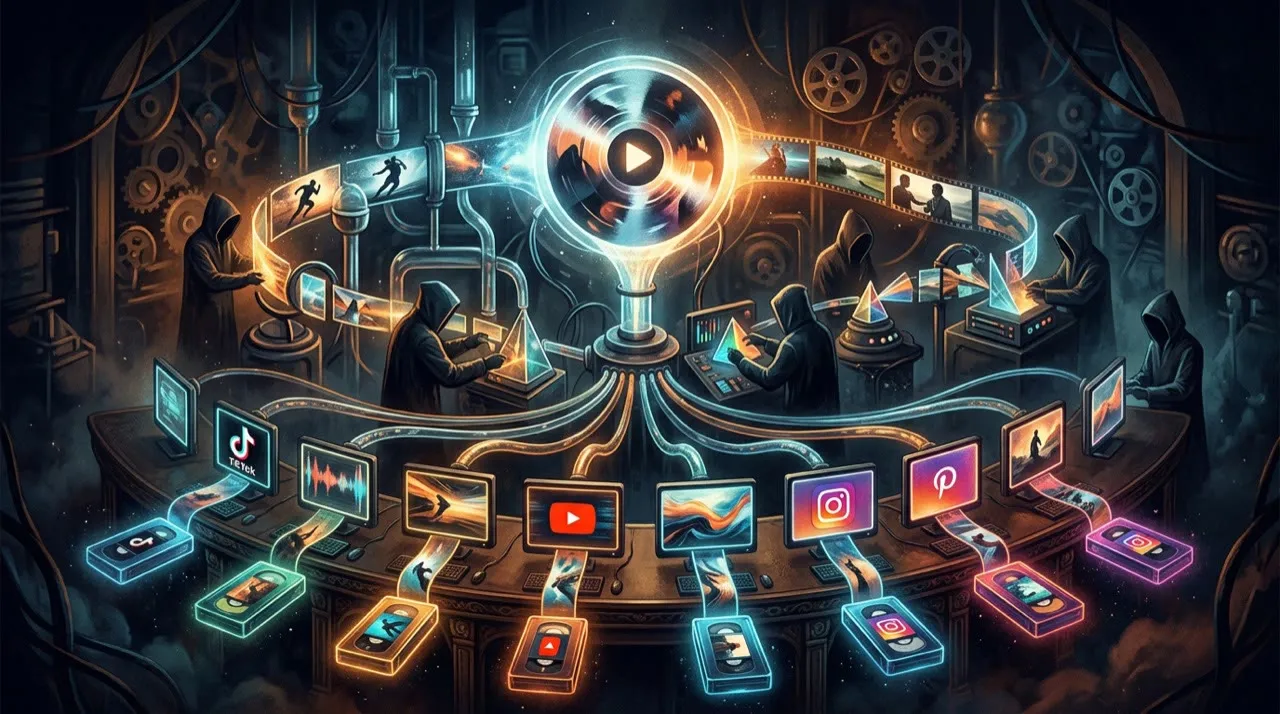
Start with one marker, not the whole timeline. Find the single strongest moment in the source first, and build that one clip end to end before you touch the other nine.
Name the marker, the standalone promise, the proof inside it, and the target platform. Then rebuild the frame, write a fresh hook, and re-caption it. Generate the alternate intro only after the moment is locked. Cut the first version, then export the platform-specific variants. Publish that clip, see which marker landed, and let the winner tell you which moments to pull next.
This is the repurposing pass per clip:
- Pick the marker
- Define the standalone promise
- Rebuild the frame for the aspect ratio
- Rewrite the hook
- Generate the alternate intro
- Re-caption for sound-off
- Trim the source's slow pacing
- Export the platform variant
- Measure which marker pulled
- Pull the next moment
Most repurposing fails because people start slicing the source video before they have decided which moments actually deserve to become clips. Pick the marker and rebuild the frame first; chopping on instinct feels faster but buries the best material.
The per-clip pre-publish checklist
Before you publish any clip from the set, check it against these questions:
- Does this clip stand alone, or does it still need the source video for context?
- Is the first frame re-composed for the target aspect ratio, not just a blind crop of the wide shot?
- Does the hook land in the opening seconds, and do the captions carry the meaning with the sound off?
- Is the clip cut to the right length and pacing for its platform, with a CTA that matches it?
- Would a viewer who has never seen the original webinar, podcast, or demo still get the payoff?
If the answer is no, do not ship the clip just because the export finished. Repurposing can multiply your output cheaply. It cannot rescue a clip that has no setup or no payoff.
Common mistakes
The common failure in repurposing is not the auto-clipper. It is slicing the source before you have decided which moments deserve to become clips.
Mistake one: cutting on timestamps instead of markers. Splitting a webinar into ten equal segments gives you ten fragments, not ten clips that each open and pay off on their own.
Mistake two: leaving the original framing in the clip. Lines like "as I said earlier" or "back to the slide" tell viewers they're watching a leftover, and the clip never stands alone.
Mistake three: letting the clip make a claim the source never proved. The wide demo or the chart that backed the point on screen often gets cropped out, so the spoken claim is suddenly unsupported. Keep the proof inside the frame.
Mistake four: exporting the same crop to every platform. A 30-second TikTok hook, a square LinkedIn quote, and a Shorts tutorial step pulled from the same recording need different pacing, framing, captions, and CTAs.
Mistake five: shipping a clip just because the export finished. The last pass should check that the first frame is re-composed for the aspect ratio, the captions carry the meaning with sound off, and a stranger to the original still gets the payoff.
A stronger next step

Pick one recording you already have: a recent webinar, a podcast episode, a product demo, or a long YouTube upload. Pull just one marker from it — the strongest claim or the clearest demo moment — and rebuild that single moment into one standalone clip. Do not start by chopping the whole thing into ten.
Shipping one clip that truly stands alone teaches you more about your source than ten blind crops ever will.
Look for moments, not timestamps
A good repurposing pass starts with markers: strong claim, useful example, surprising number, audience question, objection, story turn, demo moment, or quotable line. Each marker can become a clip if it has a clear beginning and payoff.
AI can help transcribe, identify highlights, rewrite hooks, create captions, and generate alternate intros. But a human still needs to decide whether the clip stands alone. If a viewer needs three minutes of context to understand it, it is not a clip yet.
Where Vivideo fits in a repurposing workflow
Turning one source video into ten distinct clips is exactly the kind of high-volume, multi-format work where Vivideo helps. Use the agentic AI chat to plan a clip from a marker and build it, one-prompt generation to spin up alternate hooks and intros fast, and manual mode when a clip needs precise re-composition for a vertical or square frame. Brand kits keep every clip on-brand across TikTok, Reels, Shorts, and LinkedIn, while templates and API/CLI/MCP access let you batch the same source into platform-ready variants without juggling half a dozen separate tools.
Final human pass
Before publishing the set, watch each clip the way a stranger to the source would, not the way the person who sat through the full recording does. The fastest way to improve a repurposed clip is usually not re-clipping it. It is a sharper rebuilt opening, a tighter crop on the proof moment, a caption that carries the point, or trimming the slow lead-in the speaker left in.
Cut the seconds where the speaker is still ramping up to the line that matters. Make sure the on-screen proof — the demo, the number, the chart — actually survived the re-composition. Check that the rebuilt hook makes the same promise the clip delivers, so no one feels baited. That last pass is what turns ten raw slices into ten pieces that each stand on their own.
Conclusion
Repurposing pays off when each clip is cut for the platform it lands on, not just sliced from the source at random. AI will slice the recording, rewrite ten openings, and re-frame every shot in minutes, but it cannot tell you which ten moments out of the source were actually worth lifting or which rebuilt hook a viewer will believe. Picking the moments that matter is still your call.
Run every clip through one question before it ships: would a viewer who never saw the original webinar, podcast, or demo still get a complete moment with a hook, a payoff, and a reason to act? Rebuild the frame, lift the proof inside it, and re-caption for sound-off, and the same recording can carry ten platforms instead of one.
If you want one place to pull markers, rewrite hooks, re-compose each frame, and brand all ten clips, you can do it free at vivideo.ai.