
Short AI clips are easy to demo. Longer AI videos are where the real problems appear: continuity, pacing, repetition, character consistency, voice timing, and story structure.
Making AI videos longer than 60 seconds is less about forcing one model to generate a long clip and more about building a sequence. Think in scenes, chapters, transitions, and edit points. Long-form AI video is assembled, not wished into existence.
Start with why anyone keeps watching
The lazy version is typing “make this longer” at a model and accepting whatever it stretches out. That gives you padding: repeated shots, a wandering character, and a back half nobody watches.
The useful version starts from what the viewer needs to follow across the full runtime. A two-minute video has to hold a thread, so decide the through-line first, then break it into chapters that each move the story forward. Once that spine exists, AI can generate each scene, voice each chapter, and keep B-roll and avatars consistent from the hook to the recap.
Write the brief before you generate
A long-form brief is really a runtime budget. Decide the total length first, then decide how many chapters that length can hold before any one of them starts to drag. If you skip this, you generate beautiful three-second clips that never add up to a coherent two-minute arc.
- Total runtime: are you aiming for 90 seconds, three minutes, or a ten-minute explainer, and what does that mean for chapter count?
- Chapters: what are the three to seven distinct sections, each with one job, that fill that runtime?
- Continuity anchors: which character, voice, color palette, and recurring visual will carry across every scene?
- Reset points: where does the rhythm change so the middle never sags — a new question, a demo, or a hard cut?
Make the first line earn attention
YouTube, training, sales, education, and explainers viewers do not owe you patience. TikTok’s creative guidance still tells advertisers to land the hook in the opening seconds, and now that YouTube Shorts allows runtimes up to three minutes, the extra room is permission to ramble, not a reason to. More length means you need a tighter spine, not a looser one.
For a video that runs past a minute, the opening seconds carry even more weight, because viewers are deciding whether the whole runtime is worth their time. Skip “Today I’m going to…” and “In this video…” at the top of a long sequence, or you spend your most expensive seconds sounding like a training module from 2014. Promise the payoff of the full sequence in the first line, then let the chapters deliver it.
Write 12 hooks for a YouTube, training, sales, education, and explainers video about AI videos longer than 60 seconds. Each hook must create curiosity in under 12 words, avoid clickbait, and make the viewer understand the topic without sound.Storyboard before you generate scenes
Over a 60-second-plus runtime, AI models drift: the character ages, the lighting shifts, the room rearranges itself between cuts. A storyboard is what keeps a long sequence coherent, because it locks the shot order and the continuity anchors before any segment renders. This is where most beginners skip the work and then wonder why minute two looks like a different video than minute one.
A minute-plus video usually needs eight to fifteen shots grouped into chapters: a hook, a problem setup, two or three teaching beats, a worked example, a mistake to avoid, and a recap. Label each shot with its chapter so the viewer always knows what they are learning next and you always know which segment to re-generate when one breaks continuity.
Edit for retention, not decoration

In long-form, a slow edit is fatal, because every dull second is a chance for someone to leave before the recap. Tighten transitions between chapters so each scene cuts cleanly into the next instead of stalling. Trim the dead frames AI tends to add at the start and end of every clip, and make captions bridge the gaps where the generated audio thins out.
The retention test for a long video is the drop-off graph: scrub to the 30-second, 60-second, and halfway marks and ask whether a viewer who landed cold there would still understand what is happening and want to keep going. If any chapter is a place you would personally skip, that is where the sequence loses people.
Measure versions, not vibes
With long videos, the number that matters most is average view duration, not just views. Test versions that vary the chapter order, the runtime itself (a tight 90 seconds versus a fuller three minutes), where the proof lands, and how often the rhythm resets. Then read the retention curve to see exactly which chapter people abandon.
The advantage of assembling long video from scenes is that you can re-generate one weak chapter without rebuilding the whole runtime. Use that to fix the specific drop-off point the data exposes, not to re-render the entire video from scratch every time.
Long AI video is scene assembly
Do not ask one model for a long masterpiece. Build longer videos as scenes: hook, chapter one, chapter two, example, proof, recap, CTA. Generate or edit each segment separately, then assemble.
Continuity is the hard part. Use references, brand kits, consistent voice, captions, and recurring visual language.
Chapter structure
0:00 Hook
0:15 Problem
0:45 Framework
1:30 Example
2:15 Mistake to avoid
2:45 Recap
3:00 CTA
A practical AI videos longer than 60 seconds workflow
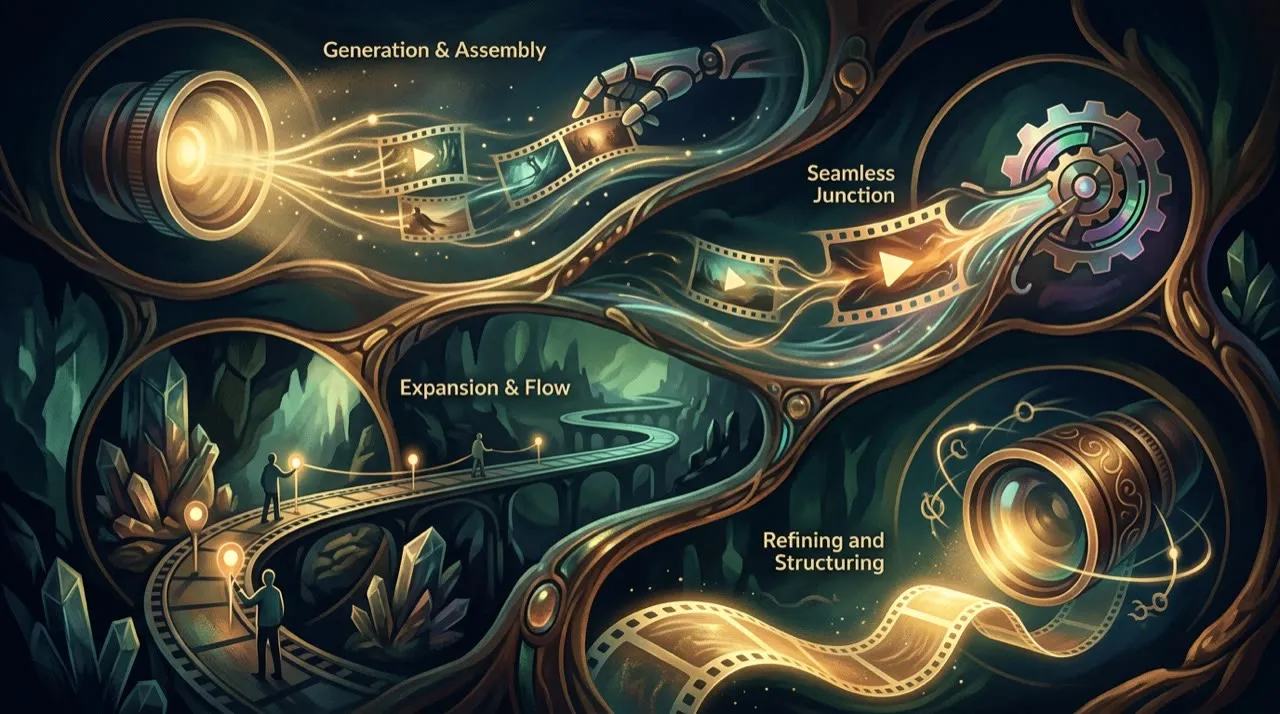
Start with one runtime target and one topic. Not a vague “long video.” Decide it lands at, say, two minutes across five chapters, and commit to that shape.
Fix the runtime and chapter list, then storyboard every shot before you generate. Generate each chapter as its own segment, locking the same voice and visual anchors across all of them. Assemble the segments in order, watch the seams between chapters, then re-generate only the scenes that break continuity or sag. Publish, read the retention curve, and rebuild whichever chapter loses the most viewers.
The assembly loop for long-form runs:
- Runtime target
- Chapter list
- Storyboard the shots
- Lock continuity anchors
- Generate each segment
- Assemble in order
- Fix the seams
- Publish
- Read retention
- Re-generate the weak chapter
Most long videos fail because creators ask one model for the whole runtime instead of storyboarding the scenes first. That feels faster, but it produces a clip that drifts, repeats, and loses continuity past the first few seconds.
The pre-publish quality bar for long-form
Before publishing a video that runs past 60 seconds, check it against these questions:
- Does each scene cut cleanly into the next, or do transitions feel like jump cuts?
- Do characters, voice, and visual style stay consistent across every chapter?
- Does the pacing reset often enough that the middle never starts to drag?
- Does every claim in the narration hold up to fact-checking?
- Would a viewer still be watching at the halfway mark, or have they already left?
If the answer is no, do not publish just because all the segments rendered. AI can assemble footage faster. It cannot tell you whether the sequence holds attention for three minutes.
Common mistakes
The common failure is not using AI for long video. It is asking one model for the whole runtime instead of building it from scenes.
Mistake one: prompting for a single 90-second clip. Today's models drift, repeat, and lose the thread well before the minute mark, so the back half always falls apart.
Mistake two: storyboarding nothing and assembling on the fly. Without a fixed chapter order and continuity anchors, the character, voice, and palette wander from scene to scene.
Mistake three: ignoring the seams. Two great chapters still feel broken if the cut between them is a hard jump in lighting, framing, or audio level.
Mistake four: padding the runtime to hit a number. A loose three minutes loses to a tight 90 seconds; every chapter that does not earn its time is a place viewers leave.
Mistake five: skipping the final watch-through. Before publishing a long video, sit through the whole thing at speed and check that continuity, pacing, and claims hold from the hook to the recap.
A stronger next step

Pick one piece of content you already have that is naturally long: a webinar, a tutorial, a how-to blog post, or a recorded talk. Break it into its three to seven natural chapters, and that outline becomes your storyboard for a minute-plus video. Do not start from a blank page and a runtime you have to fill. Start from material that is already long enough to need chapters.
That gives every segment a clear job and keeps the assembled video from drifting once it passes the 60-second mark.
Build longer videos like chapters
Break the video into sections with one job each: hook, context, example, proof, objection, walkthrough, and close. Generate or assemble assets for each section separately. Then use voiceover and editing to create continuity.
This avoids the common failure where a long AI video looks impressive for ten seconds and then starts repeating itself. Longer videos need structure. They also need moments of reset: a new visual, a question, a demonstration, or a change in rhythm. Without that, duration becomes drag.
Where Vivideo fits in long-form assembly
Long videos live or die on planning the sequence, and that is where Vivideo's agentic AI chat earns its place: it can plan the chapters and build the video scene by scene, so the structure is decided before a single segment renders. When you need to redo one chapter, one-prompt generation gives you a quick draft and manual mode gives you precise control. Consistent AI voices and brand kits carry continuity across every scene, while avatars, templates, and API/CLI/MCP access let you produce and re-assemble long-form video without juggling a separate editor for each step.
Final human pass
Before publishing, watch the full runtime end to end like a viewer who landed on it by accident, not the person who assembled it. The fastest way to improve a video that runs past 60 seconds is usually not another generation. It is cutting the chapter that drags, tightening one rough seam, or trimming 20 seconds off a runtime that did not need them.
Watch specifically for the moments where the sequence loses momentum: a transition that jumps, a voice that shifts tone between segments, a character whose face changes between chapters. Confirm the hook still matches what the recap delivers across the whole arc. A long AI video starts to feel genuinely authored at the point where the chapters read as one continuous piece rather than a string of separately generated clips.
Conclusion
A longer video holds up only when every extra minute earns its place with a reason to keep watching. A model can generate every scene and hold the voice steady across ten minutes, but it cannot tell you which chapters deserve the runtime or which claim a viewer will actually believe. That judgment about the through-line stays with you.
Treat the long runtime as an assembly problem, not a generation problem: set the runtime, break it into chapters, storyboard the shots, lock your continuity anchors, generate each segment, and stitch them with care at the seams. That is how a video survives past the first minute instead of drifting and repeating.
If you want one place to plan the chapters, generate each scene, hold the voice and brand consistent, and re-assemble long-form video without juggling a separate editor, you can build it inside Vivideo at vivideo.ai.