An AI animation generator creates animated video without keyframes, rigging or frame-by-frame drawing. Describe the scene and pick a style — anime, cartoon, painterly, stop-motion-flavored — or upload a character illustration and let image-to-video bring it to life. Vivideo renders the motion, adds music and titles, and exports ready to post.
Works with every top AI model









How to make an animation with AI
Describe the scene
Write what happens and the style you want — "a paper-cutout fox running through autumn woods" is enough to start.
Pick an animation look
Anime, cartoon, painterly, 3D-toy or claymation-flavored styles, rendered by models tuned for stylized motion like Kling and WAN.
Animate your own art
Upload an illustration, a character sheet or a logo and image-to-video animates it while keeping your original design intact.
Finish with sound and titles
Add music, AI voiceover and kinetic text, then export vertical or widescreen.
Why creators animate with Vivideo
Animation quality that used to need a studio, from a prompt or a sketch.
| Capability | What it does |
|---|---|
| Every animation style | Anime and cartoon looks, painterly frames, toy-like 3D and more — switch styles per scene without changing tools. |
| Your characters, moving | Image-to-video animates existing artwork, so brand mascots and illustrated characters keep their exact design. |
| Motion text and titles | Kinetic typography, lyric-style text and animated titles follow your brand kit automatically. |
| Voices and music included | AI voiceover in 50+ languages and music beds mixed under the animation — no separate audio pass. |
| Longer than a loop | Build multi-scene animated stories, explainers and episodes up to 10 minutes, not just 3-second loops. |
How AI animation works — from prompt or artwork to motion
Traditional animation prices most ideas out: rigging, keyframes and render time turn a 60-second cartoon into weeks of work. An AI animation generator collapses that pipeline — the model has learned how stylized motion behaves, so a text description or a single illustration is enough input.
There are two ways in. Text-to-animation renders a scene from words alone: describe characters, action and style and the engine produces the frames. Image-to-video starts from your artwork — a mascot, a children's-book illustration, a game character — and adds motion while keeping the design exactly yours.
Style range comes from the model lineup. Kling and WAN handle expressive character motion; PixVerse leans into anime; other engines cover painterly, cutout and toy-like 3D looks. In Vivideo they sit on one subscription, so a project can mix styles scene by scene.
Animation rarely ships silent. Voiceover in 50+ languages, music and kinetic titles are generated in the same project, so an animated explainer or lyric video leaves the studio finished rather than as raw footage.
For brands, the practical win is mascots and illustrated identities that finally move — the same character animated for ads, onboarding and social without commissioning a studio each quarter.
For storytellers, multi-scene projects mean animation with an arc: episodes, shorts and explainers up to 10 minutes with consistent characters — a format that used to require a production team.
The AI Animation Generator — No Keyframes, No Rigging
Animation used to be the most expensive pixel on the internet. The AI animation generator makes animated video from a text prompt or your own artwork: anime, cartoon, painterly and 3D-toy styles, with motion titles and music — no timeline, no rigs, no render farm.
Create AI animation free to start: animated explainers, kids' stories, music visuals and moving mascots all ship from one studio.
Your Characters, Finally Moving
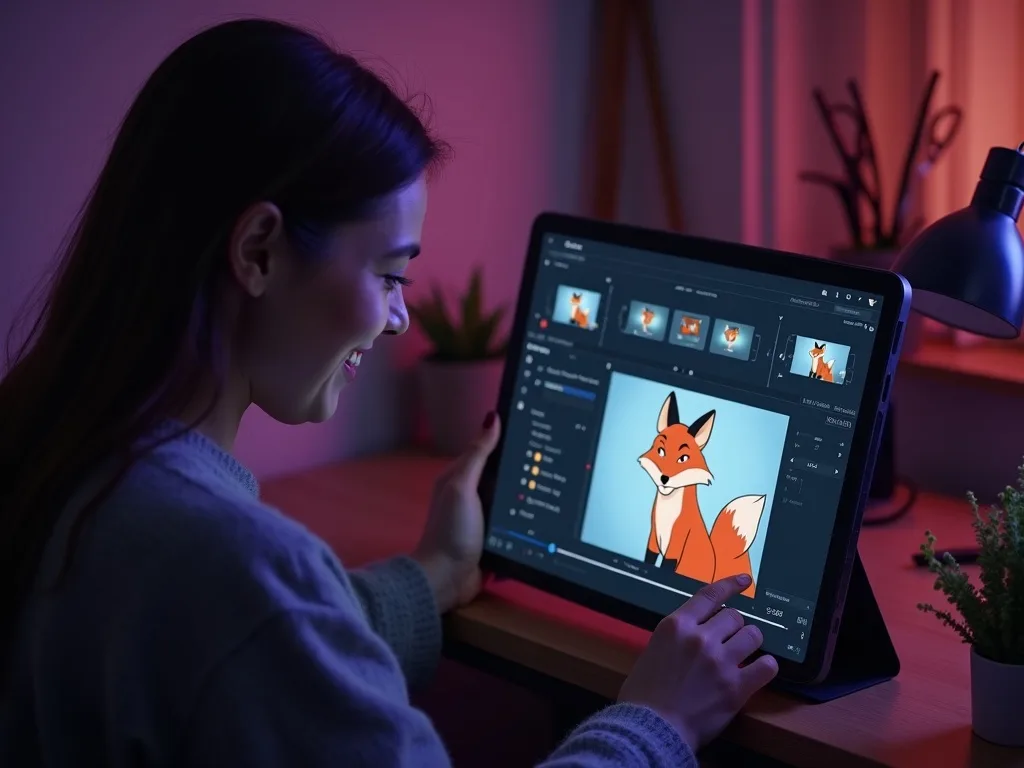
Upload an illustration, a mascot or a character sheet and image-to-animation brings it to life while keeping your design exactly yours. The AI cartoon generator honors the artist — it animates your style, not a generic one.
Text-to-animation works too: describe the scene and pick the look.
Animate your own drawings and mascots
Anime, cartoon, painterly and 3D-toy styles
Kling, WAN and PixVerse tuned for stylized motion
Animated Stories, Not Just Loops
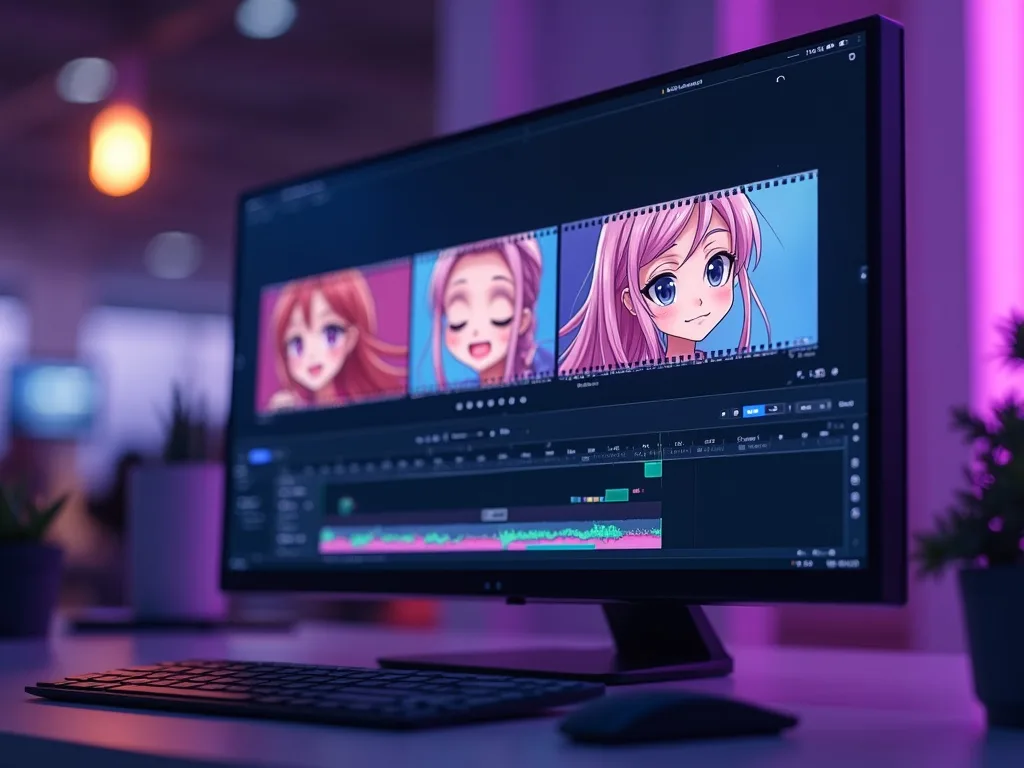
Multi-scene projects support narration, chapters and consistent characters — a full animated video maker for explainers, episodes and storybooks up to 10 minutes, far beyond the 3-second loops most tools produce.
Motion typography and music are generated in the same pass.
Multi-scene animated episodes and explainers
Kinetic titles and lyric-style text
Voices in 50+ languages for animated narration
Everything the Animation Generator Includes
Who Uses the AI Animation Generator?
Everyone priced out of a studio until now:

From This Page to a Finished Video in Minutes
The fastest path from an idea to a published video runs through the same studio this tool lives in.
Rated by Real Users Across Platforms
4.7 ★
Trustpilot
4.5 ★
G2
5.0 ★
Capterra
4.5 ★
App Store
Based on 1624 combined reviews across Trustpilot, G2, Capterra and the App Store
Explore More Free Video Tools
The Demo Worth More Than the Docs
Skip the feature list — watch a real video get made end to end, then decide what you'd create first.
Animate something today
A prompt or a sketch is all the animation studio you need now.
Frequently asked questions
Is the AI animation generator free?
Yes — start free, no credit card. Paid plans unlock premium models, longer projects and watermark-free exports.
What animation styles can it make?
Anime, cartoon, painterly, pixel-flavored, claymation-style and toy-like 3D looks, driven by stylized models such as Kling, WAN and PixVerse.
Can it animate my own drawing or mascot?
Yes. Upload the artwork and describe the motion; image-to-video preserves your design while adding movement, from subtle parallax to full character action.
Do I need animation skills?
No. There are no keyframes or timelines to manage — you describe the scene, choose the look, and refine with plain-language notes.
Can I make an animated explainer or story?
Yes — multi-scene projects support narration, chapters and consistent characters, so explainers, kids' stories and animated episodes all work.
What formats can I export?
Vertical for TikTok, Reels and Shorts, widescreen for YouTube, and square for feeds — in HD.
