Most people watch with the sound off, so on-screen text is what stops the scroll. This free add-text-to-video tool lets you put titles, captions and callouts on your footage and export a captioned video — no editor to learn.
How it works
Upload your video
Click “Add text” and let it process
Download your finished video
Frequently asked questions
How do I add text and captions a video?
Upload your clip, click “Add text”, and download the result. It works in your browser — no software to install.
Is Add Text to Video free?
Yes — Add Text to Video is completely free, with no watermark and no sign-up required to get started.
Which formats work with the text tool?
MP4, MOV, WebM and other common formats. Text is rendered into the frames themselves, so your captions survive every platform's re-encode.
What else can I add besides text?
A music bed with the add-music tool, or a full AI voiceover from the studio — so the video works both with sound on and scrolled past on mute.
Add Text to a Video, Free and Online
This is how to add text to a video without software: upload a clip, type your titles or captions, place and time them, and download the result. No install: it runs free in your browser and never watermarks the captioned video.
On-screen text is what makes a video work on mute — a title, a caption, a callout. Add it, style it to match your look, and export a clip that reads without sound.
Titles, Captions and Callouts
Text turns a silent clip into a message. This free tool lets you add a title card, burn in captions, or drop a callout exactly where and when you want — with control over font, size, color and position.
Type, place, time, export.
Titles, captions and callouts
Choose font, color and position
Time each text to the moment
Made for Silent Viewing
Most social video is watched on mute, so on-screen text is what keeps viewers watching. Add captions to carry the message and a hook title to earn the first three seconds.
Text is what holds a muted viewer.
Free, Online, No Watermark
Add text to a video online free — no watermark, no sign-up, no download. It's device-agnostic and private — your file stays with you.
Your clip stays on your device.
Everything the Add-Text Tool Does

Who Adds Text to Video?
Anyone whose video needs words:




Add Text, Then Do More With Video
Vivideo is more than a text tool — generate, edit and translate video, all in one place.
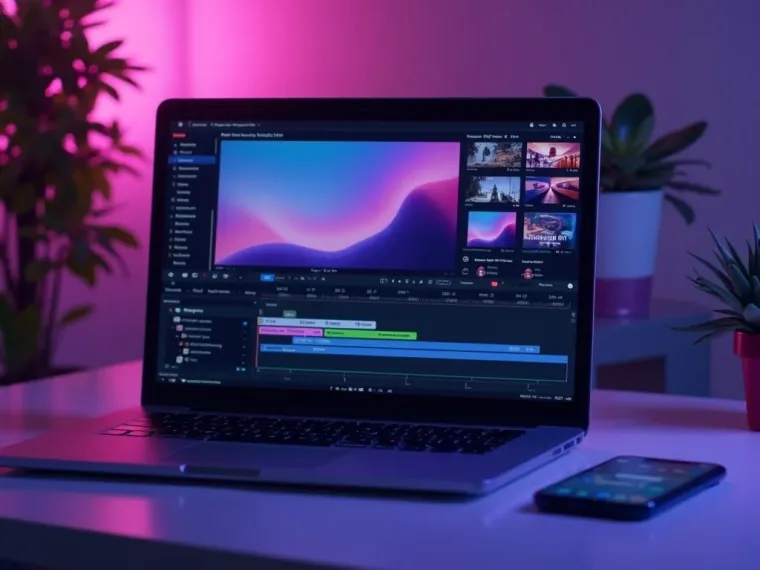

Rated by Real Users Across Platforms
4.7 ★
Trustpilot
4.5 ★
G2
5.0 ★
Capterra
4.5 ★
App Store
Based on 1624 combined reviews across Trustpilot, G2, Capterra and the App Store
What Creators Say About Vivideo
“I went from idea to a published video in under ten minutes. The avatars look unbelievably real.”
illustrative
Explore More Free Video Tools

See the Add-Text Tool in Action
Watch captions and a title appear on a clip — then add text to yours free on Vivideo.
Add Text to a Video Free
Put titles and captions on your clip — online, with no watermark.