MKV is a high-quality container loved by archivists, but most phones, browsers and social platforms refuse to play it. Converting MKV to MP4 keeps the quality while making the file universally compatible. Upload your MKV and download a ready-to-share MP4 — free, no sign-up.
How it works
Upload your MKV file
Click “Convert to MP4” and let it process
Download your new MP4 — ready to share or edit
Frequently asked questions
How do I convert MKV to MP4?
Upload your MKV file, click “Convert to MP4”, and download the result. It happens in your browser in seconds — no software needed.
Is the MKV to MP4 converter free?
Yes, it's completely free. There's no watermark and no sign-up required to convert your MKV to MP4.
Will my MKV lose quality as MP4?
No — MKV and MP4 are containers, and the video stream inside is preserved during conversion. You keep the original picture while gaining compatibility with phones, editors and social platforms.
Is uploading an MKV file here secure?
Yes — large MKV files are handled the same as small ones: used only for your conversion, never shared, with you in control throughout.
Convert MKV to MP4, Free and Online
This is how to convert MKV to MP4 without installing anything: upload your .mkv file, and download a .mp4 in seconds. It's fully in-browser and free — the MP4 comes out watermark-free.
MKV is common for movies and high-quality video but many players and phones can't open it — converting to MP4 makes it universally playable. Because the MKV-to-MP4 conversion happens on your device, there's no upload limit and your MKV stays private.
Why Convert MKV to MP4?
MKV is common for movies and high-quality video but many players and phones can't open it — converting to MP4 makes it universally playable. MP4 is the format that plays everywhere — on phones, social platforms and the web — which is why mkv-to-mp4 is one of the most common conversions people need.
Upload the .mkv, get a .mp4, done.
.mkv in, .mp4 out
Plays on any device
No quality guesswork
MKV to MP4 Without the Quality Hit
A good MKV-to-MP4 converter re-encodes cleanly so the .mp4 looks the same as the .mkv — no visible quality drop at sensible settings, and none of the setup a desktop tool needs.
One MKV in, one clean MP4 back.
Free, Online, No Watermark
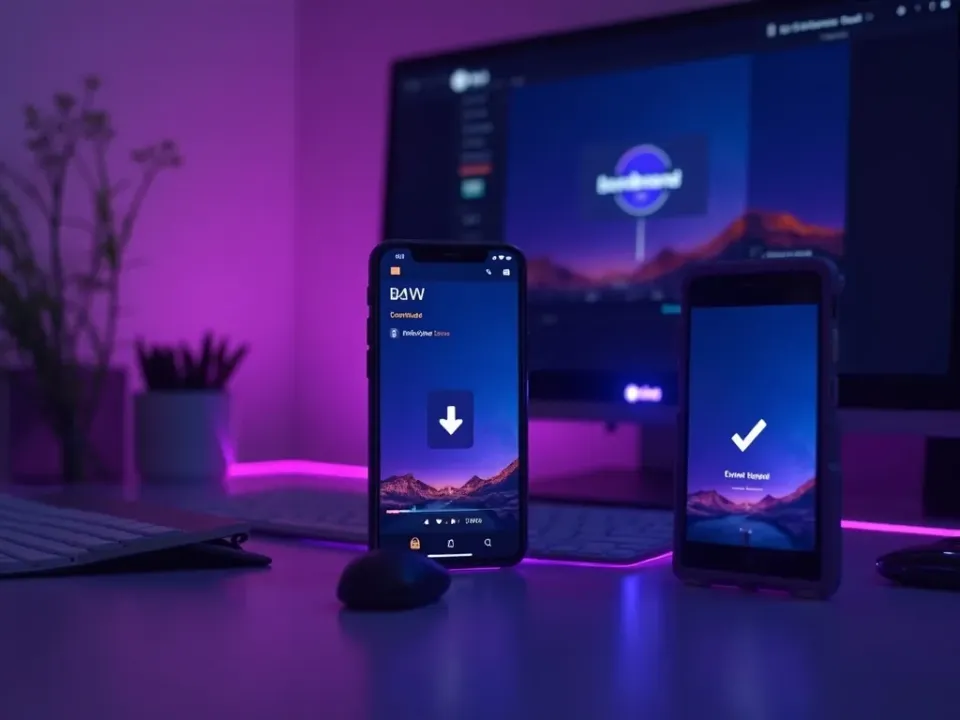
Convert MKV to MP4 online free — no watermark, no sign-up, no download. Phone or desktop, it's the same private, in-browser flow.
Your MKV stays on your device; conversion is local.
Everything the MKV to MP4 Converter Does
Who Converts MKV to MP4?
Anyone stuck with a MKV file:
Convert MKV to MP4, Then Do More
Vivideo is more than a MKV-to-MP4 converter — once your MP4 is ready, generate, edit and translate video in the same place.
Rated by Real Users Across Platforms
4.7 ★
Trustpilot
4.5 ★
G2
5.0 ★
Capterra
4.5 ★
App Store
Based on 1624 combined reviews across Trustpilot, G2, Capterra and the App Store
What Creators Say About Vivideo
“I went from idea to a published video in under ten minutes. The avatars look unbelievably real.”
illustrative
Explore More Free Video Tools
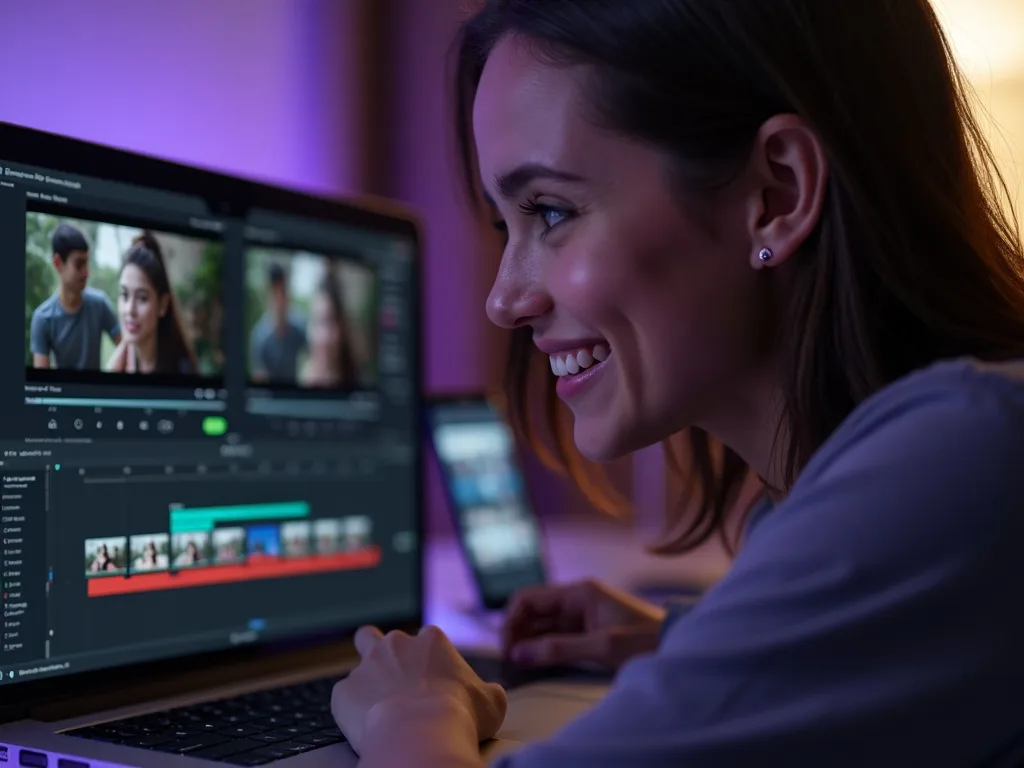
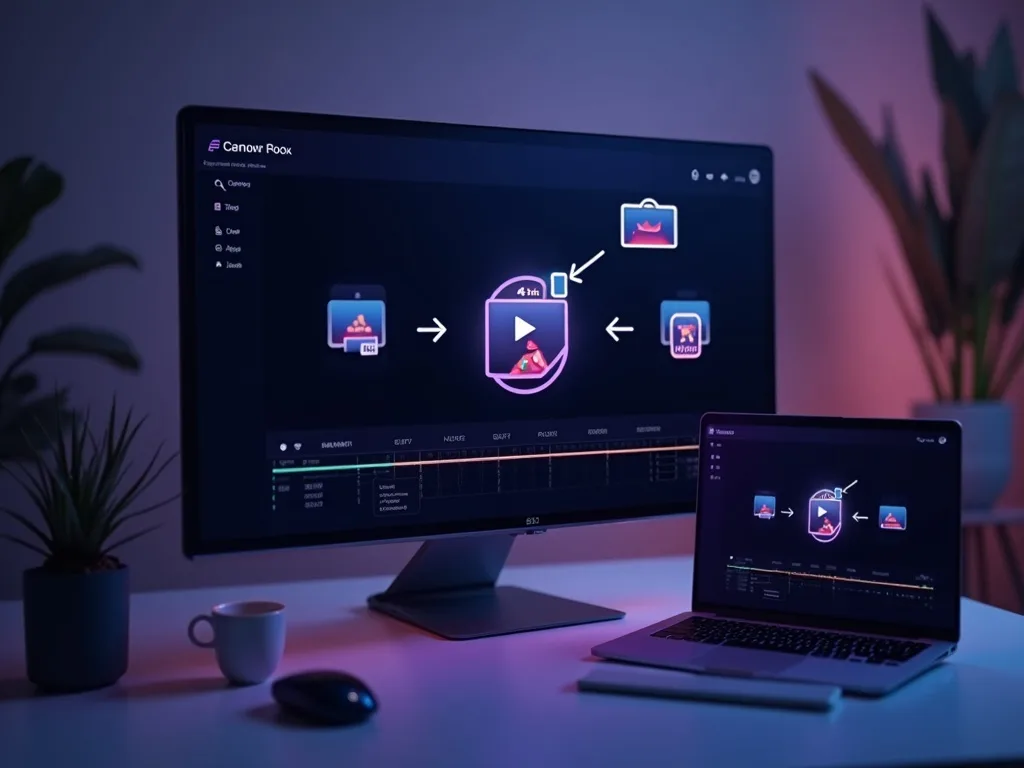


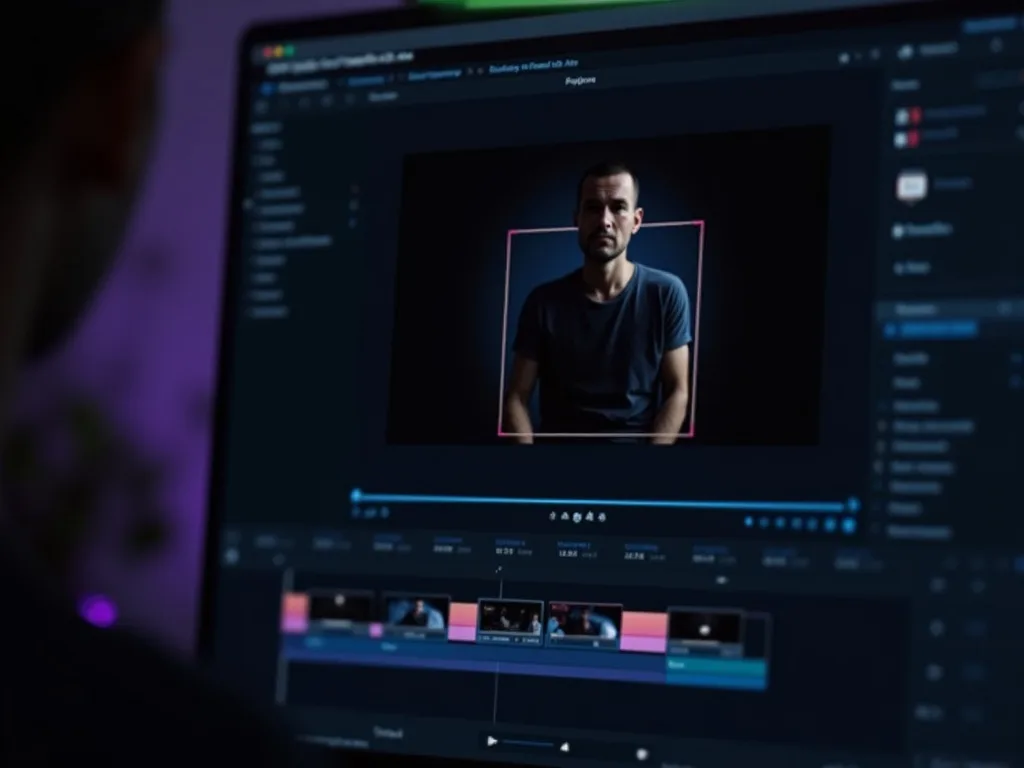
See the MKV to MP4 Converter in Action
Watch a .mkv become a .mp4 in seconds — then convert yours free on Vivideo.
Convert MKV to MP4 Free
Turn your .mkv into a .mp4 — online, in your browser, with no watermark.