AVI is an older Windows container — reliable, but bulky and unsupported by most phones and modern apps. Converting AVI to MP4 shrinks the file and makes it play everywhere. Drop your AVI in and get a clean MP4 back in seconds, free and watermark-free.
How it works
Upload your AVI file
Click “Convert to MP4” and let it process
Download your new MP4 — ready to share or edit
Frequently asked questions
How do I convert AVI to MP4?
Upload your AVI file, click “Convert to MP4”, and download the result. It happens in your browser in seconds — no software needed.
Is the AVI to MP4 converter free?
Yes, it's completely free. There's no watermark and no sign-up required to convert your AVI to MP4.
Does AVI to MP4 conversion lose quality?
No — the converter preserves your video's quality while moving it out of the aging AVI container into MP4. Old clips often play more smoothly afterward because MP4 is what modern players optimize for.
What happens to my AVI after converting?
It's used for the conversion and nothing else — never shared, never published. Old home-video archives stay as private as they were on your drive.
Convert AVI to MP4, Free and Online
This is how to convert AVI to MP4 without installing anything: upload your .avi file, and download a .mp4 in seconds. Everything happens in your browser: free, and no watermark.
AVI is an older format that's large and not well supported on modern devices — converting to MP4 shrinks the file and makes it play everywhere. Because the AVI-to-MP4 conversion happens on your device, there's no upload limit and your AVI stays private.
Why Convert AVI to MP4?
AVI is an older format that's large and not well supported on modern devices — converting to MP4 shrinks the file and makes it play everywhere. MP4 is the format that plays everywhere — on phones, social platforms and the web — which is why avi-to-mp4 is one of the most common conversions people need.
Upload the .avi, get a .mp4, done.
.avi in, .mp4 out
Plays on any device
No quality guesswork
AVI to MP4 Without the Quality Hit
A good AVI-to-MP4 converter re-encodes cleanly so the .mp4 looks the same as the .avi — no visible quality drop at sensible settings, and none of the setup a desktop tool needs.
One AVI in, one clean MP4 back.
Free, Online, No Watermark
Convert AVI to MP4 online free — no watermark, no sign-up, no download. Runs on any device, and nothing is uploaded — fully private.
Your AVI stays on your device; conversion is local.
Everything the AVI to MP4 Converter Does
Who Converts AVI to MP4?
Anyone stuck with a AVI file:


Convert AVI to MP4, Then Do More
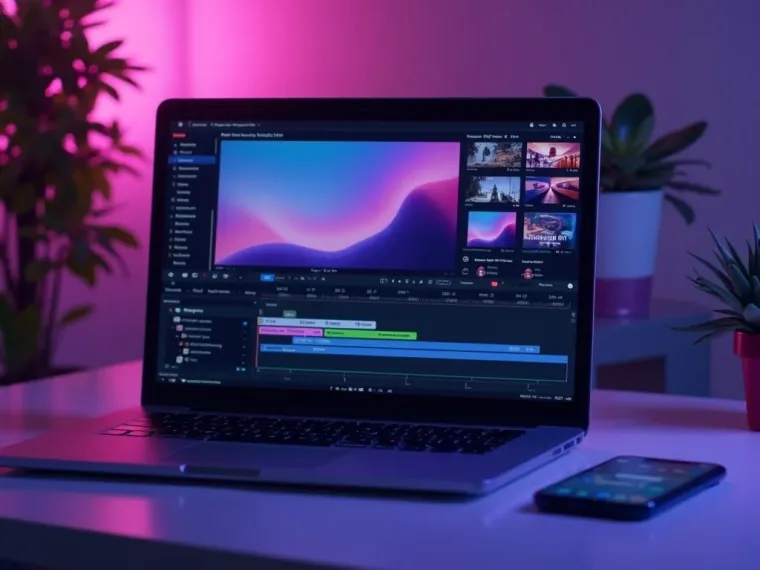
Vivideo is more than a AVI-to-MP4 converter — once your MP4 is ready, generate, edit and translate video in the same place.

Rated by Real Users Across Platforms
4.7 ★
Trustpilot
4.5 ★
G2
5.0 ★
Capterra
4.5 ★
App Store
Based on 1624 combined reviews across Trustpilot, G2, Capterra and the App Store
What Creators Say About Vivideo
“I went from idea to a published video in under ten minutes. The avatars look unbelievably real.”
illustrative
Explore More Free Video Tools

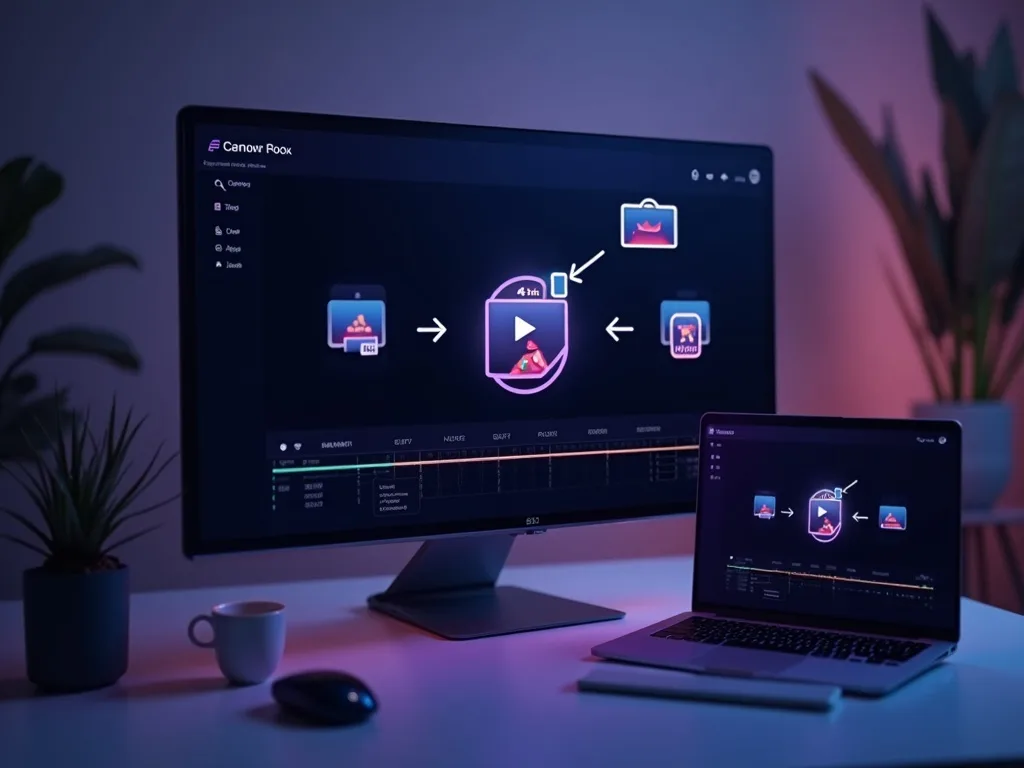


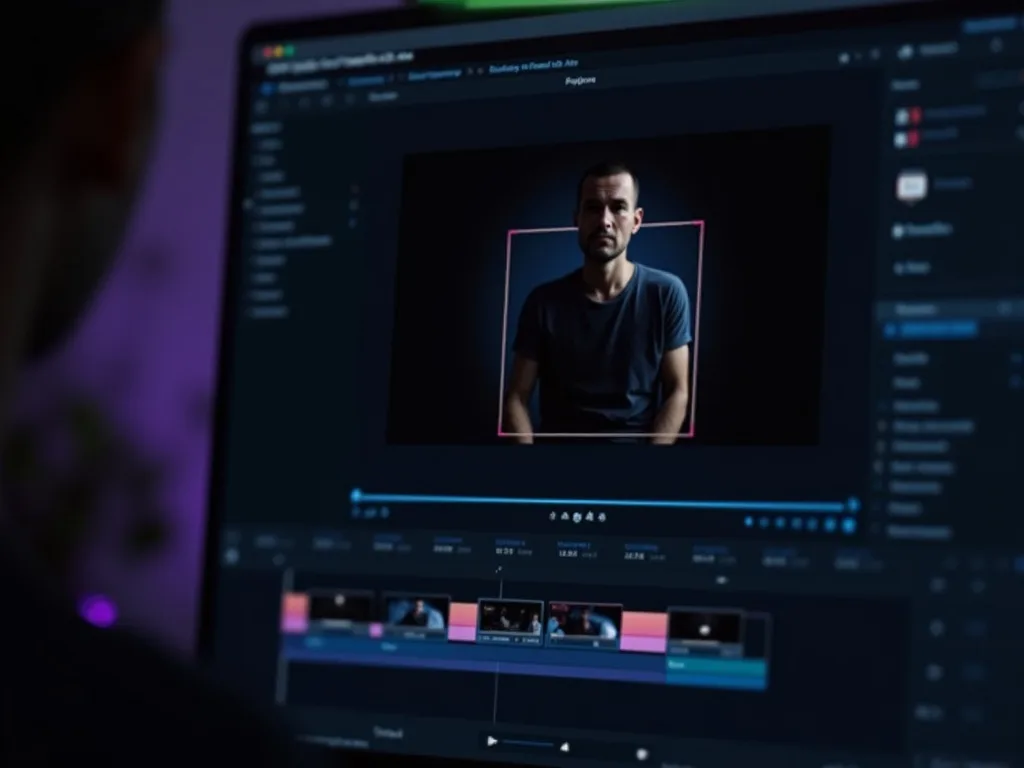
See the AVI to MP4 Converter in Action
Watch a .avi become a .mp4 in seconds — then convert yours free on Vivideo.
Convert AVI to MP4 Free
Turn your .avi into a .mp4 — online, in your browser, with no watermark.