An AI video editor does the slow parts of editing for you: it trims to the beat, writes and burns in captions, resizes for every platform, removes silences and backgrounds, and cleans up audio — all in the browser. On Vivideo it's paired with generation, so you can make a clip across 30+ models and edit it in the same place. It's a free AI video editor online: start free, export watermark-free.
Works with every top AI model











How to edit a video with AI
Upload or generate a clip
Drop in your footage, or generate a video from a prompt or photo across 30+ models — both land in the same editor.
Let AI do the tedious parts
Auto-captions, auto-trim to the beat, silence and filler removal, background removal and audio cleanup happen with a click.
Refine on the timeline
Cut, reorder, add music, resize for each platform and adjust captions — full manual control on top of the AI.
Export with no watermark
Download the finished video in any aspect ratio, watermark-free, ready for every channel.
What the AI video editor does
The slow parts of editing, automated — with full manual control on top.
| Capability | What it does |
|---|---|
| Auto-captions & subtitles | Accurate, styleable captions burned in automatically — essential for silent autoplay. |
| Auto-trim & silence removal | Cut to the beat and strip filler and dead air with a click, not a scrub. |
| Resize for every platform | One edit becomes 9:16, 1:1 and 16:9 for TikTok, Reels, Shorts, YouTube and your site. |
| Background & audio cleanup | Remove or replace backgrounds and clean up noisy audio automatically. |
| Make and edit in one place | Generate across 30+ models and edit the result without switching apps. |
How an AI video editor works, explained
Editing is where most video projects stall — captioning, trimming to the beat, cutting filler, resizing for each platform and cleaning up audio is slow, repetitive work. An AI video editor automates exactly those tasks: it transcribes and burns in captions, trims to the rhythm, strips silences, removes backgrounds and cleans audio, turning hours of timeline work into a few clicks. That's why "ai video editor" is one of the most-searched tools in video today.
The best AI editors don't take away control — they remove the tedium and leave the craft. Vivideo runs the automation first, then gives you a full timeline: cut, reorder, layer music, tweak captions and set the exact aspect ratio. You get the speed of AI with the precision of manual editing, so the result looks intentional, not templated.
What makes Vivideo different is that editing lives next to generation. Most tools make you generate a clip in one app and edit it in another. Here you generate a video from a prompt or a photo across 30+ models, and the same editor trims, captions, resizes and scores it — one place from idea to finished, watermark-free file.
And it's free to start. Vivideo is a free AI video editor online — edit in the browser with daily free usage, no download — with watermark-free exports on an affordable plan. Whether you're polishing footage you shot or finishing a clip you generated, the editor takes it from raw to ready in minutes.
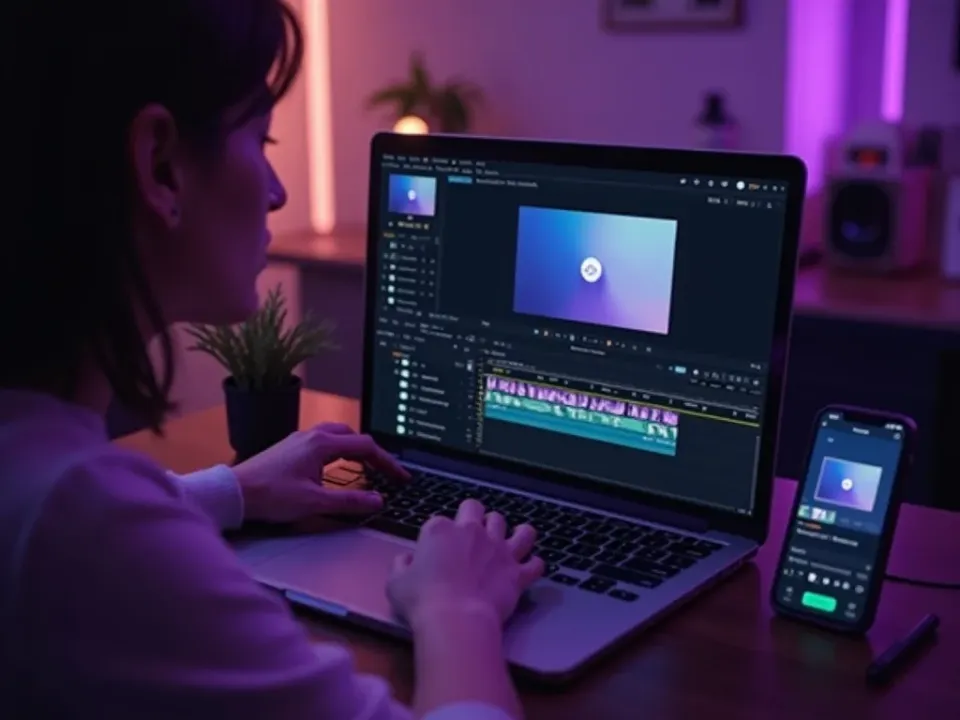
An AI Video Editor That Does the Tedious Parts
Captions, trimming to the beat, silence removal, resizing and audio cleanup are the slow work of editing — Vivideo's AI does them with a click, then hands you a full timeline for the craft. Edit any video without the grind.
Hours of timeline work become a few clicks, with full manual control on top.
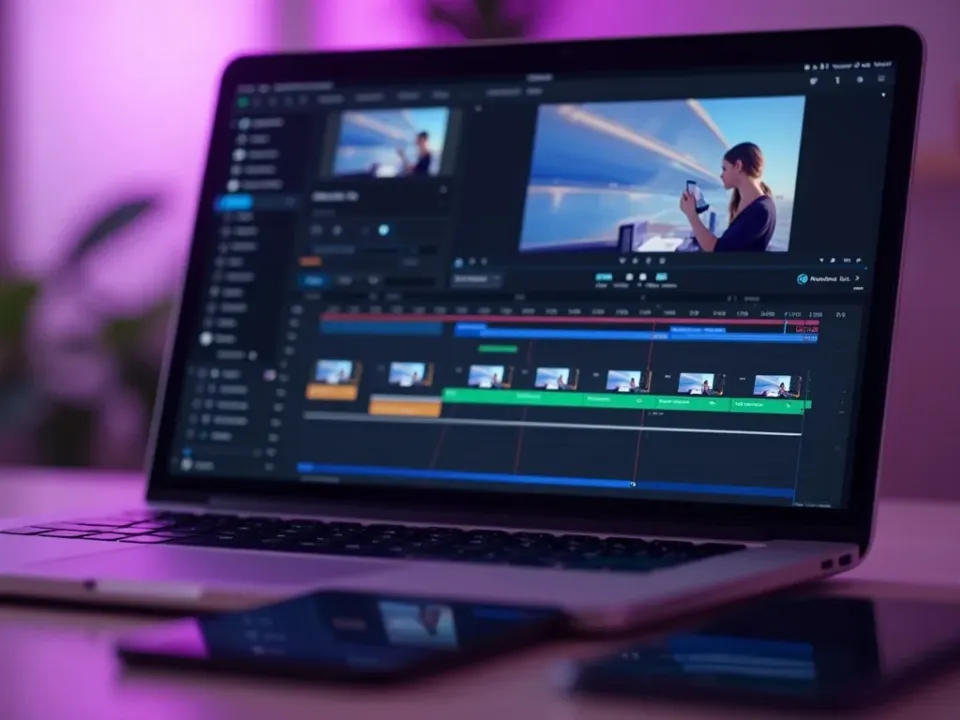
Make and Edit in One Place
Most tools split generating and editing across two apps. Vivideo generates a clip from a prompt or photo across 30+ models and edits it in the same editor — the answer to "where do I edit the videos I generate."
From prompt to finished, watermark-free file without switching apps.
Free to Start, Watermark-Free to Export
Vivideo is a free AI video editor online — no app, no watermark on the export. Auto-caption, resize for every platform, clean up audio, and download clean files ready to post.
Begin free with daily usage; upgrade for watermark-free editing exports.
Everything the AI Video Editor Includes
One place to auto-edit, refine and export video for every platform.

Who Uses the AI Video Editor?
Anyone who'd rather not spend hours on a timeline:
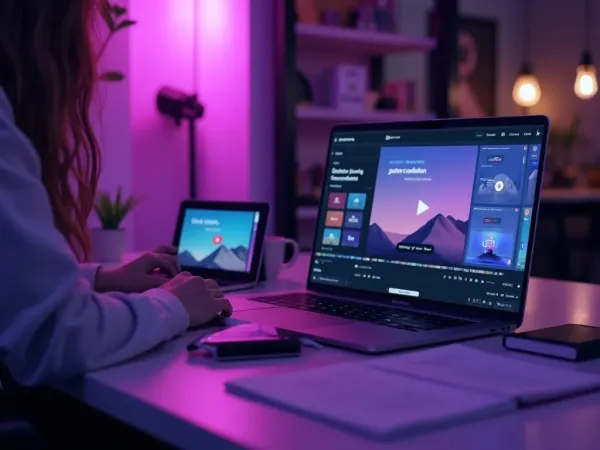

One Free Studio Behind Every Tool
Each utility here is a doorway into the full Vivideo studio — create, edit and localize video in the same place.
Discover More AI Video Tools
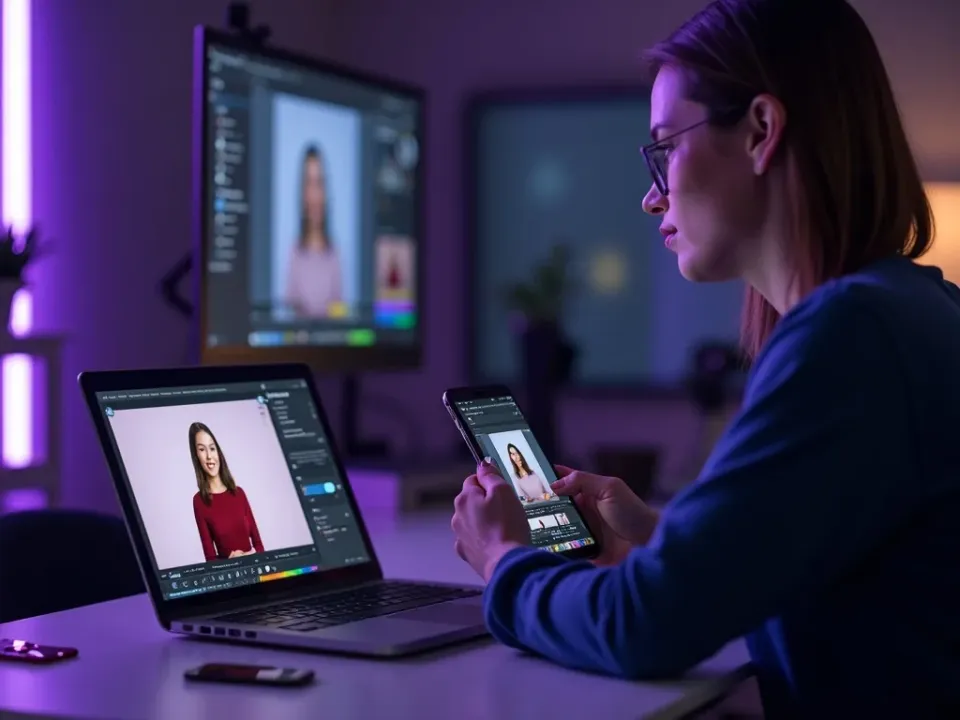
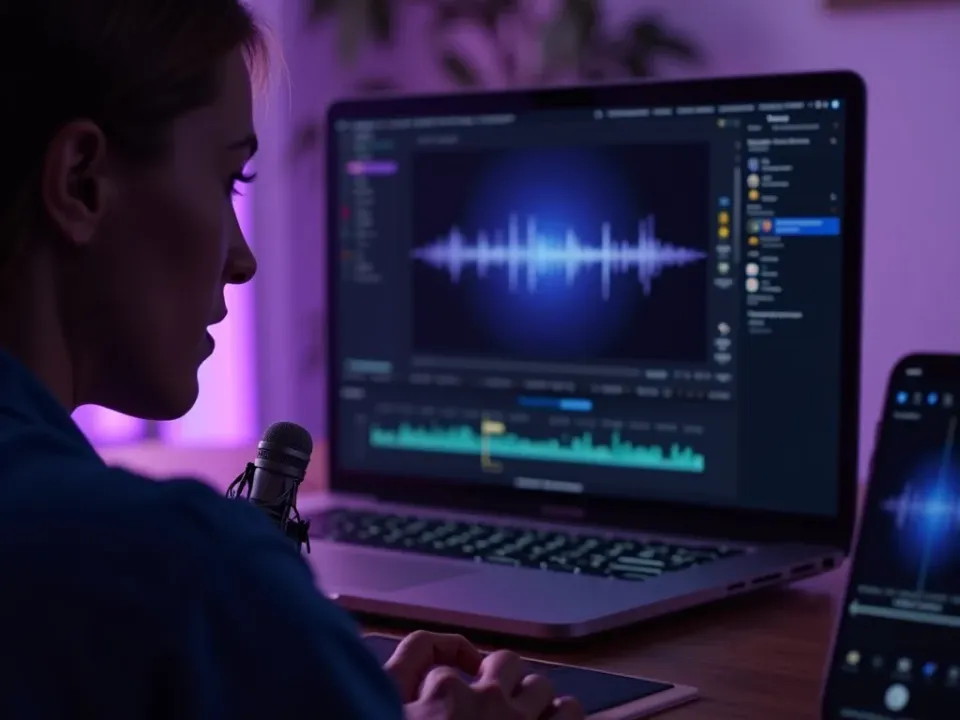
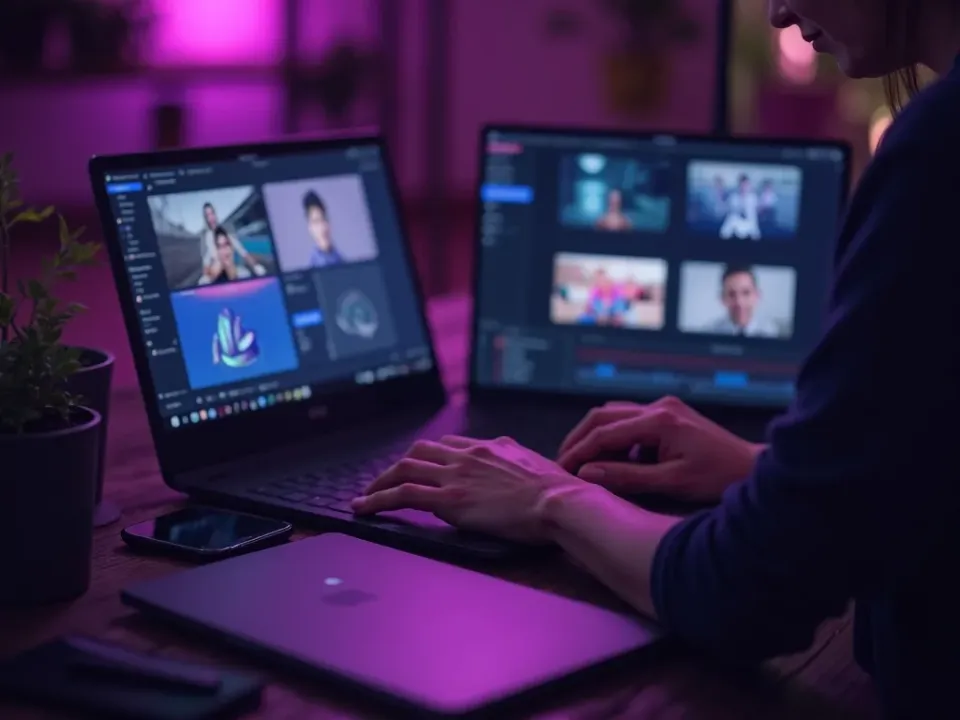
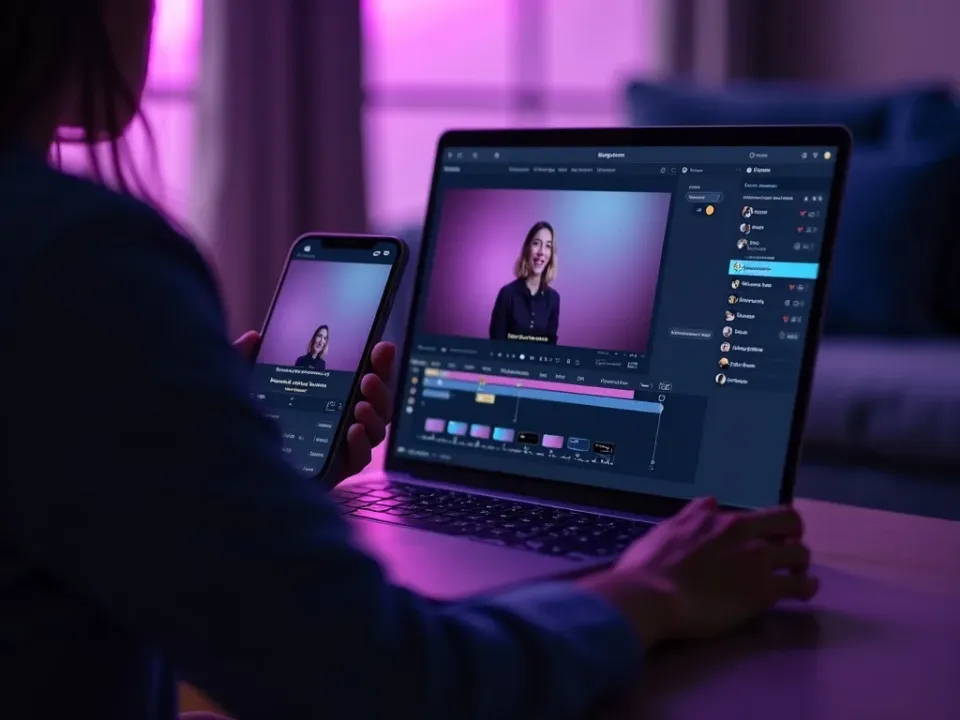
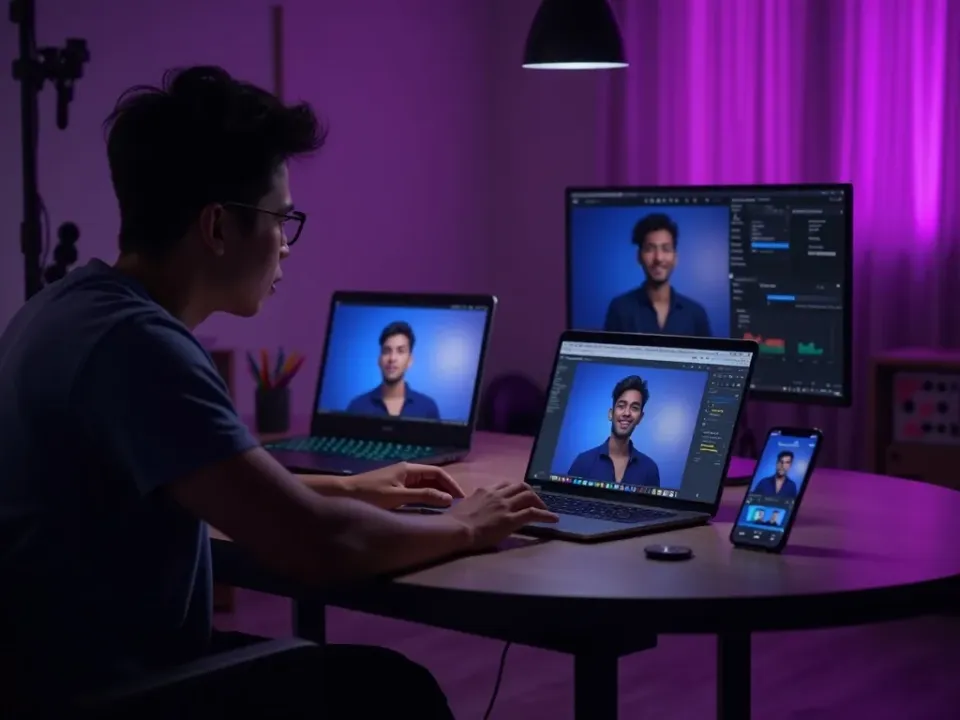
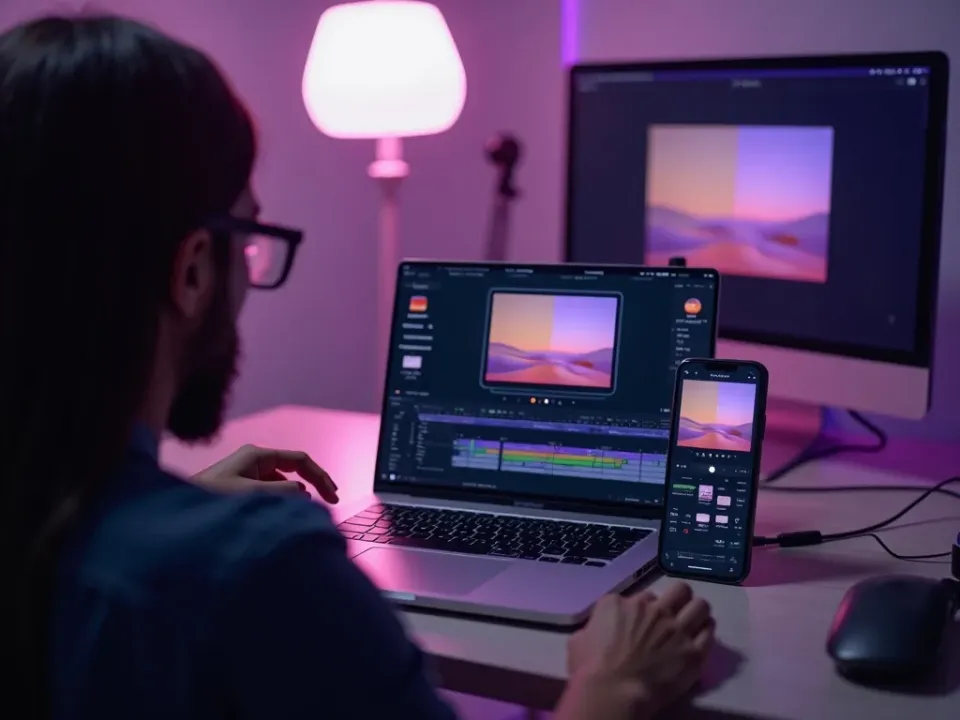
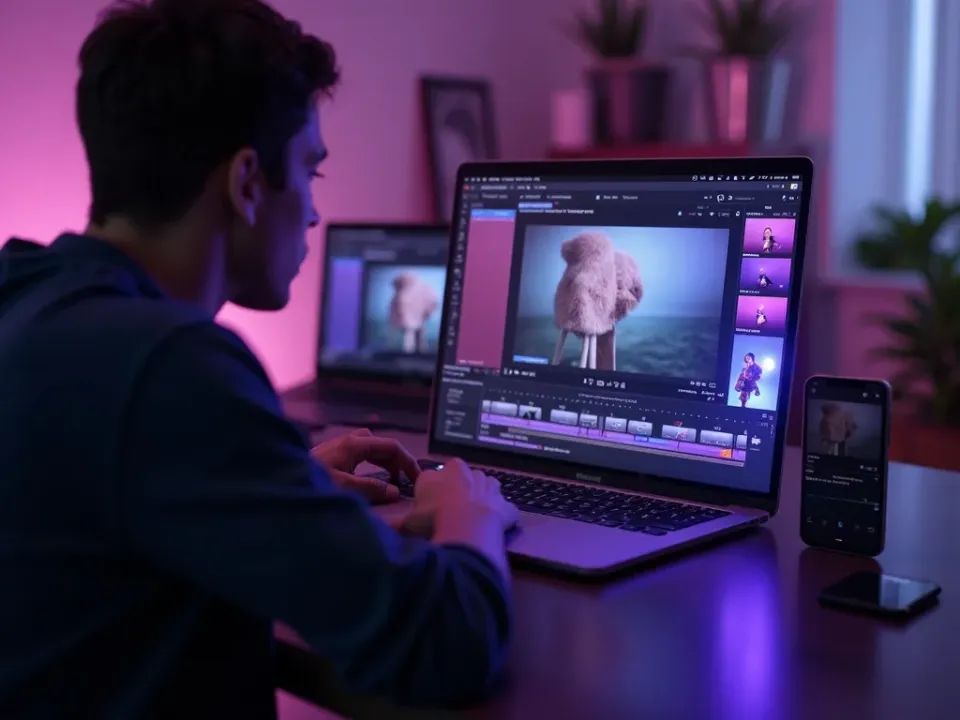
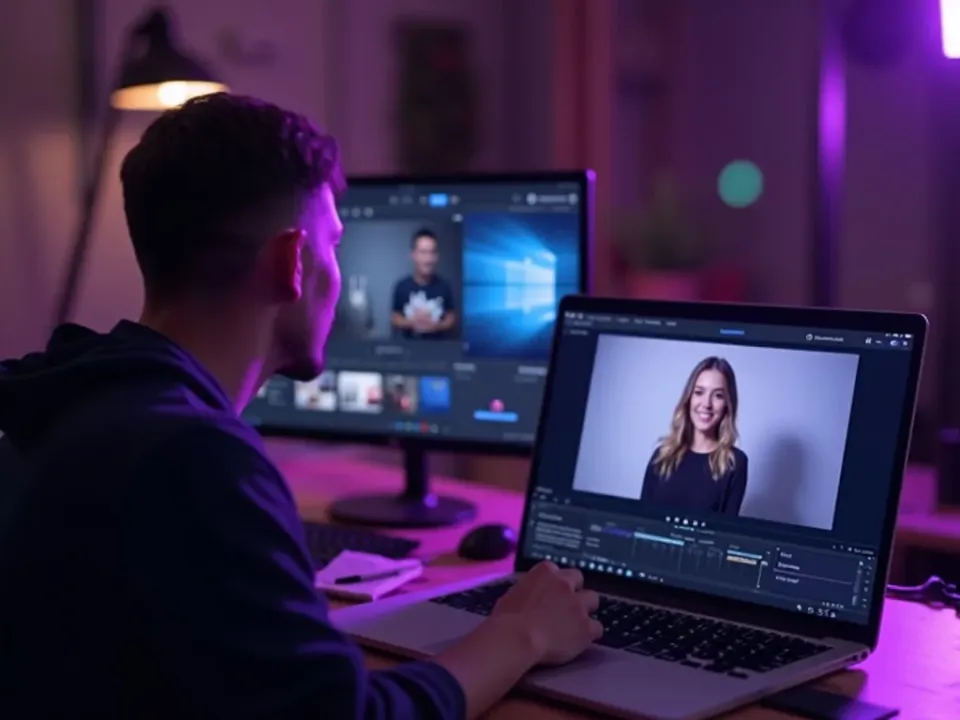
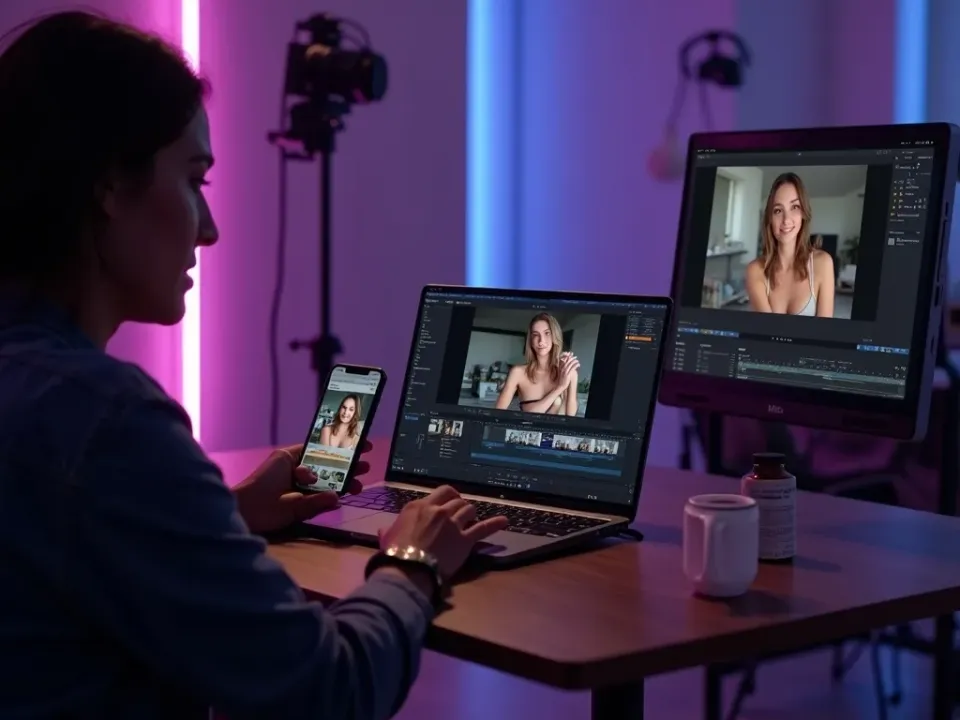
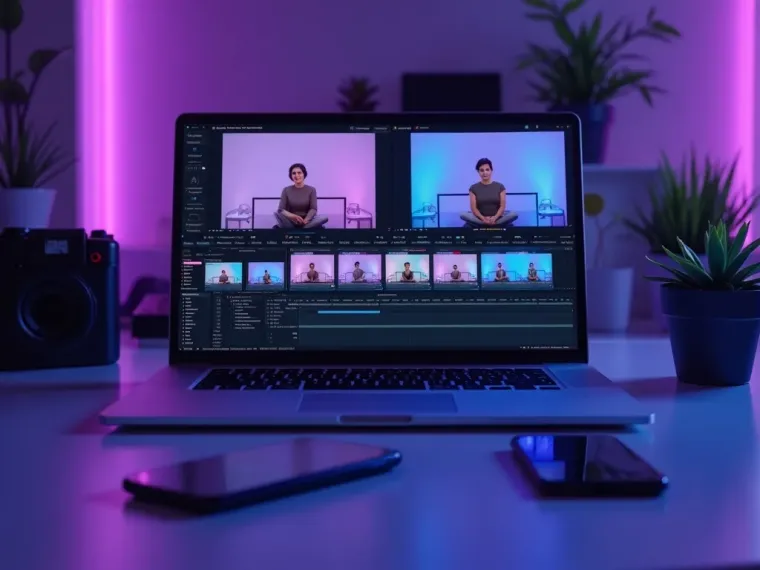
See the AI Video Editor in Action
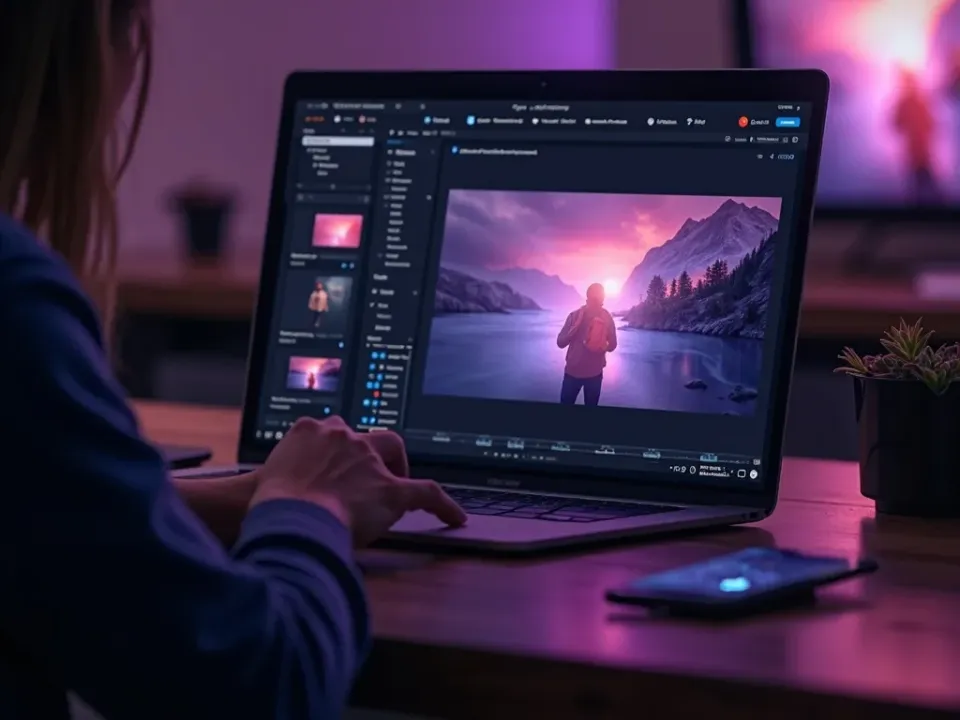
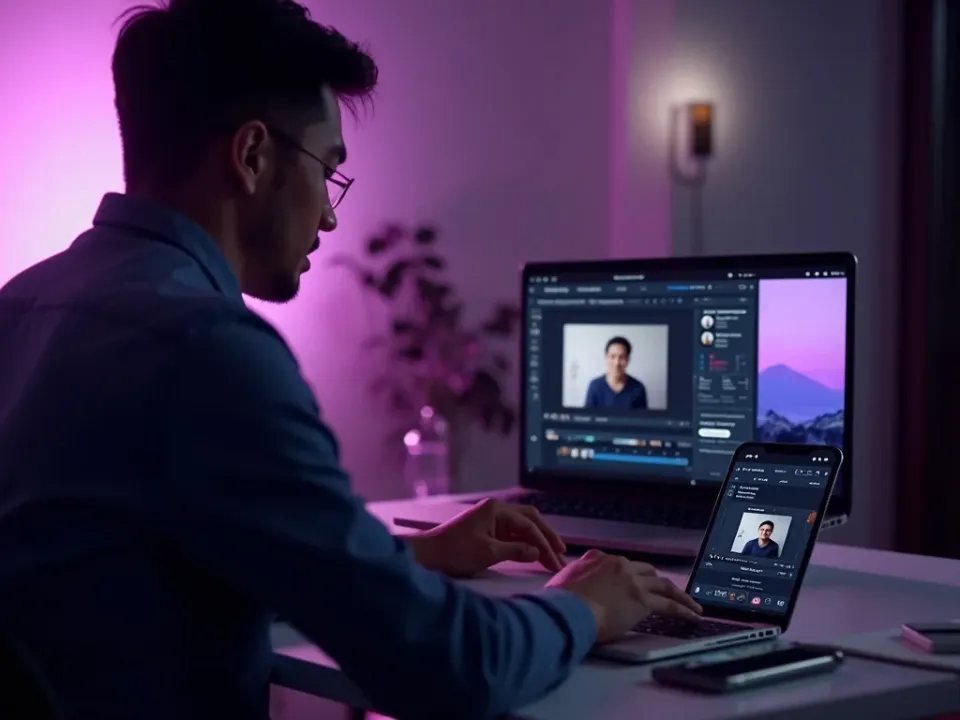
Watch raw footage become a captioned, on-spec cut — then edit your own video free on Vivideo.
AI video editor — FAQ
What is an AI video editor?
An AI video editor automates the tedious parts of editing — captions, trimming, silence removal, resizing, background and audio cleanup — while leaving you full manual control. Vivideo pairs it with generation across 30+ models.
Is there a free AI video editor online?
Yes — Vivideo is a free AI video editor online. Edit in your browser with daily free usage, no download, and export watermark-free on an affordable plan.
Can I edit a video without editing skills?
Yes — the AI handles captions, trimming and resizing automatically, so a finished, on-spec video takes minutes even if you've never edited before.
Can it add captions automatically?
Yes — auto-captions are accurate and styleable, burned in for silent autoplay, and you can edit the wording on the timeline.
Can I resize a video for TikTok, Reels and YouTube?
Yes — one edit exports 9:16, 1:1 and 16:9 from a single project, so you post native everywhere without re-cutting.
Does it work with videos I generate?
Yes — generate a clip from a prompt or photo across 30+ models and edit it in the same place, no switching apps or exporting.
Can I remove backgrounds or silences?
Yes — background removal, silence and filler removal, and audio cleanup are one-click, then refine on the timeline.
Do I need to install anything?
No — the AI video editor runs online in any modern browser, on a phone, Mac or PC.
