What you’ll learn
- The dimensions that genuinely differ between models
- How to match a model to your shot type
- How to run a fair head-to-head test
- Why the “best” model depends on the job, not a leaderboard
The dimensions that matter
AI video models differ on a handful of axes: visual realism, motion quality (how natural movement looks), maximum clip length, whether they generate native audio, render speed, and cost per clip. No single model wins all of them at once — which is exactly why having several available helps.
Match the model to the shot
Start from what the shot needs, then pick.
- 1Cinematic realism → a model known for photoreal output.
- 2Lots of fast motion → a model with strong motion handling.
- 3Needs sound → a model with native audio.
- 4Rapid iteration → a fast, cheaper model for drafts.
Run a fair test
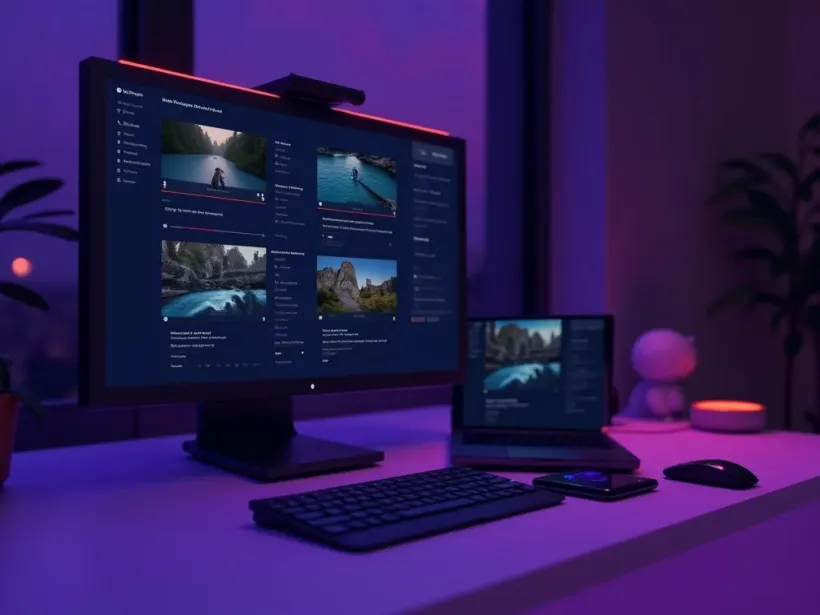
When you’re unsure, test. Run the same prompt with the same settings through two or three models and compare the outputs side by side. Judge them on your actual use case — your product, your style — not on a polished demo reel that was cherry-picked to flatter one model.
Speed and cost trade-offs
Faster, cheaper models are perfect for iterating on composition and timing, where you’ll generate many versions. Save the premium, slower models for the final hero shot where quality matters most. Spending your budget where it shows is more effective than maxing out every clip.
Switching models mid-project
You don’t have to commit to one model for a whole video. Draft and refine on a cheap model to lock the idea, then regenerate the keepers on a premium model for the final cut. Mixing is normal and often the smartest workflow.
Don’t chase the leaderboard
Model rankings change constantly and rarely reflect your specific shot. The “best” model is simply the one that nails the look you need at a price you’re happy with — and that can differ shot to shot.
Quick tips
- Always test on your own prompt, not a demo reel.
- Draft on a cheap model; finalize the hero shot on a premium one.
- Check native-audio support if your video needs sound.
- Keep short notes on which model suits which shot.
- Re-test occasionally — models update fast.
Frequently asked questions
Which AI video model is best?
It depends on the shot — realism, motion, audio, speed and cost all trade off. Test against your use case.
Can I compare models on Vivideo?
Yes — run one prompt through several models and compare the results.
Which models have audio?
A few generate native audio; most are silent by design. Check before relying on sound.
Which model is fastest?
Lighter models render faster and cost less — ideal for drafts and iteration.
Do I have to pick just one?
No — drafting on one and finalizing on another is a common, effective workflow.