What you’ll learn
- Why faceless content works and where it thrives
- How to produce a faceless video end to end with AI
- How to keep a consistent style without a presenter
- How to scale output with batching and templates
Why faceless works
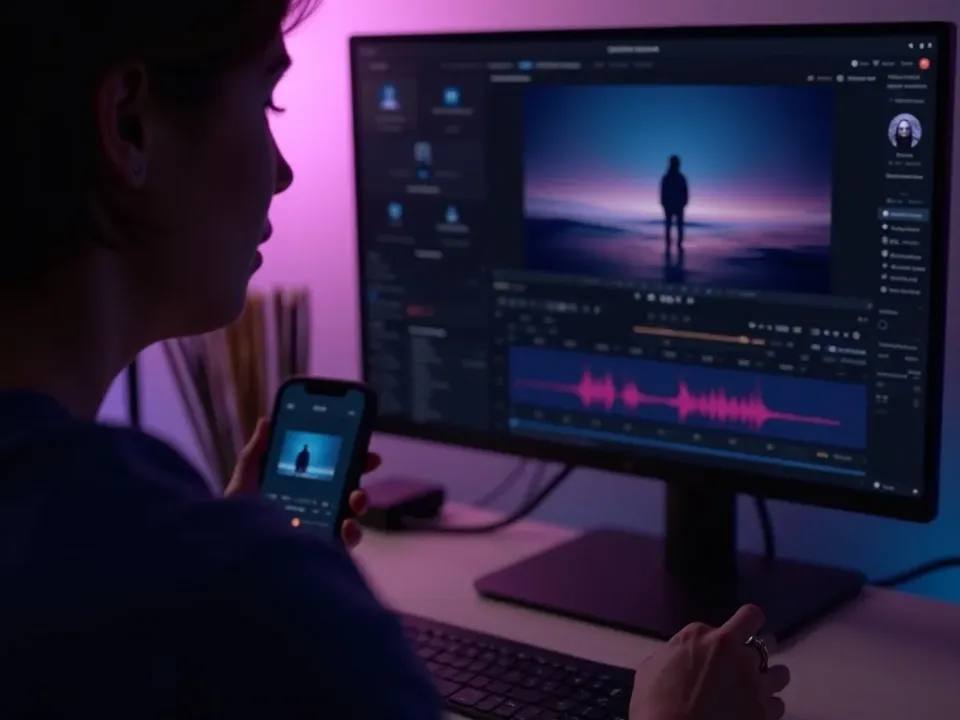
Faceless content lets the value and the visuals carry the video, with no on-camera pressure and nothing stopping you from posting daily. It’s easy to scale, easy to outsource later, and keeps your personal life private — which is why so many fast-growing channels never show a face.
Produce one step by step
The workflow is fast once you have it.
- 1Pick a topic in your niche.
- 2Write a tight, hook-first script.
- 3Generate the visuals with AI.
- 4Add an AI voiceover (or your cloned voice).
- 5Caption it.
- 6Export vertical and post.
Style without a face
Without a presenter, three things create identity: strong, consistent visuals, a single recognisable voice, and on-brand captions. Keep those steady and your channel feels cohesive even though no one’s on camera.
Pick a repeatable niche
The best faceless niches are ones you can make endlessly — facts, tips, stories, breakdowns, listicles. Choose a lane where you’ll never run out of ideas, because consistency is what grows the channel.
Batch for consistency
Produce several videos in one session using the same template and voice. Batching keeps your style consistent and means you always have content ready to post, which matters more than any single video being perfect.
Keep quality up
Faceless doesn’t mean low effort. A strong three-second hook and clean, readable captions matter more than fancy visuals — get those right and simple footage performs.
Quick tips
- A consistent voice is your channel’s identity — reuse it.
- Batch-produce so you always have something to post.
- Lead every video with a strong hook.
- Keep captions on-brand and readable.
- Pick a niche you won’t run dry on.
Frequently asked questions
Do I need to show my face?
No — AI generates the visuals and voiceover, so the channel can be fully faceless.
What voice should I use?
A natural AI voice, or clone your own for a personal, consistent sound.
Is faceless content allowed?
Yes — as long as it’s original content you create, faceless channels are fine on all platforms.
How do I scale it?
Batch-produce with a template and a fixed voice, and pick a niche with endless topics.
What are good faceless niches?
Tips, facts, stories, breakdowns and listicles — anything you can make repeatedly.