An AI video maker turns an idea into a finished video without a camera or editing software. On Vivideo you start from a prompt, a script, a photo or a link, pick from 30+ models, and get a captioned, voiced, ready-to-post video in minutes — then edit and export it in the same place. It's a free AI video maker online: start with daily generations and export watermark-free.
Works with every top AI model











How to make a video with AI
Start from anything
A prompt, a script, a few photos or a link — the AI video maker builds a video from whatever you have.
Pick a model & style
Choose from 30+ models and a look; add an AI avatar or your cloned voice, and apply your brand.
The AI makes the video
Scenes, motion, captions, voiceover and pacing are assembled automatically into a finished clip.
Edit and export
Trim, tweak and chain shots into a longer video, then export watermark-free for any platform.
What the AI video maker does
Everything you need to go from idea to finished video, in one place.
| Capability | What it does |
|---|---|
| Make video from anything | Prompt, script, photo or link — the maker turns any starting point into a finished video. |
| 30+ models, one subscription | Sora, Veo, Kling and more, plus AI avatars and voices, all on one plan. |
| Captions, voice & music | Add burned-in captions, an AI or cloned voice and royalty-clear music automatically. |
| Free & watermark-free | Make videos free with daily generations; export watermark-free on an affordable plan. |
| Edit and localize | Trim, chain shots and localize into 30 languages — a full video, not just a clip. |
How an AI video maker works, explained
An AI video maker collapses the whole production chain — filming, editing, captioning, voicing — into a single step: you bring an idea, and it returns a finished video. Start from a text prompt, a script, a handful of photos or a link, and the maker assembles scenes, motion, captions and a voiceover into something ready to post. That's why "ai video maker" has become one of the most common ways people make video without a camera or a crew.
The difference between makers is how much they can do and how good the output is. Vivideo runs on 30+ models — Sora, Veo, Kling and more — plus AI avatars and cloned voices, so one maker covers realistic footage, stylized looks, talking-head presenters and everything between. You're never limited to one engine's strengths; you pick the best for each shot.
A real maker also finishes the job. A raw clip isn't a video until it has captions for silent autoplay, the right pacing, a voiceover if you want one, and the correct aspect ratio. Vivideo bakes that in and then hands you an editor to trim, chain shots into a longer sequence, and localize into 30 languages — all in the browser, exported watermark-free.
And it's free to start. Vivideo is a free AI video maker online — daily generations, no credit card, no download — with watermark-free exports on an affordable plan. Whether you want one quick social clip or a full video built from a script, it starts with an idea and ends with a video you can post anywhere.
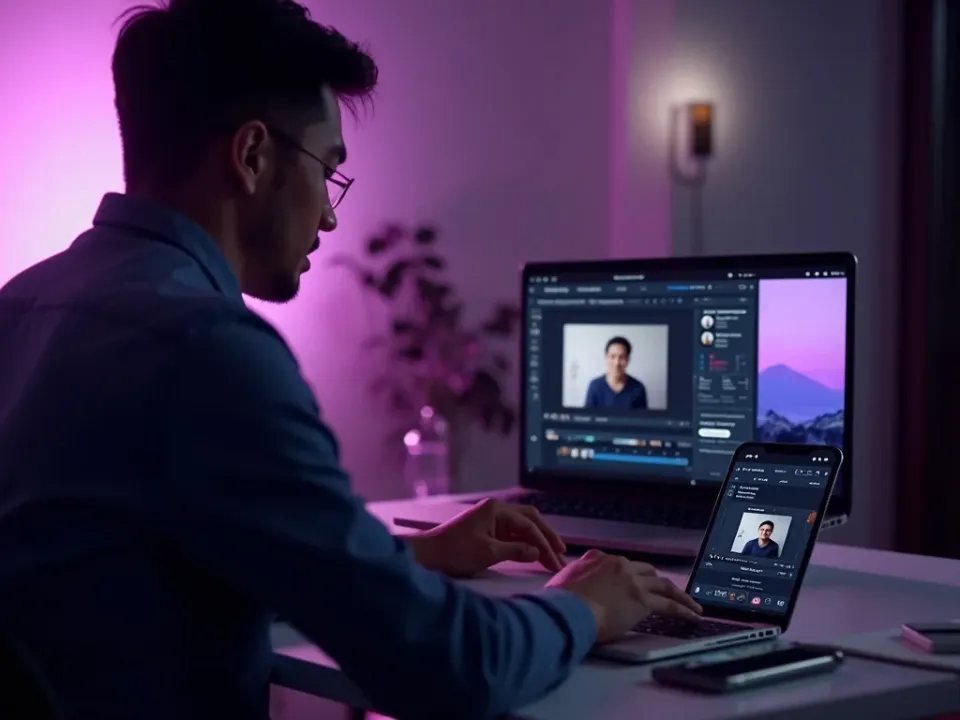
Make a Video From Anything
A prompt, a script, a few photos or a link — Vivideo's AI video maker turns any starting point into a finished, captioned video across 30+ models. Idea in, video out, no camera or editing software.
One idea becomes a postable video in minutes, not an afternoon.
30+ Models, Avatars and Voices
One maker covers realistic footage, stylized looks and talking-head presenters — because Vivideo runs 30+ models plus AI avatars and cloned voices. The answer to "make a video with AI" without settling for one engine.
Pick the best model for each shot, all on one subscription.
No App, No Watermark, Free to Try
Vivideo is a free AI video maker online — no app, no watermark on the export. Make videos with daily free generations, add your cloned voice, and download clean files for any platform.
Free daily generations to start; upgrade for clean, watermark-free AI video.
Everything the AI Video Maker Includes
One place to go from any idea to a finished, on-brand video.
Who Uses the AI Video Maker?
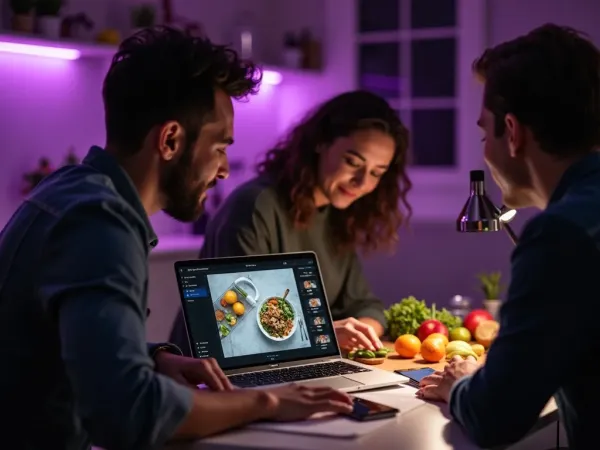
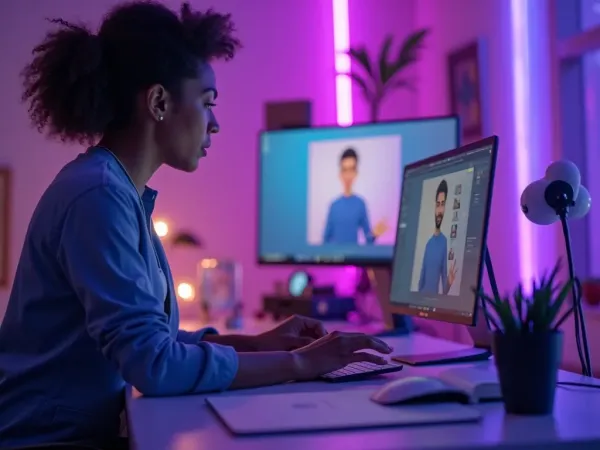
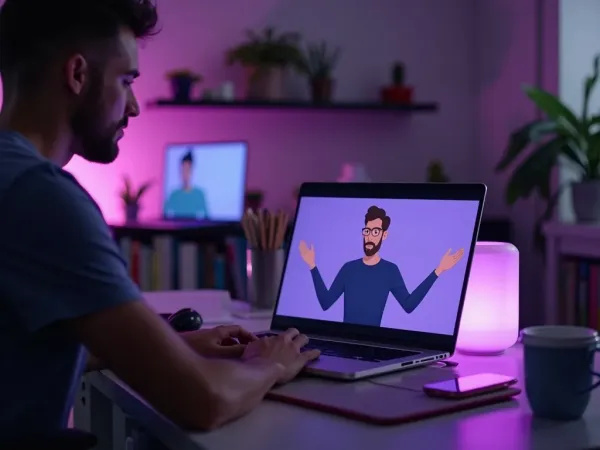
Anyone who needs video without a production:
One Free Studio Behind Every Tool
Each utility here is a doorway into the full Vivideo studio — create, edit and localize video in the same place.
Explore More Video Features
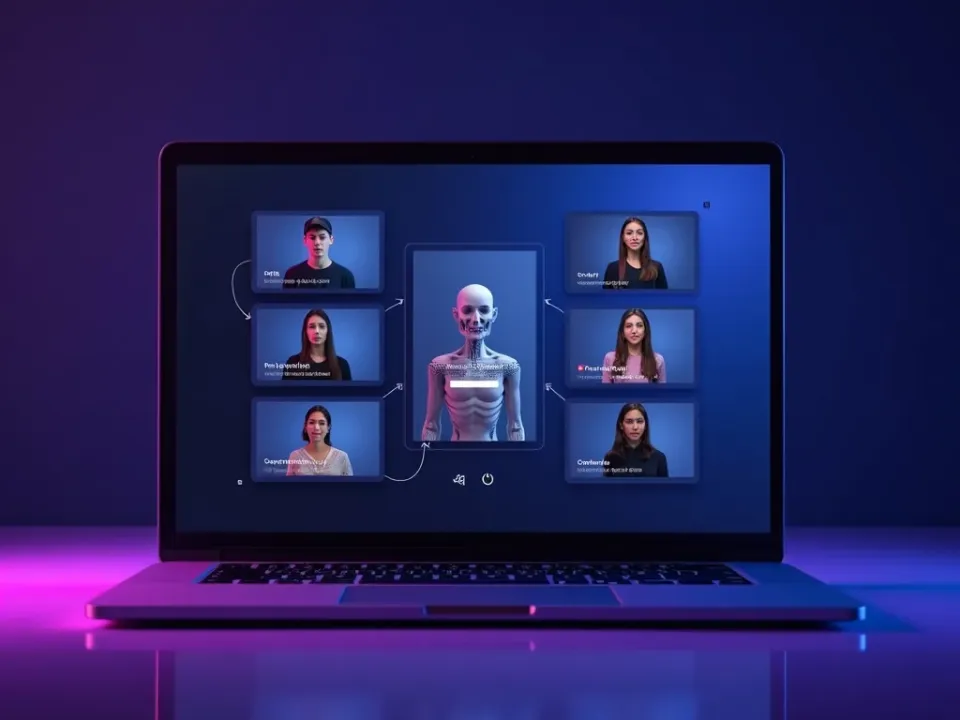
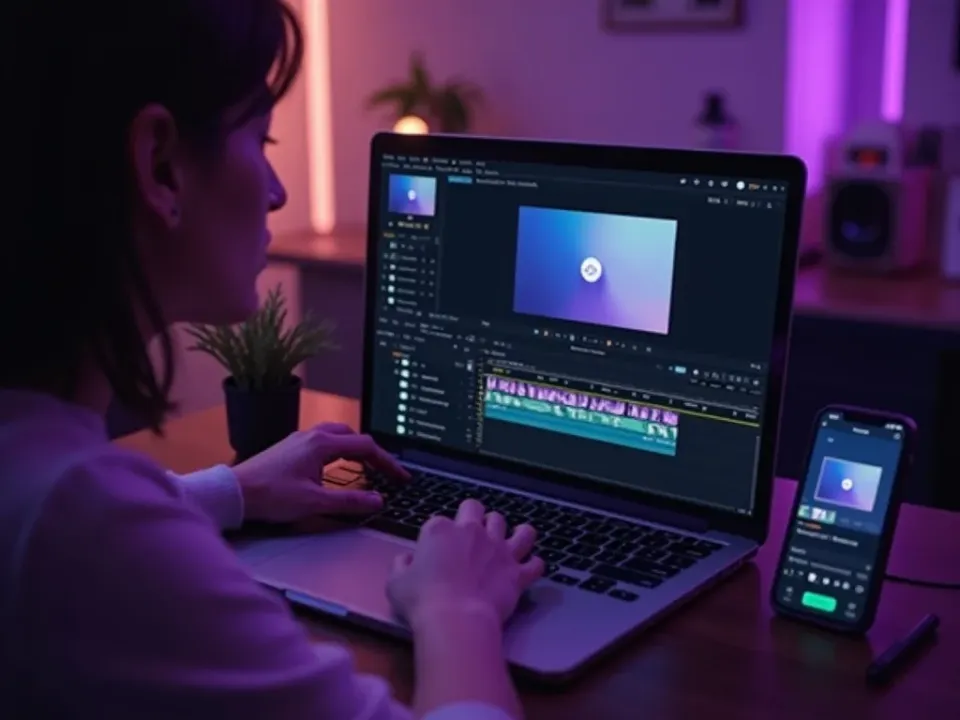
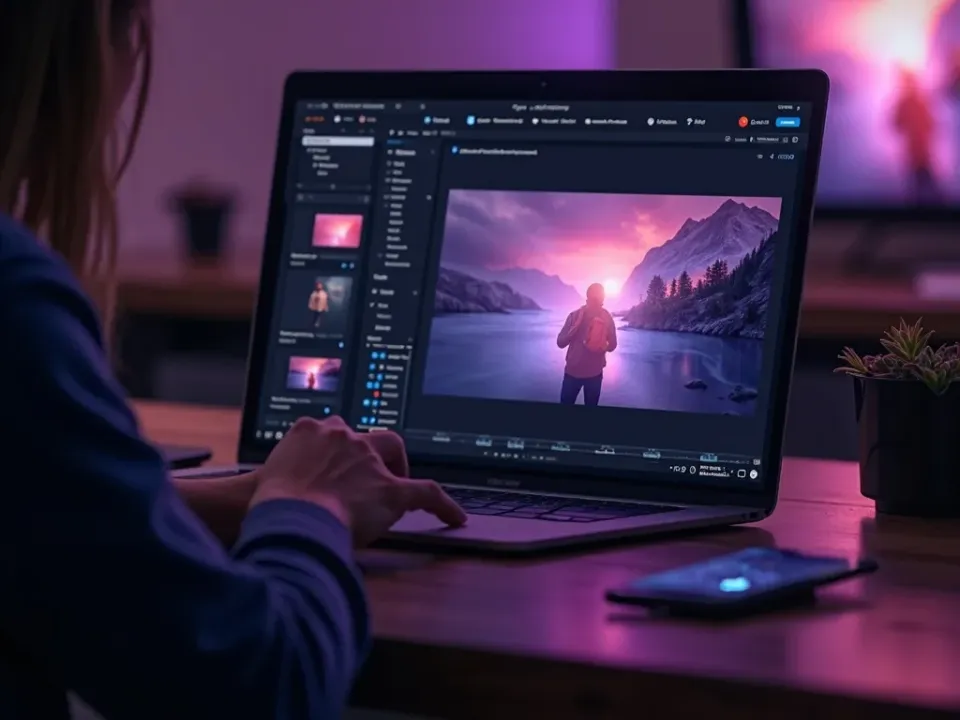
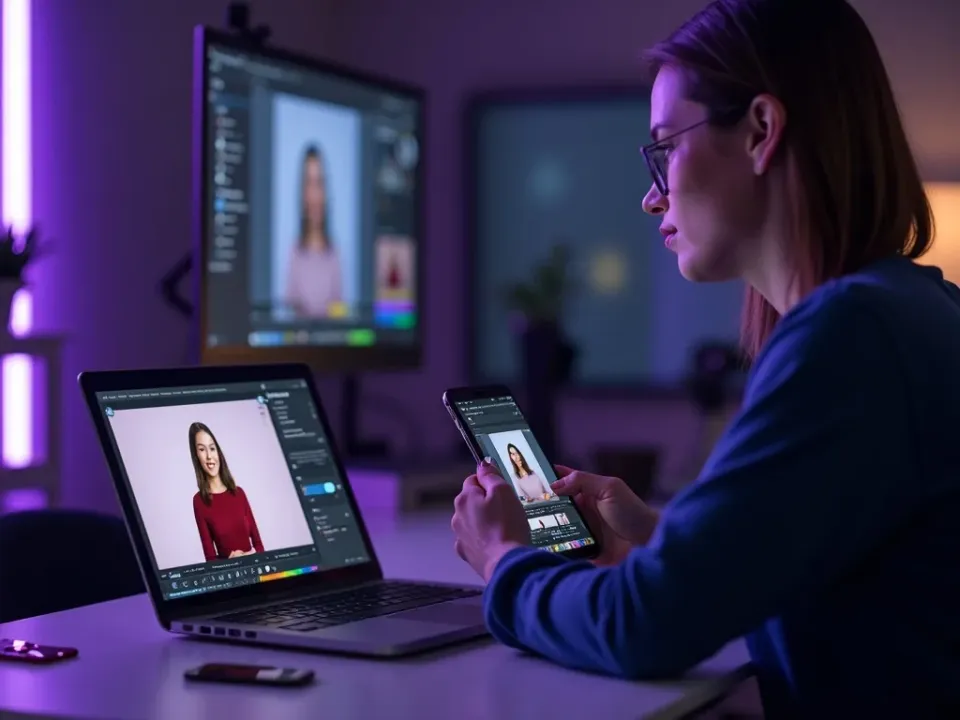
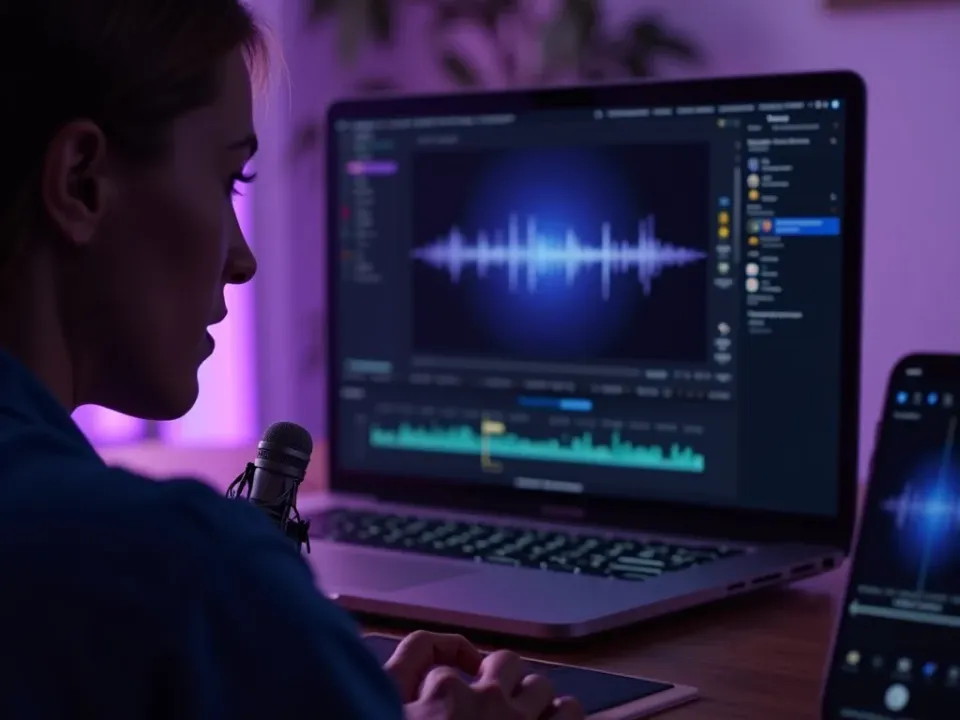
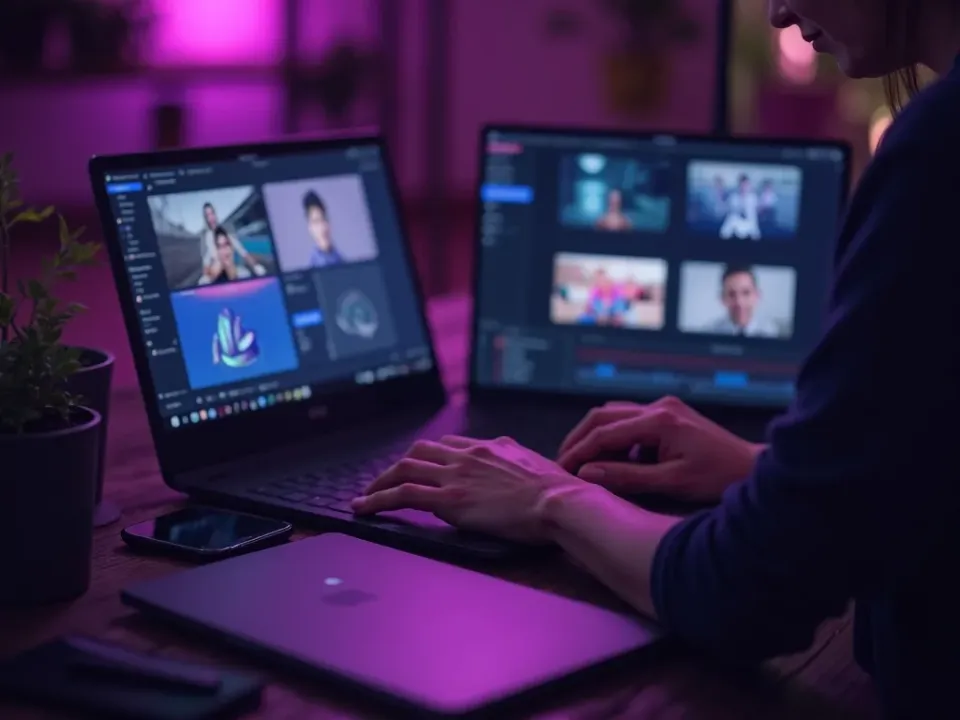
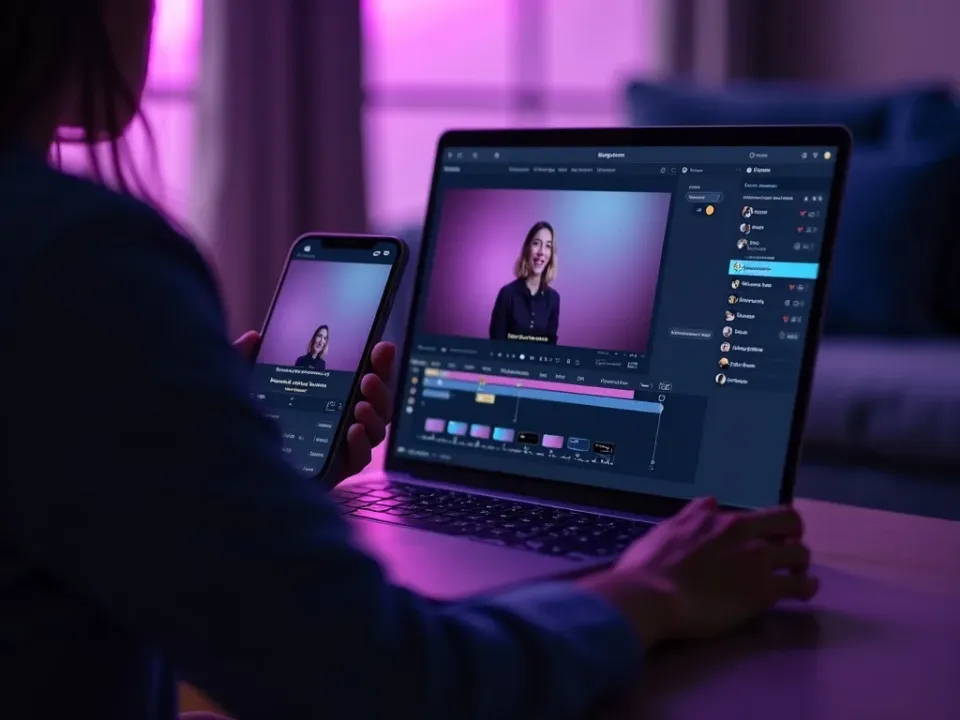
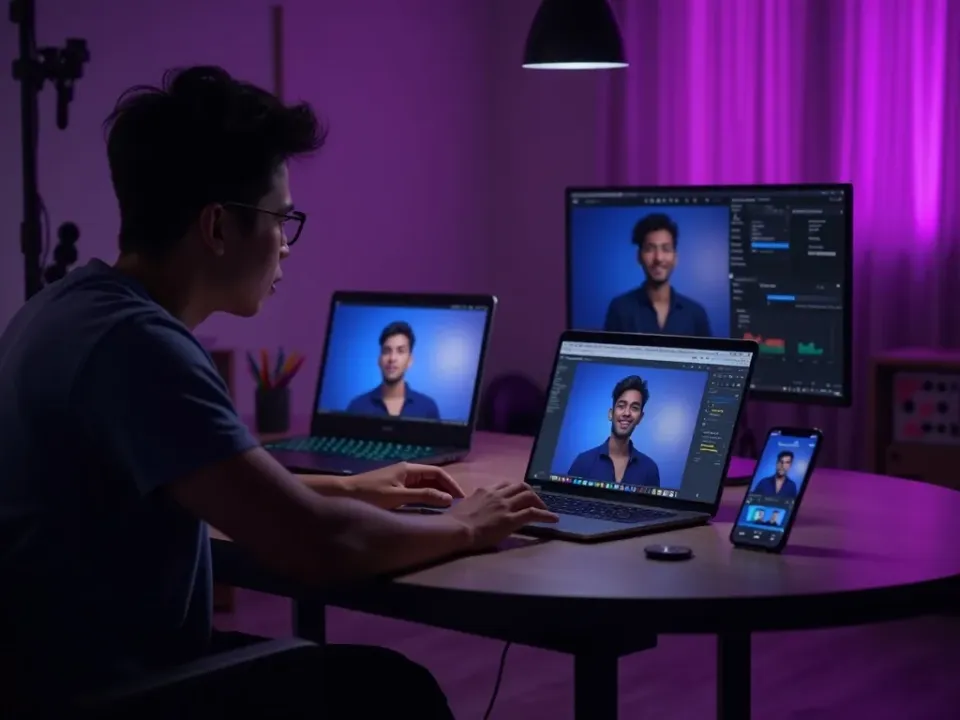
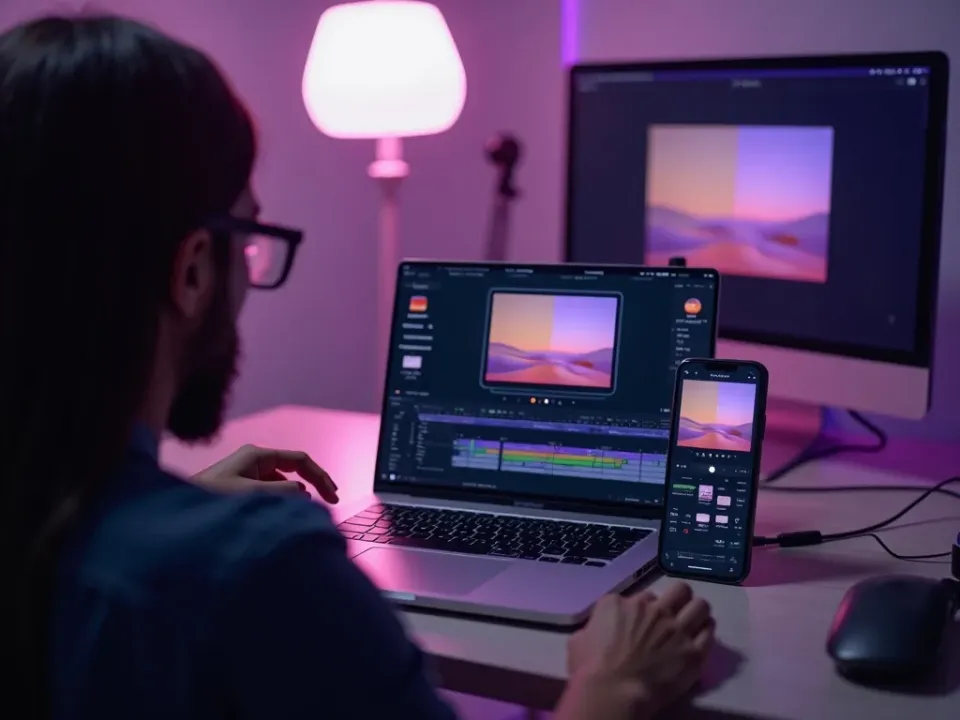
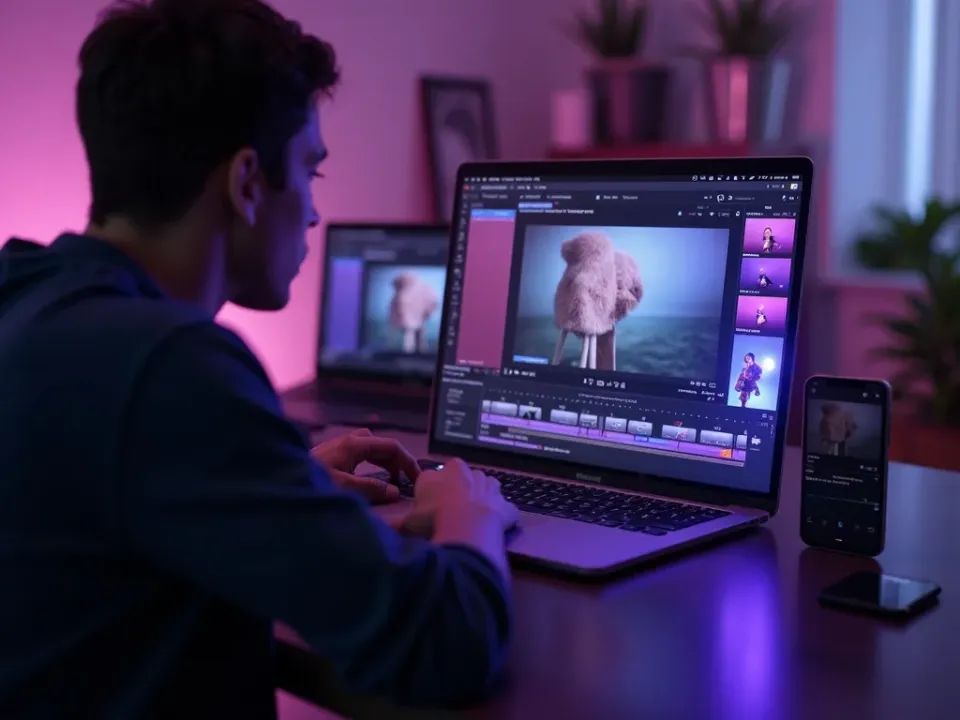
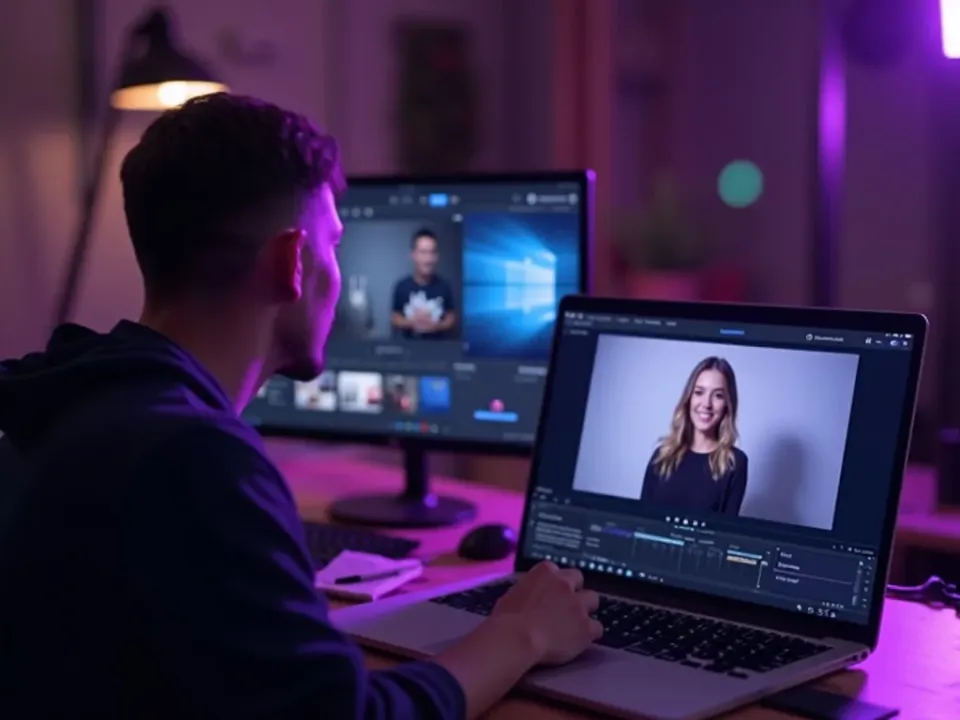
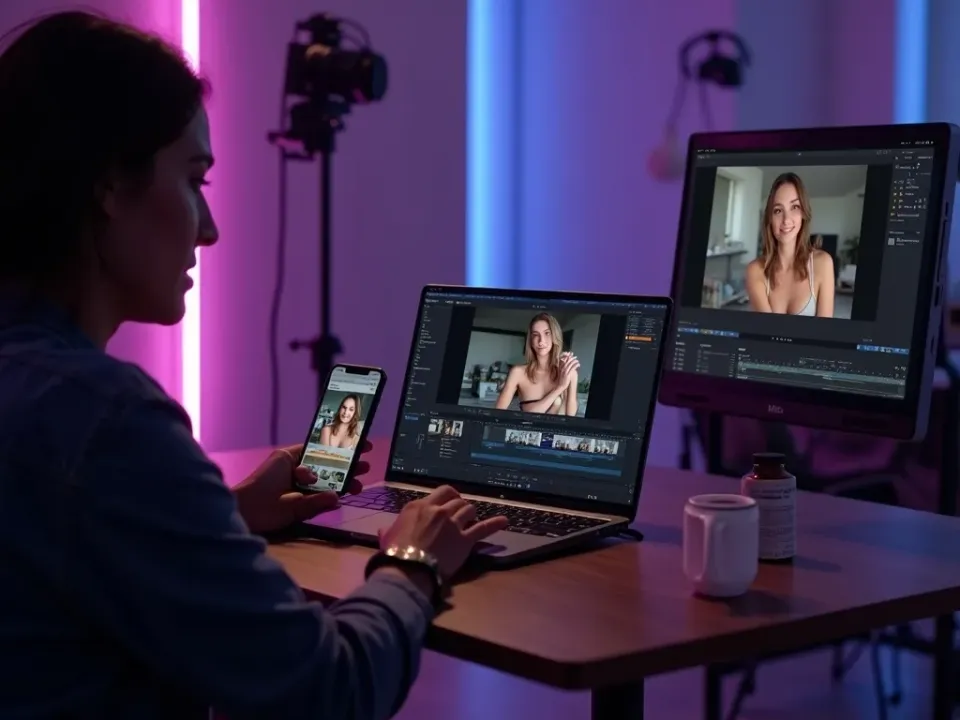
See the AI Video Maker in Action
Watch an idea become a finished video — then make your own free on Vivideo.
AI video maker — FAQ
What is an AI video maker?
An AI video maker turns an idea — a prompt, script, photo or link — into a finished video automatically, with captions, voiceover and pacing. Vivideo makes videos across 30+ models, then lets you edit and export.
Is there a free AI video maker?
Yes — Vivideo is a free AI video maker online. Daily generations, no credit card, no download, and watermark-free exports on an affordable plan.
How do I make a video with AI?
Start from a prompt, script, photo or link, pick a model, and the maker builds a captioned, voiced video in minutes. Then edit and export it in the same place.
Do I need a camera or editing skills?
No — the AI video maker handles filming, editing, captions and voiceover for you. You describe what you want and review the result.
Can I add my own voice or avatar?
Yes — use an AI avatar and your cloned voice for a consistent on-camera presence across every video, without filming.
What kinds of videos can I make?
Social clips, ads, explainers, product videos, faceless videos and more — sized for TikTok, Reels, Shorts, YouTube and your site.
Can I make videos online, no download?
Yes — the AI video maker runs in your browser, so you can make videos on a phone, Mac or PC with nothing to install.
How long can the videos be?
Native clips are short, but Vivideo chains shots into finished videos up to 10 minutes.
