What you’ll learn
- What belongs in a brand kit — logo, colours, fonts, voice
- How applying it once keeps a whole series consistent
- How brand consistency builds recognition and trust
- How to combine a brand kit with a reusable avatar and voice
Why consistency wins
Recognition compounds: the more your videos look and sound the same, the faster people recognise and trust your channel. Inconsistent visuals — different fonts, colours and styles every time — read as amateur even when each individual video is good.
What goes in a brand kit
Keep it small and strong.
- 1Your logo (and where it sits).
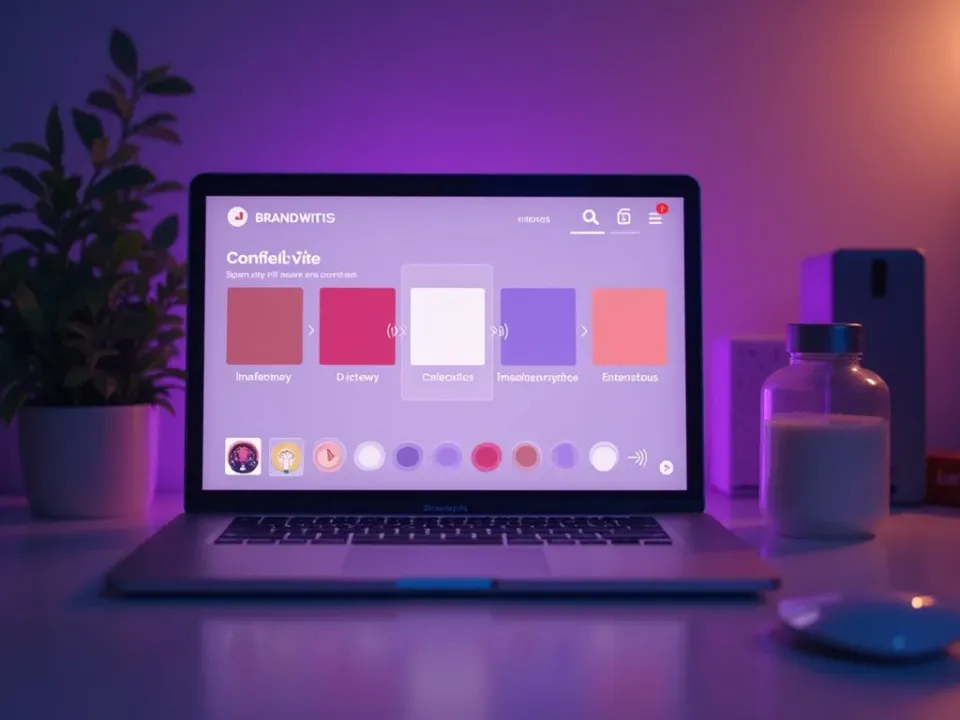
- 2A primary and one or two secondary colours.
- 3A font or font pairing.
- 4A consistent intro and outro.
- 5A tone of voice for scripts and captions.
Apply it once
Set the kit up a single time, and every new project inherits it automatically — colours, fonts and logo placement come pre-loaded. You spend your effort on the content, not on rebuilding your look for each video.
Brand voice, not just visuals
Consistency is audible too. Pick one avatar and one voice and reuse them across your videos so the channel sounds like a single, recognisable presence rather than a different narrator each time.
Keep it tidy
A cluttered kit dilutes your identity. Two or three colours, one font pairing, and one logo treatment beat a sprawling palette. Constraints make a brand feel intentional and make every video faster to produce.
Templates plus brand kit equals speed
Combine your brand kit with reusable templates and production gets dramatically faster: the structure and the look are both handled, so each new video is mostly just fresh content poured into a proven shell.
Quick tips
- Limit yourself to two or three brand colours.
- Pick one font pairing and stick to it.
- Reuse one avatar and one voice as your brand’s “face” and “sound”.
- Add a consistent intro and outro.
- Keep the kit in one place so updates apply everywhere.
Frequently asked questions
What is a brand kit?
A saved set of brand assets — logo, colours, fonts, voice — applied automatically to every video.
Do I need design skills?
No — pick a couple of colours, a font and your logo, and the kit handles the rest.
Can I change it later?
Yes — update the kit in one place and new videos pick up the change.
Does it apply to every video?
Once set, every new project inherits your brand kit by default.
How does it relate to templates?
A brand kit sets the look; templates set the structure. Together they make production much faster.