What you’ll learn
- The structure of a product video that converts
- How to animate real product photos with image-to-video
- How to write benefit-first copy for the voiceover and captions
- How to adapt one product video for ads and social
What makes a product video convert
Show the product in use, lead with the single biggest benefit, and end with one clear call to action. Viewers buy the outcome, not the feature list — so the video’s job is to make the result feel real and desirable fast.
Build it step by step
You can do the whole thing from photos.
- 1Gather your best product photos.
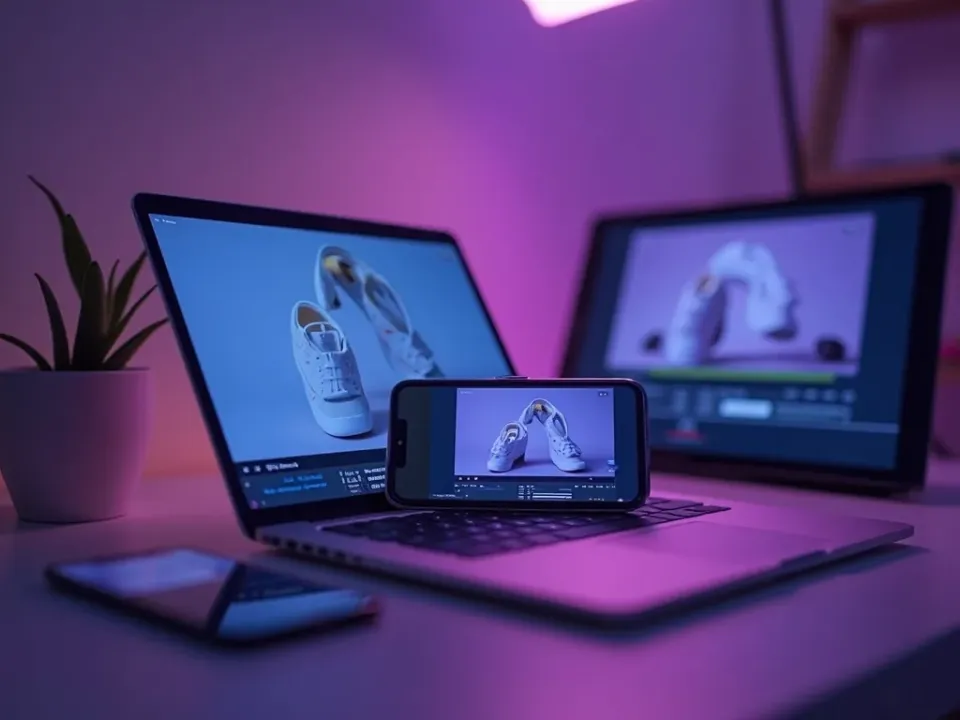
- 2Animate them with image-to-video so the product stays accurate.
- 3Write a short, benefit-led script.
- 4Apply your brand kit.
- 5Add captions for muted viewing.
- 6Export a version per platform.
Hero shot plus benefit
Open on the product looking its best, then immediately state the biggest benefit. The first few seconds decide whether anyone keeps watching, so don’t waste them on a logo animation or a slow reveal.
Lifestyle and context
Pure product shots can feel sterile. Generate in-use and in-context shots — the product on a desk, in a hand, in the environment it belongs to — so viewers can picture it in their own lives.
Adapt for ads vs organic
An ad needs a punchier hook and a harder CTA because you’re interrupting; organic content can be more story-led because people chose to watch. Cut both from the same assets rather than starting over.
Test variations
Don’t bet everything on one edit. Make two or three versions with different hooks, run them, and let performance pick the winner — the hook that works is often not the one you expected.
Quick tips
- Animate real product photos so the product stays accurate.
- Lead with the benefit, not the spec sheet.
- Use one clear CTA.
- Export vertical for social feeds.
- Test two or three hooks and keep the winner.
Frequently asked questions
Do I need video footage?
No — product photos animated with image-to-video are enough.
Will my product stay accurate?
Yes — image-to-video preserves your real product rather than generating an approximation.
How long should it be?
Short — 15–30 seconds for social, a little longer for a landing page.
Can I make an ad version?
Yes — cut a punchier hook and CTA from the same assets.
How do I add my logo?
Apply your brand kit and it appears consistently across the video.