Every template is an AI preset — pick one and generate your own version. Try it free →
These business video templates turn a brief into professional, on-brand video without an agency: pick a promo, explainer, training or announcement template, add your prompt or content, and generate. No crew, no motion-design agency — the template supplies the polish.
Customize the template with your brand, message and captions, then export for your site, LinkedIn, ads and internal comms — the fastest way for a company or team to look professional on video on any budget.
Polished, professional look
Generate clean boardroom and skyline visuals that read as real production, giving your brand credibility without an agency budget or a film crew.
Explainers without the wait
Turn a script into a finished explainer in minutes, not weeks. Iterate on messaging instantly instead of waiting on revision rounds.
On-brand every time
Add your logo, colors, and copy to any template so company intros, recruiting clips, and updates stay consistent across every channel.
From template to finished video in four steps
Browse and pick a template
Open the business collection and choose a professional starting point like Glass Boardroom or City Skyline that fits your message.
Add your prompt or brand
Describe your company message or paste a script, then upload your logo and set your brand colors and on-screen text.
Pick a model and customize
Choose an AI video model, then refine the tone, length, aspect ratio, and visual style to match your brand.
Generate and export
Render your corporate clip in minutes, preview it, and download or embed it on your site, decks, and social channels.
Pro tips
- Lead with the single message you want viewers to remember, then keep the explainer tight and focused.
- Match your brand colors and logo to the template so the clip looks native to your company.
- Generate widescreen for your website and vertical for LinkedIn or social, reusing one script across both.
Frequently asked questions
Are these business video templates free?
Yes — start from any business template free with daily generations and no watermark to try. Upgrade affordably for watermark-free business video and room to scale.
Do I need an agency or a crew?
No. The template supplies the professional look; you add your brand and message — no crew, agency or editing suite.
What business videos can I make?
Company promos, product explainers, training and onboarding videos, announcements and social clips — each a customizable template.
Can I keep it on-brand?
Yes — add your logo, colors, fonts and voice so every business video is consistent and professional.
Can I use it for internal video too?
Yes — the templates cover training, onboarding and internal comms as well as marketing.
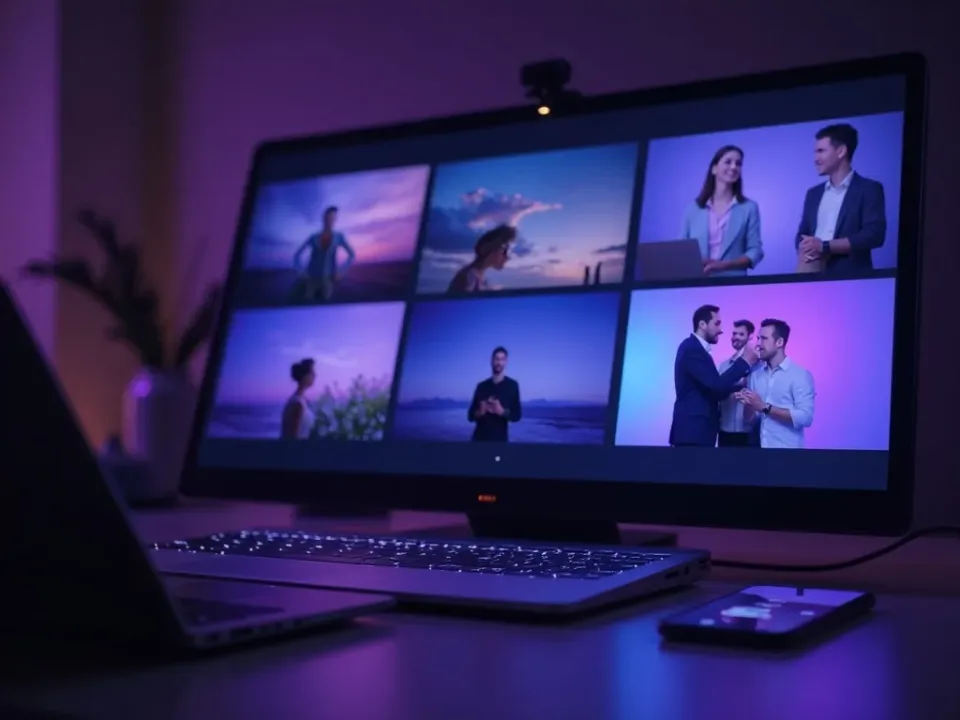
Professional Video, No Agency
Business video templates bake in the polish that used to need an agency — the pacing, transitions and structure are built in. Add your brand and message and the template makes it look produced.
No crew, no agency — start from a brief.
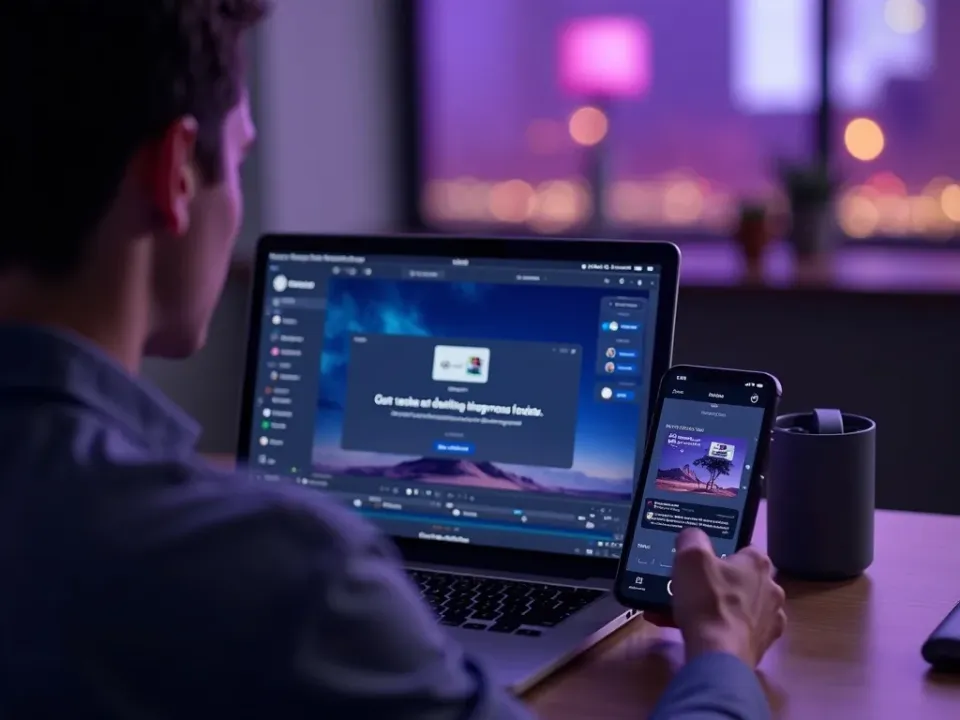
Promos, Explainers and Training
Each template fits a business need — a promo, an explainer, a training module, an announcement. Reuse them across marketing and internal comms so every message looks professional.
One brand, every business format, from templates.
On-Brand, Free, No Watermark
Start from any business template free, add your logo, colors and voice, and export watermark-free for site, LinkedIn, ads and internal use.
Start free; a paid plan unlocks watermark-free business video exports.
Everything the Business Templates Include
Ready-made business videos you customize on-brand and export anywhere.
Who Uses Business Video Templates?
Every team making professional video:


One Free Studio Behind Every Tool
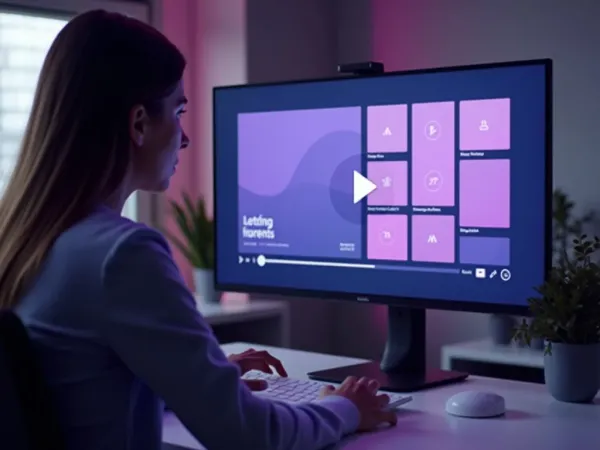
Each utility here is a doorway into the full Vivideo studio — create, edit and localize video in the same place.

Related Searches: Business Templates
See Business Templates in Action
Watch a brief become a professional business video from a template — then make your own free on Vivideo.