Every template is an AI preset — pick one and generate your own version. Try it free →
These spokesperson video templates put a realistic AI presenter on camera to deliver your message — no filming, no actor, no studio. Pick a talking-head, explainer or announcement template, paste your script, and generate a polished presenter-led video.
Customize the template with your script, an AI avatar and your brand, then export for your site, ads or social — the fastest way to make consistent, on-camera video without recording a single take.
Script in, video out
Paste your text and get a lifelike presenter speaking it with a natural AI voice. No teleprompter, no camera shy talent, no multiple takes.
Edit by retyping
Change a line of script and regenerate. Updating an AI spokesperson video takes seconds, while re-filming a real presenter takes a full reshoot.
Multilingual presenters
Generate the same spokesperson video in multiple languages with templates like Professor Multilingual, so one script reaches global audiences instantly.
From template to finished video in four steps
Browse and pick a template
Open the spokesperson collection and choose a presenter like News Anchor or Office Host that fits your brand and message.
Add your script or prompt
Paste the words you want spoken, or describe your message, and add your logo, brand colors, and on-screen text.
Pick a voice and customize
Choose an AI voice and language, then fine-tune the background, aspect ratio, and the presenter's tone or pacing.
Generate and export
Render your talking avatar video in minutes, preview it, and download or share to your site, ads, or training platform.
Pro tips
- Write conversational scripts and short sentences so the AI voice sounds natural and easy to follow.
- Match the presenter to your context, like a News Anchor for announcements or a Professor for tutorials.
- Keep each spokesperson video to one clear message, then generate separate clips for separate topics.
Frequently asked questions
Are these spokesperson video templates free?
Yes — start from any spokesperson template free with daily generations and no watermark to try. Paid plans add watermark-free presenter video exports and higher limits.
Do I need to film or hire an actor?
No. An AI avatar delivers your script in the template — no camera, actor or studio required.
What spokesperson videos can I make?
Talking-head explainers, product announcements, training intros, welcome videos and ad reads — each a customizable template.
Can I use my own voice?
Yes — pick a natural AI voice or clone your own so the presenter sounds like you across every template.
Can I keep it on-brand?
Yes — add your logo, colors and captions so every spokesperson video matches your brand.
An AI Presenter, From a Script
Spokesperson video templates put a realistic avatar on camera to read your script — the framing, pacing and captions are built in. Paste the script and the template delivers a finished presenter-led video.
No filming, no actor, no studio.
Explainers, Announcements and Ads
Each template fits a spokesperson moment — an explainer, a product announcement, a welcome video, an ad read. Reuse them so every message has a consistent on-camera presence.
One presenter, every message, from templates.
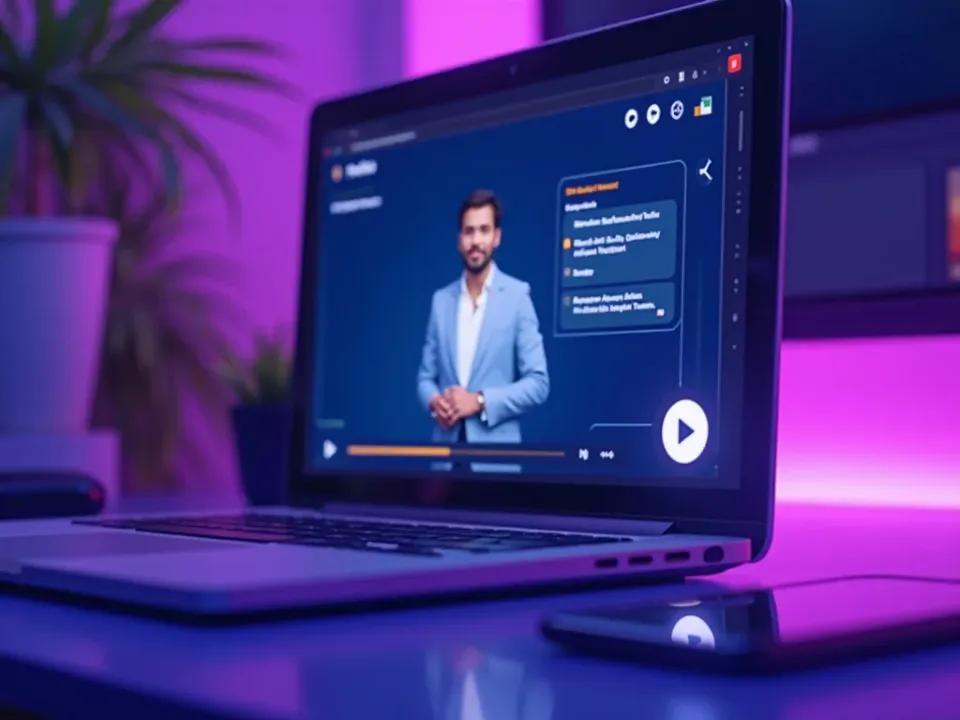
On-Brand, Free, No Watermark
Start from any spokesperson template free, add your script, voice and brand, and export watermark-free for site, ads and social.
Free to start; watermark-free presenter video exports come with a paid plan.
Everything the Spokesperson Templates Include
Ready-made presenter videos you customize from a script and export anywhere.
Who Uses Spokesperson Video Templates?
Anyone who wants a presenter without filming:

One Free Studio Behind Every Tool
Each utility here is a doorway into the full Vivideo studio — create, edit and localize video in the same place.

Related Searches: Spokesperson Templates
See Spokesperson Templates in Action
Watch a script become a presenter-led video from a template — then make your own free on Vivideo.