Every template is an AI preset — pick one and generate your own version. Try it free →
These fashion video templates turn a rack of outfit photos into scroll-stopping video: pick a look-book, try-on or drop template, add your images, and generate. No studio shoot, no editor — the template supplies the pacing, transitions and polish.
Customize the template with your pieces, brand and music, then export vertical for Reels, TikTok and Pinterest — the fastest way for a fashion brand or reseller to turn a catalog into content.
Editorial Without The Shoot
Get runway energy and magazine-style framing from a prompt or photo, no models, studio rental, or production crew on the call sheet.
Consistent Brand Mood
Templates like Fashion Editorial and Studio Poses lock in styling and lighting so an entire lookbook or campaign feels cohesive across every clip.
Launch Collections Faster
Generate looks in minutes, A/B different vibes, and refresh seasonal content quickly so your social and site stay current without a new shoot.
From template to finished video in four steps
Browse and pick a template
Choose a fashion style like Runway Walk, Elegant Model, or Fashion Editorial that fits your collection and brand voice.
Add your prompt or image
Describe the styling, setting, and mood, or upload a garment photo to anchor the look the AI generates.
Pick a model and customize
Select an AI model, then tune pacing, motion, and framing, and apply your brand colors or logo where it suits.
Generate and export
Press generate, review the clip, then export in the right ratio for Reels, TikTok, your lookbook, or a campaign page.
Pro tips
- Name fabrics, lighting, and setting in your prompt so the AI nails the editorial mood you want.
- Keep one outfit or look per clip; cleaner scenes render more believable poses and movement.
- Generate a vertical cut for social and a wide cut for your homepage from the same template.
Frequently asked questions
Are these fashion video templates free?
Yes — start from any fashion template free with daily generations and no watermark to try. An affordable plan unlocks watermark-free fashion video and more generations.
Do I need a studio or a model shoot?
No. Use the outfit and product photos you have and the template stages them into a video — no studio or model shoot required.
What fashion videos can I make?
Look-books, try-on reels, new-drop teasers, outfit-of-the-day and lookbook slideshows — each a customizable template.
Can I keep it on-brand?
Yes — add your logo, colors, fonts and music so every fashion video matches your brand.
What platforms are the templates for?
Vertical 9:16 for Reels, TikTok and Pinterest, plus square and wide — all from the same template.
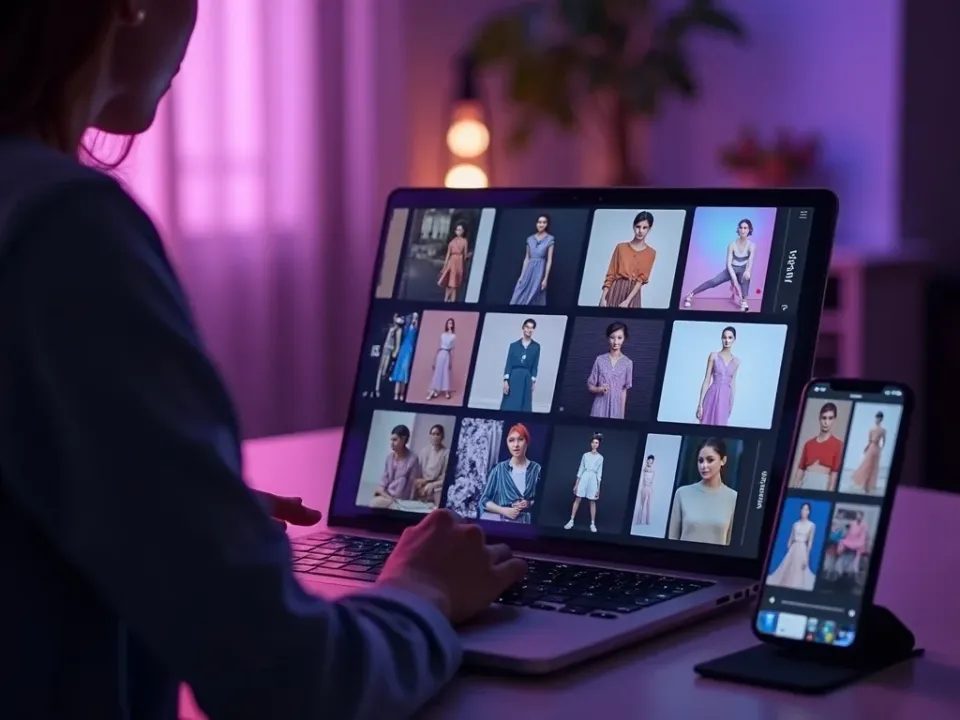
Turn Outfit Photos Into Fashion Video
Fashion video templates stage your look-book and product photos into try-ons, drops and outfit reels — the transitions, pacing and beat-matching are built in. You add the pieces; the template makes them move.
No studio shoot — start from your photos.
Look-Books, Try-Ons and Drops
Each template fits a fashion moment — a new-drop teaser, an outfit-of-the-day, a full look-book. Customize one collection across several templates and feed every channel from one shoot.
One collection, every fashion format.
On-Brand, Free, No Watermark
Start from any fashion template free, add your brand and music, and export vertical for Reels, TikTok and Pinterest watermark-free.
Start free; a paid plan unlocks watermark-free fashion video exports.
Everything the Fashion Templates Include
Ready-made fashion videos you customize from photos and export for every feed.
Who Uses Fashion Video Templates?
Anyone selling or styling apparel:
One Free Studio Behind Every Tool
Each utility here is a doorway into the full Vivideo studio — create, edit and localize video in the same place.
Related Searches: Fashion Templates
See Fashion Templates in Action
Watch outfit photos become a fashion reel from a template — then make your own free on Vivideo.