Every template is an AI preset — pick one and generate your own version. Try it free →
These social media video templates turn an idea into a native, scroll-stopping post: pick a trend clip, promo or story template, add your prompt or photos, and generate. No editing app — the template supplies the hook, captions and trending-style pacing.
Customize the template once and export it for TikTok, Reels, Shorts, Facebook and more — the fastest way to keep every feed fed with content that looks made for the platform, not cross-posted.
Ride trends instantly
Jump on viral formats the same day they pop. Generate a trend-led clip from a prompt instead of filming and editing from scratch.
Never run out of ideas
Each template is a fresh angle. Spin up enough variations to post daily and keep your social calendar full without creative burnout.
Vertical and scroll-ready
Export full-screen vertical clips tuned for TikTok, Reels, and Shorts, with the fast pacing short-form audiences expect.
From template to finished video in four steps
Browse and pick a template
Open the social collection and choose a trend-led starting point like Neon Streets or Figure Skater Cat that fits your niche.
Add your prompt or image
Describe the scene or subject you want, or upload an image, and add your handle, captions, or brand details.
Pick a model and customize
Choose an AI video model, then tune the pacing, aspect ratio, and visual style to match the trend you are riding.
Generate and export
Render your clip in seconds, preview it, and post directly to TikTok, Instagram Reels, or YouTube Shorts.
Pro tips
- Hook viewers in the first second with motion or a surprising visual, since attention drops fast on social.
- Generate three to five variations of a trend and post the strongest to learn what your audience likes.
- Add bold, readable captions, since most short-form clips are watched on mute.
Frequently asked questions
Are these social media video templates free?
Yes — start from any social template free with daily generations and no watermark to try. An affordable plan unlocks watermark-free social clip and more generations.
Do I need editing skills or an app?
No. The template supplies the format, hook and captions; you add a prompt or photos. There's nothing to install.
What social videos can I make?
Trend clips, promos, story videos, talking-head clips and how-tos — each a customizable template, sized for every platform.
Can I post the same idea everywhere?
Yes — customize one template and export it native for TikTok, Reels, Shorts, Facebook and LinkedIn from one project.
Can I keep it on-brand?
Yes — add your logo, colors and captions so every social clip matches your brand.
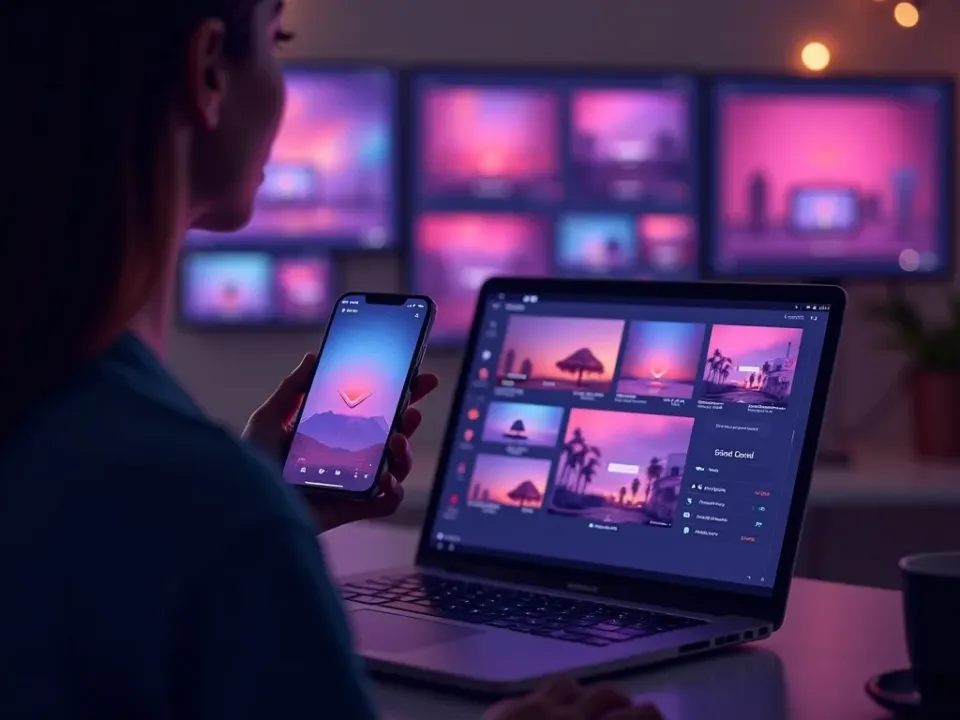
Native Social Video From Templates
Social media video templates bake in the hook, captions and trending-style pacing each platform rewards — so your post reads as native, not cross-posted. Add a prompt or photos and the template does the rest.
No editing app — start from an idea.
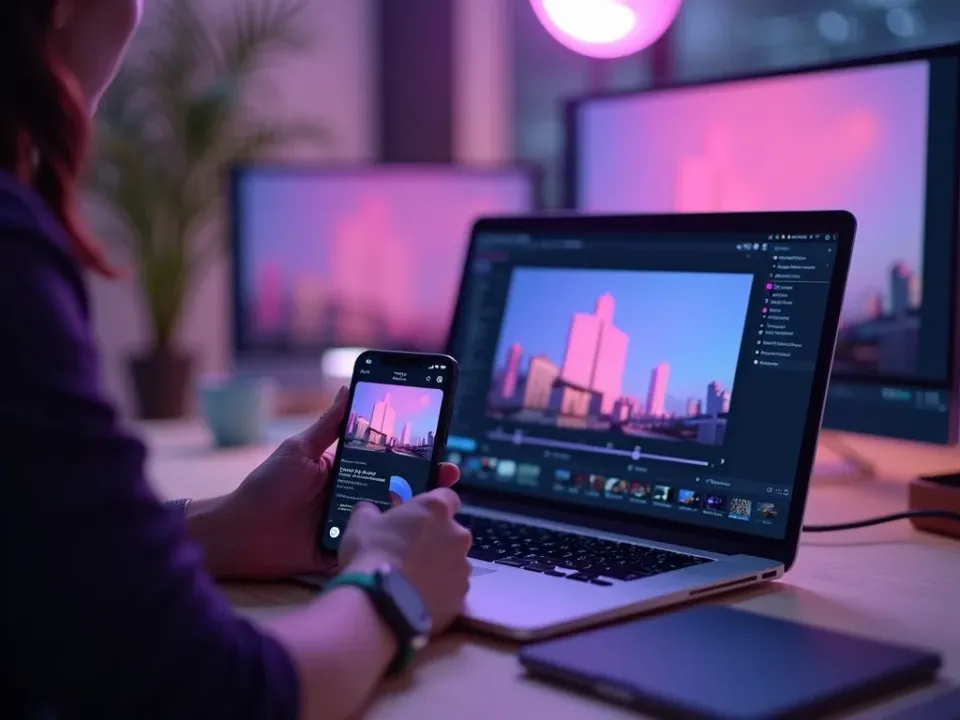
One Template, Every Platform
Customize a template once and export it sized for TikTok, Reels, Shorts, Facebook and LinkedIn — instead of re-cutting one idea five times. Native everywhere from a single project.
One idea, every feed, from templates.
On-Brand, Free, No Watermark
Start from any social template free, add your brand and captions, and export native for every platform watermark-free.
Free to try; on-brand watermark-free exports on a paid plan.
Everything the Social Templates Include
Ready-made social videos you customize and export native for every platform.
Who Uses Social Media Video Templates?
Everyone feeding social on a schedule:
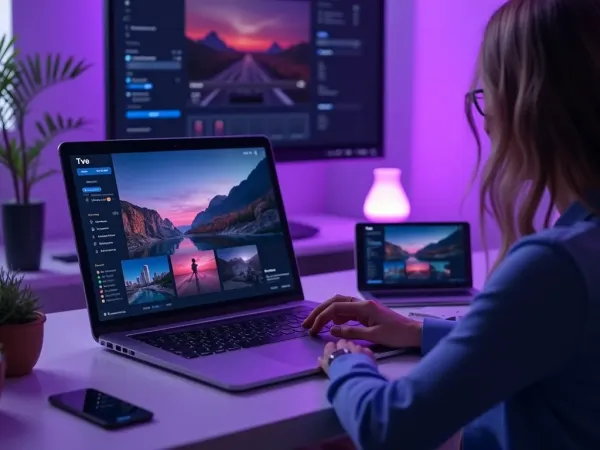
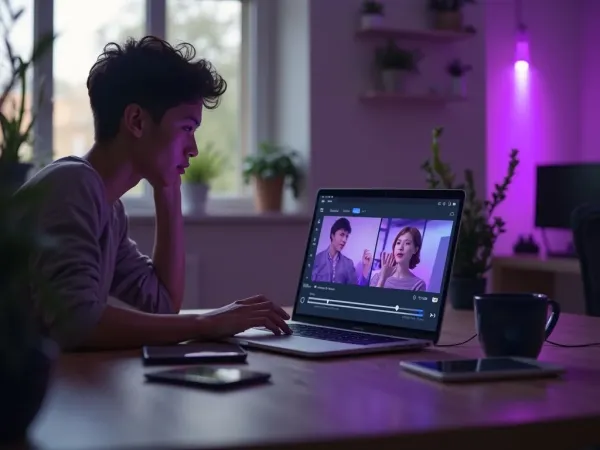
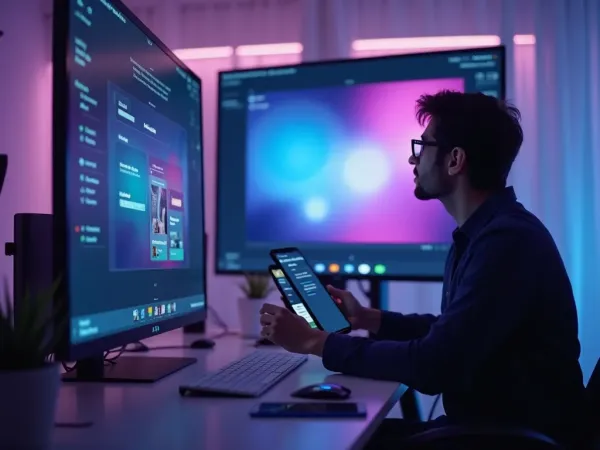
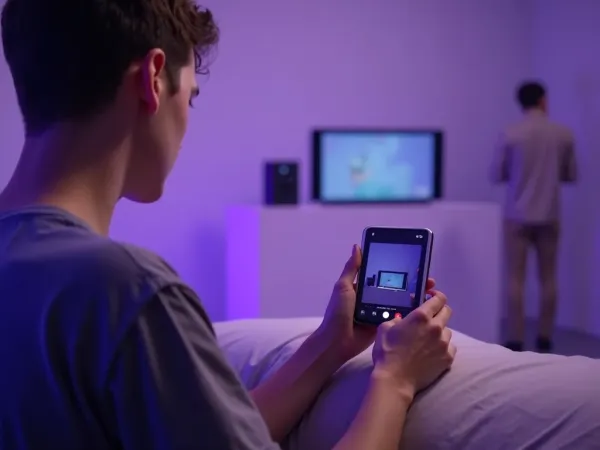
One Free Studio Behind Every Tool
Each utility here is a doorway into the full Vivideo studio — create, edit and localize video in the same place.
Related Searches: Social Media Templates
See Social Templates in Action
Watch an idea become a native social clip from a template — then make your own free on Vivideo.