Every template is an AI preset — pick one and generate your own version. Try it free →
These food video templates turn a dish photo into a scroll-stopping food video: pick a recipe reel, menu highlight or dish-showcase template, drop in your images, and generate. No videographer, no overhead rig — the template supplies the appetizing pacing, transitions and music.
Turn a menu into content. Customize the template with your dishes, brand and captions, then export vertical for TikTok, Reels and Pinterest — the fastest way for a restaurant, café or food creator to make craving-inducing video.
Make Dishes Irresistible
Add steam, sizzle, and dynamic plating motion from a single dish photo so menu items look fresh, premium, and impossible to scroll past.
No Studio Kitchen
Skip the food stylist, lighting rig, and videographer. Templates like Gourmet Plate generate appetizing motion around your real dish in minutes.
Refresh Menus Fast
Generate new clips for specials, seasonal items, and promos quickly so your social, menus, and delivery listings always feel current.
From template to finished video in four steps
Browse and pick a template
Choose a food style like Gourmet Plate or Chef Plating that matches the dish or restaurant vibe you want.
Add your photo or prompt
Upload a dish photo or describe the food, plating, and setting so the AI generates the right appetizing scene.
Pick a model and customize
Select an AI model, adjust pacing and motion, and apply your restaurant colors, logo, or menu text.
Generate and export
Hit generate, review the clip, then export in the right ratio for Reels, TikTok, menus, or delivery app listings.
Pro tips
- Shoot the dish in bright, even light so the AI keeps colors and textures appetizing.
- Match the template to the cuisine; Gourmet Plate suits fine dining, casual looks suit street food.
- Generate vertical clips for Reels and TikTok where most food discovery happens.
Frequently asked questions
Are these food video templates free?
Yes — start from any food template free with daily generations and no watermark to try. Upgrade affordably for watermark-free food video and room to scale.
Do I need a videographer?
No. Use the dish and ingredient photos you have and the template turns them into a food reel — no overhead rig or videographer.
What food videos can I make?
Recipe reels, menu highlights, dish showcases, specials promos and behind-the-scenes clips — each a customizable template.
Can I keep it on-brand?
Yes — add your logo, colors and captions so every food video matches your restaurant or channel.
What platforms are the templates for?
Vertical 9:16 for TikTok, Reels and Pinterest, plus square and wide — all from the same template.
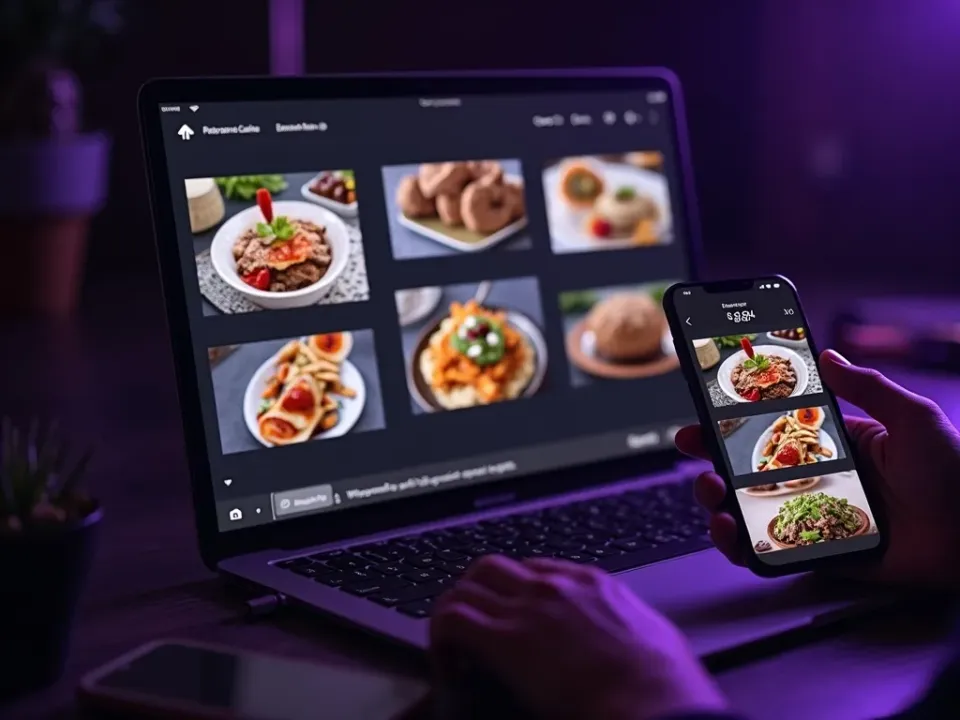
Turn Dish Photos Into Food Video
Food video templates stage your dish photos into appetizing reels — the pacing, close-up motion and beat-matched music are built in. Drop in the photo and the template makes it crave-worthy.
No overhead rig — start from a dish photo.
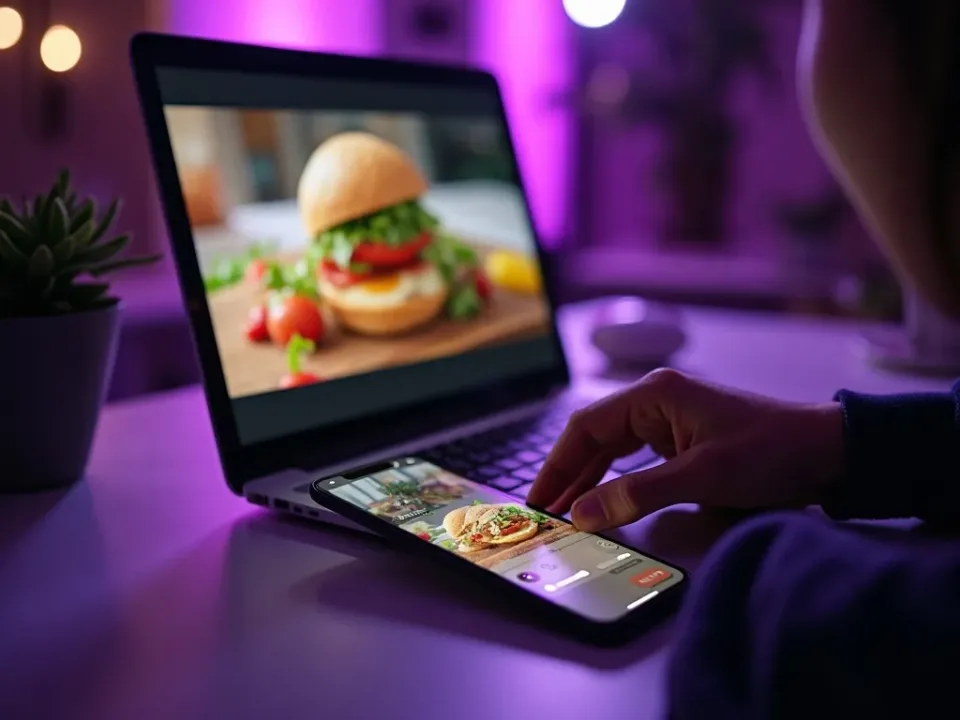
Recipe Reels, Menus and Specials
Each template fits a food moment — a step-by-step recipe, a menu highlight, a specials promo. Reuse them across your menu so every dish and offer gets a video.
One menu, every food format, from templates.
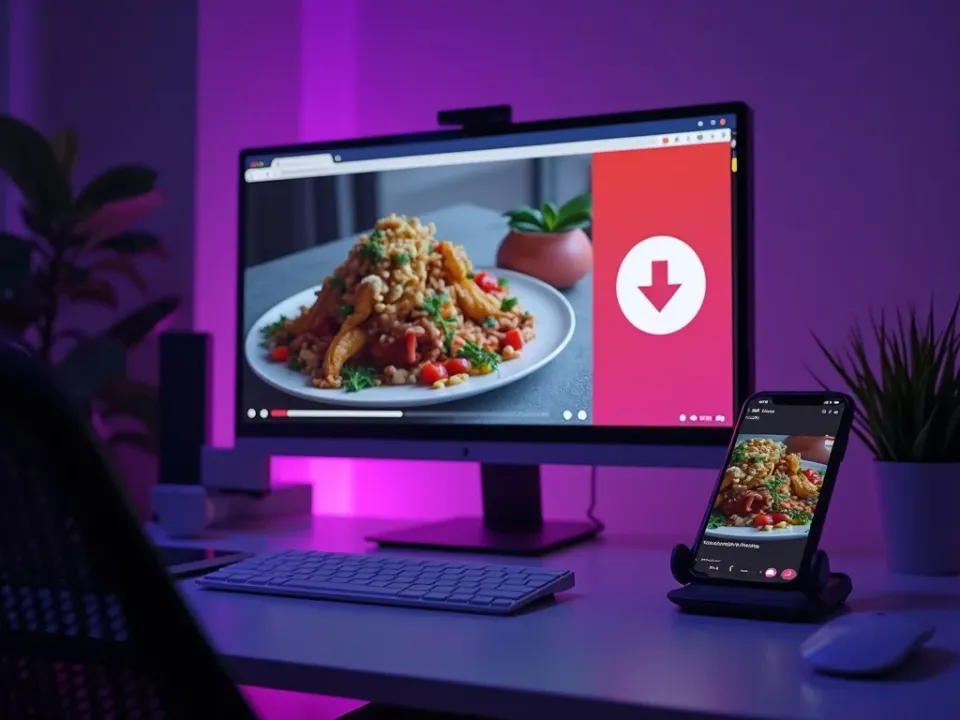
On-Brand, Free, No Watermark
Start from any food template free, add your brand and captions, and export vertical for TikTok, Reels and Pinterest watermark-free.
Try it free; watermark-free, branded exports on an affordable plan.
Everything the Food Templates Include
Ready-made food videos you customize from photos and export for every feed.
Who Uses Food Video Templates?
Everyone marketing food:

One Free Studio Behind Every Tool
Each utility here is a doorway into the full Vivideo studio — create, edit and localize video in the same place.
Related Searches: Food Templates
See Food Templates in Action
Watch a dish photo become a food reel from a template — then make your own free on Vivideo.