Every template is an AI preset — pick one and generate your own version. Try it free →
These Instagram Reels templates turn an idea into a native Instagram Reels video: pick a template, add your prompt or photos, and generate a 9:16 vertical clip that fits the feed. No editing app — the template supplies the hook, captions and pacing Instagram Reels rewards. Reels is still Instagram's biggest reach engine.
Customize the template with your content, brand and captions, then export ready to post — the fastest way to keep Instagram Reels fed with content that looks made for the platform, not cross-posted.
Built for the feed
Presets are sized 9:16 and timed for a 2-second hook, so your Reel looks native to Instagram the moment it starts playing in the feed.
Every top AI model
Generate with Veo, Sora, Kling, and more from one place. Pick the look you want, then render your Reel without juggling separate tools.
On-brand in seconds
Add your colors, logo, and AI voice with a brand kit so every Reel stays consistent across your grid without manual editing each time.
From template to finished video in four steps
Pick a Reels template
Browse vertical Instagram Reels video templates and choose one that fits your hook, niche, and the kind of motion you want.
Add your prompt or clip
Type a prompt, upload an image, or drop in a clip, then layer your brand colors, logo, and AI voice on top.
Pick a model, set 9:16
Choose your AI model, confirm the 9:16 vertical frame, and set your length anywhere up to the 90-second Reels limit.
Generate and post
Render your Reel, download in 1080x1920, then post straight to Instagram with your caption and trending audio.
Pro tips
- Land your hook in the first 2 seconds, before the swipe, by leading with motion or a bold on-screen line.
- Keep captions and key text inside the safe zone, clear of the bottom UI and right-side action buttons.
- Pair your Reel with trending audio and add captions, since most viewers watch on mute first.
Frequently asked questions
Are these Instagram Reels templates free?
Yes — start from any Instagram Reels template free with daily generations and no watermark to try. A low-cost plan removes the watermark and lifts your Reel limits.
Do I need editing skills or an app?
No. The template supplies the Instagram Reels format, hook and captions; you add a prompt or photos. There's nothing to install.
What can I make with Instagram Reels templates?
Trend clips, product reels, tutorials and story videos — each a customizable template, sized 9:16 vertical for Instagram Reels.
Can I customize the template?
Yes — change the prompt, text, music and length and swap in your photos, so the Instagram Reels video is yours, not a stock clip.
Can I keep it on-brand?
Yes — add your logo, colors and captions so every Instagram Reels video matches your brand.
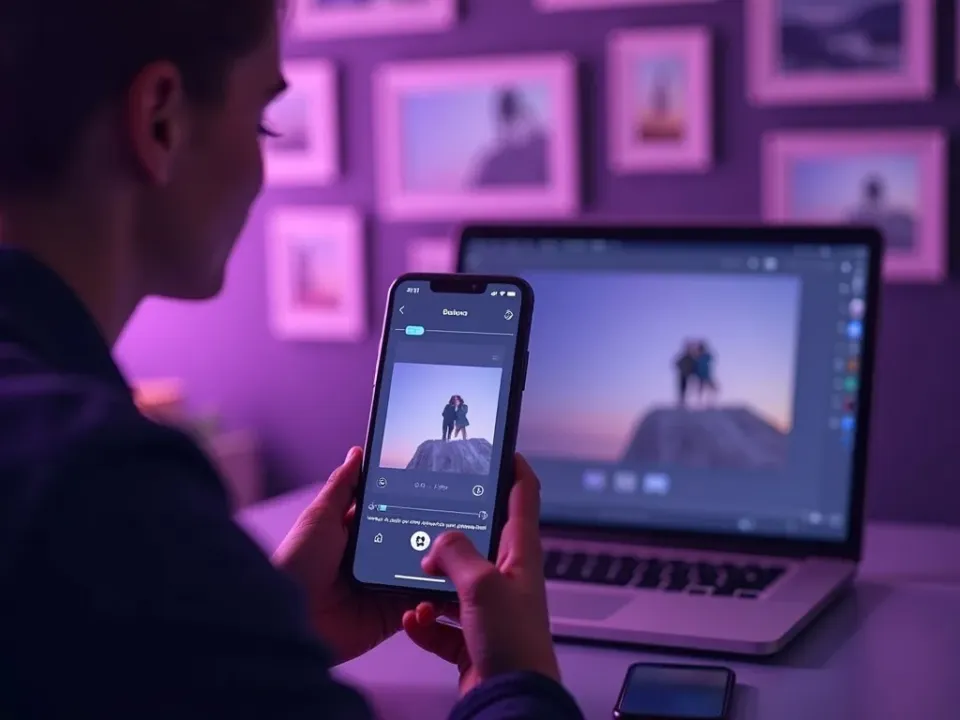
Native Instagram Reels Video From Templates
Instagram Reels templates bake in the hook, captions and pacing the feed rewards — so your video reads as native, not cross-posted. Reels is still Instagram's biggest reach engine. Add a prompt or photos and the Instagram Reels template does the rest.
No editing app — start from an idea and make it Instagram Reels-native.
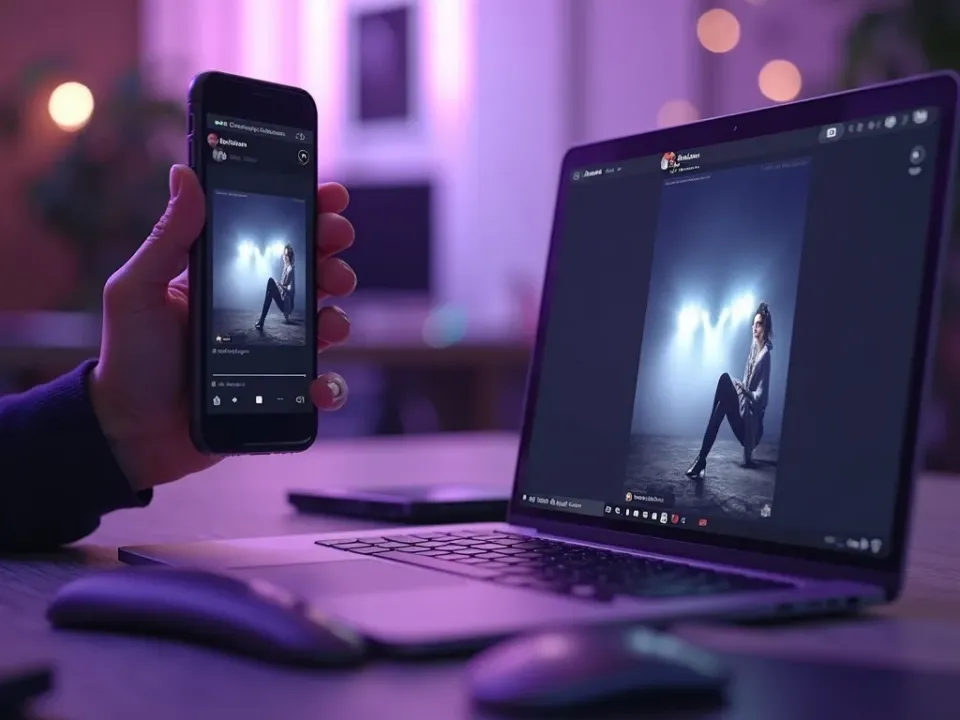
A Template for Every Instagram Reels Post
Trend clips, promos, stories — each is a Instagram Reels template. Customize one idea across several Instagram Reels templates and keep the cadence the algorithm rewards.
One idea, every Instagram Reels format, from templates.
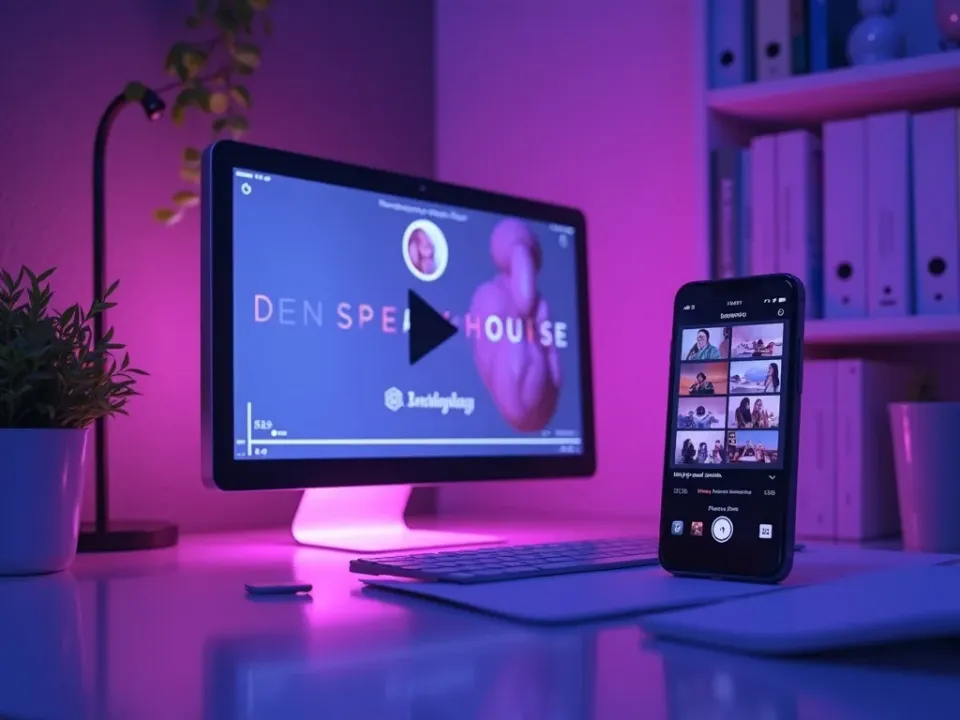
On-Brand, Free, No Watermark
Start from any Instagram Reels template free, add your brand and captions, and export 9:16 vertical watermark-free, ready to post.
Free daily generations to begin; upgrade for watermark-free Reel.
Everything the Instagram Reels Templates Include
Ready-made Instagram Reels videos you customize and export ready to post.
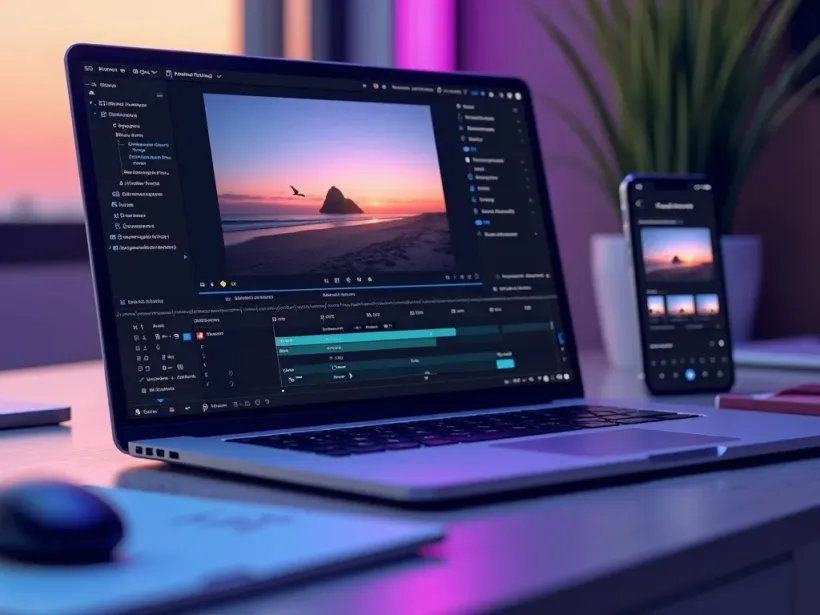
Who Uses Instagram Reels Templates?
Everyone posting to Instagram Reels on a schedule:



One Free Studio Behind Every Tool
Each utility here is a doorway into the full Vivideo studio — create, edit and localize video in the same place.
Related Searches: Instagram Reels Templates
See Instagram Reels Templates in Action
Watch an idea become a native Instagram Reels video from a template — then make your own free on Vivideo.