Every template is an AI preset — pick one and generate your own version. Try it free →
These travel video templates turn a camera roll of trip photos into a cinematic travel video: pick a destination reel, trip recap or tour-promo template, drop in your images, and generate. No drone, no gimbal, no week of editing — the template supplies the sweeping pacing and music.
Customize the template with your destination, clips and captions, then export vertical for TikTok, Reels and Pinterest — the fastest way for a travel creator, agency or hotel to turn a trip into wanderlust-inducing content.
Cinematic without the gear
Get sweeping drone-style shots, golden-hour color, and smooth motion from a prompt alone. No camera crew, no travel insurance, no reshoots required.
Every destination, on demand
Generate a beach, a mountain pass, or a city skyline by changing one line of text. Test multiple destinations before you pick the hero clip.
Vlog-ready in minutes
Export vertical for Reels and TikTok or wide for YouTube intros. Templates are built for the formats travel creators actually post.
From template to finished video in four steps
Browse and pick a template
Open the travel collection and choose a starting point like Mountain Explorers or Bosphorus Yacht that matches the mood you want.
Add your prompt or photo
Describe your destination in plain words, or upload a travel photo, and add your brand colors, logo, or trip details.
Pick a model and customize
Choose an AI video model such as Veo, Sora, or Kling, then fine-tune the length, aspect ratio, and visual style.
Generate and export
Render your travel clip in seconds, preview it, and download or share straight to your social channels and vlog.
Pro tips
- Name specific landmarks and times of day in your prompt for more believable, location-accurate footage.
- Generate vertical and wide versions so one trip fuels Reels, Shorts, and a YouTube intro.
- Lead with motion, like a yacht cutting water, to hook viewers in the first two seconds.
Frequently asked questions
Are these travel video templates free?
Yes — start from any travel template free with daily generations and no watermark to try. A low-cost plan removes the watermark and lifts your travel reel limits.
Do I need a drone or editing skills?
No. Use the trip photos and clips you already have and the template turns them into a cinematic reel — no drone, gimbal or editing suite.
What travel videos can I make?
Cinematic destination reels, trip recaps, tour and package promos, hotel showcases and travel-tips clips — each a customizable template.
Can I keep it on-brand for my agency or hotel?
Yes — add your logo, colors and captions so every travel video matches your brand.
What platforms are the templates for?
Vertical 9:16 for TikTok, Reels and Pinterest, plus wide for YouTube — all from the same template.
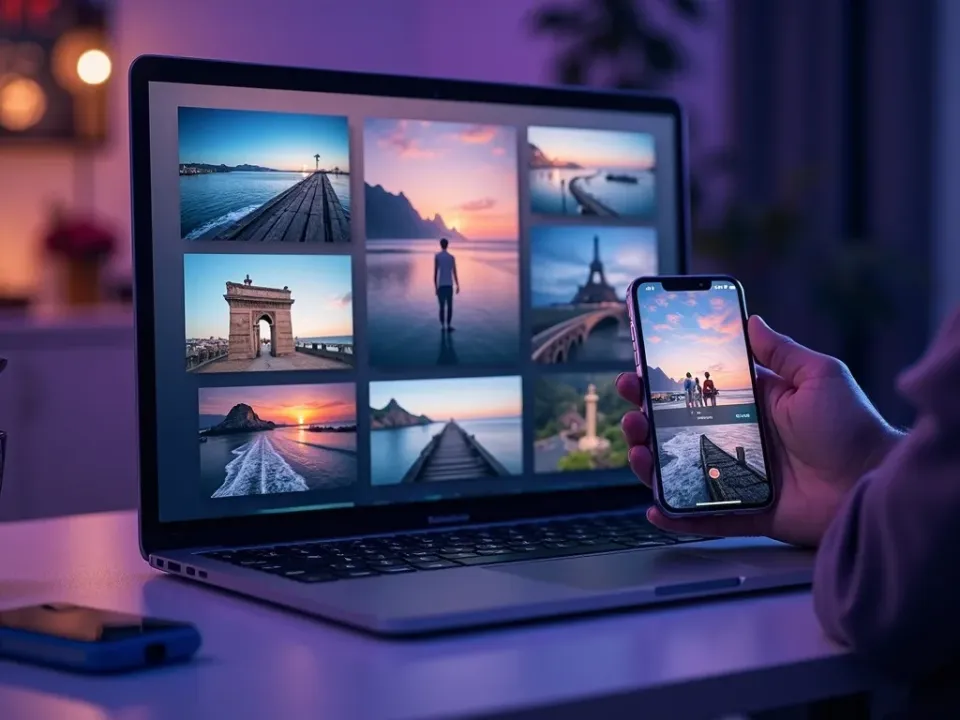
Turn Trip Photos Into a Destination Reel
Travel video templates stage your trip photos into a cinematic reel — the sweeping transitions, pacing and music are built in. Drop in the photos and the template makes them inspire.
No drone or long edit — start from photos.
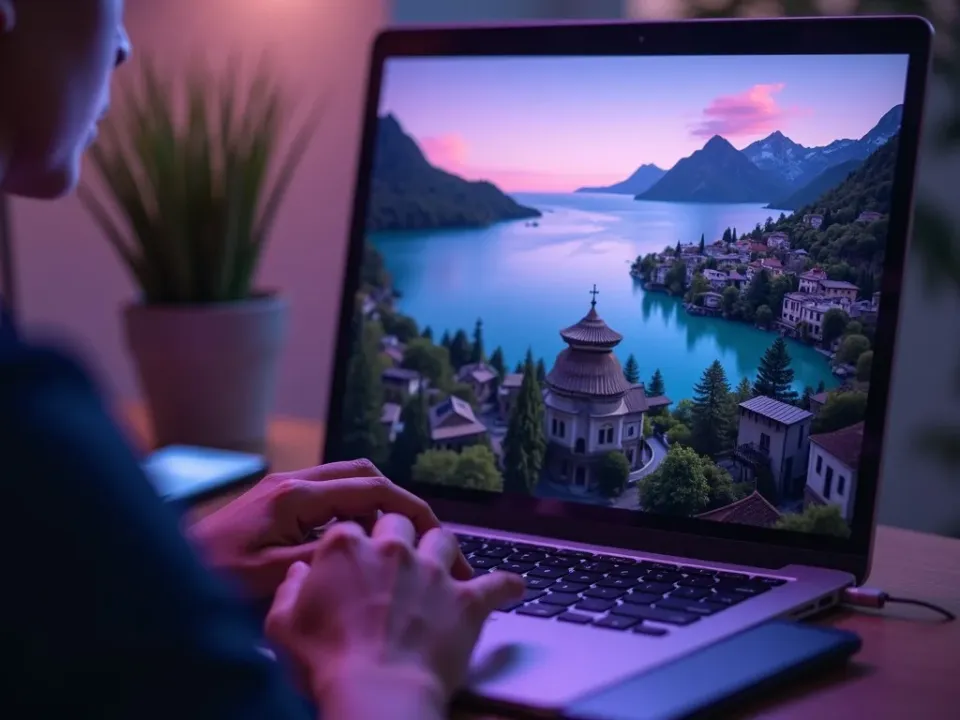
Reels, Recaps and Tour Promos
Each template fits a travel moment — a destination reel, a trip recap, a package promo. Reuse them for every place so a travel brand keeps a steady stream of wanderlust content.
One trip, every travel format, from templates.
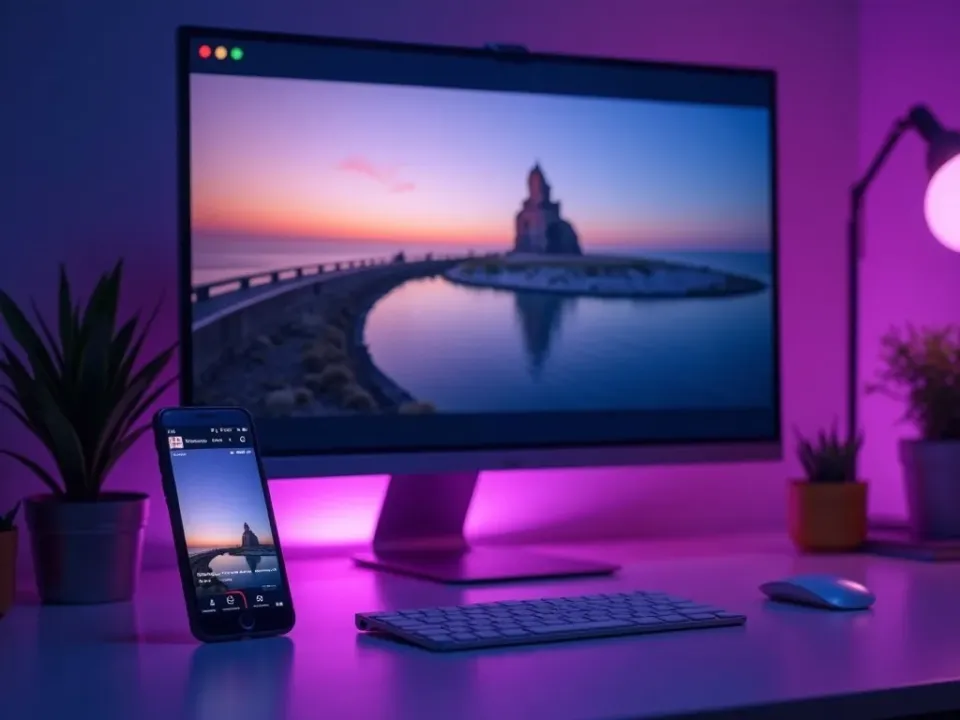
On-Brand, Free, No Watermark
Start from any travel template free, add your brand and captions, and export vertical for TikTok, Reels and Pinterest watermark-free.
Free to try, then upgrade for clean travel reel exports with no watermark.
Everything the Travel Templates Include
Ready-made travel videos you customize from photos and export for every feed.
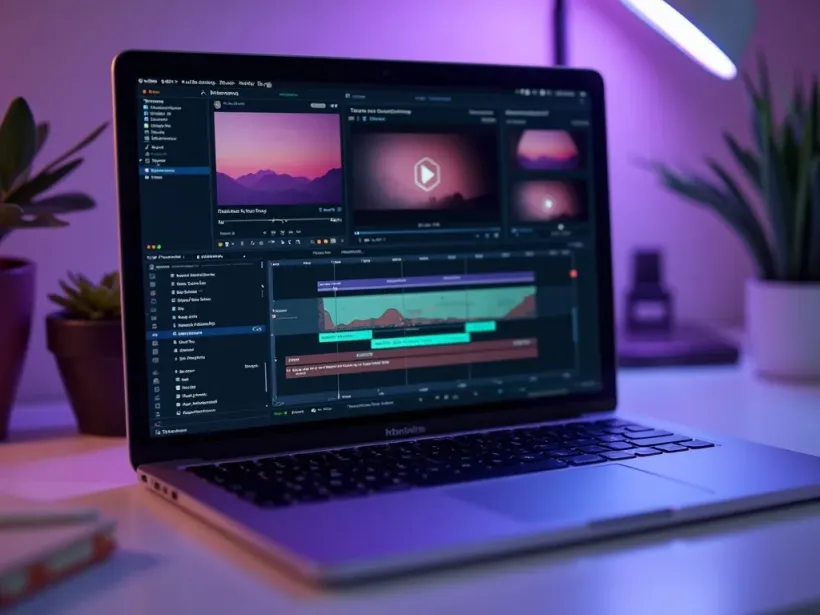
Who Uses Travel Video Templates?
Everyone inspiring travel:
One Free Studio Behind Every Tool
Each utility here is a doorway into the full Vivideo studio — create, edit and localize video in the same place.

Related Searches: Travel Templates
See Travel Templates in Action
Watch trip photos become a destination reel from a template — then make your own free on Vivideo.