Every template is an AI preset — pick one and generate your own version. Try it free →
These AI animation video templates turn a blank timeline into a finished animated clip: pick a style, add your prompt or image, and generate. No keyframing, no motion-design software, no years of practice — the template handles the look while you supply the story.
From 2D cartoon and motion graphics to explainer and character animation, each template is a starting point you customize with a prompt and your own text, then export watermark-free for any platform.
Every Style Covered
From anime and Ghibli-inspired looks to claymation, cartoon, and painterly fantasy, each template locks in a distinct aesthetic so your output looks intentional, not generic.
Your Story, Their Look
Templates are starting points. You bring the character, scene, or photo and the AI keeps the chosen animation style consistent across the whole clip.
No Software To Learn
Skip rigging, keyframing, and render queues. Type a prompt or drop an image, hit generate, and download a finished animated video ready to post.
From template to finished video in four steps
Browse and pick a template
Scroll the animation gallery and choose a style like Cartoon Cat, Anime Awakening, or Claymation Orchestra that fits the mood you want.
Add your prompt or image
Describe your character and scene, or upload a reference photo, so the AI knows exactly what to animate inside the chosen style.
Pick a model and customize
Choose an AI model like Veo, Sora, or Kling, then adjust length, motion, and details to fine-tune the final look.
Generate and export
Press generate, preview your animated clip, then download or share it directly to social, your site, or a video project.
Pro tips
- Name the animation style in your prompt (anime, claymation, cel-shaded) to reinforce the template's look.
- Describe one clear action per clip; simple motion animates cleaner than crowded, multi-event scenes.
- Upload a high-contrast reference image so characters and outlines stay crisp after stylization.
Frequently asked questions
Are these animation video templates free?
Yes — browse and start from any animation template free, with daily generations and no watermark to try. Watermark-free exports and higher limits come with an affordable plan.
Do I need animation or software skills?
No. The template supplies the animation style; you just add a prompt, your text and any image. There's no keyframing or motion-design software to learn.
What animation styles are covered?
2D cartoon, motion graphics, explainer, character and kinetic-text styles — pick the one that fits your story and customize it.
Can I customize the template?
Yes — change the prompt, text, colors, music and length, and swap in your own images, so the final animation is yours, not a stock clip.
Can I use animation templates for social?
Yes — export vertical for TikTok, Reels and Shorts or wide for YouTube from the same template.
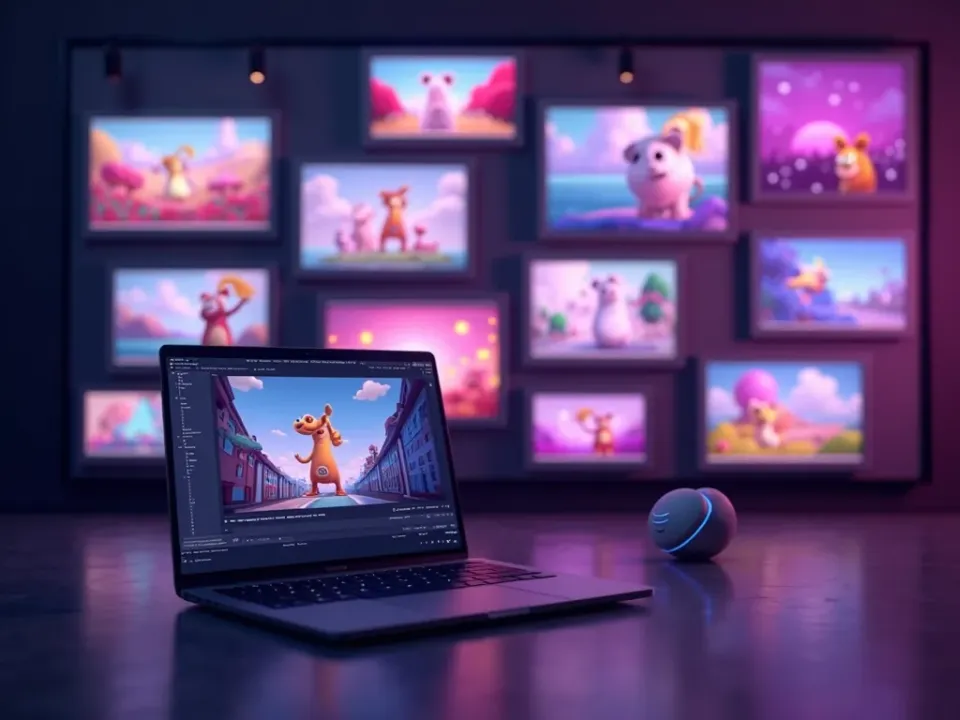
Every Animation Style, Ready to Customize
AI animation video templates cover the looks that used to need a motion designer — 2D cartoon, kinetic text, explainer, character animation. Pick the style, and the template gives you the movement, timing and polish; you add the story.
No keyframing, no After Effects — start from a finished look.
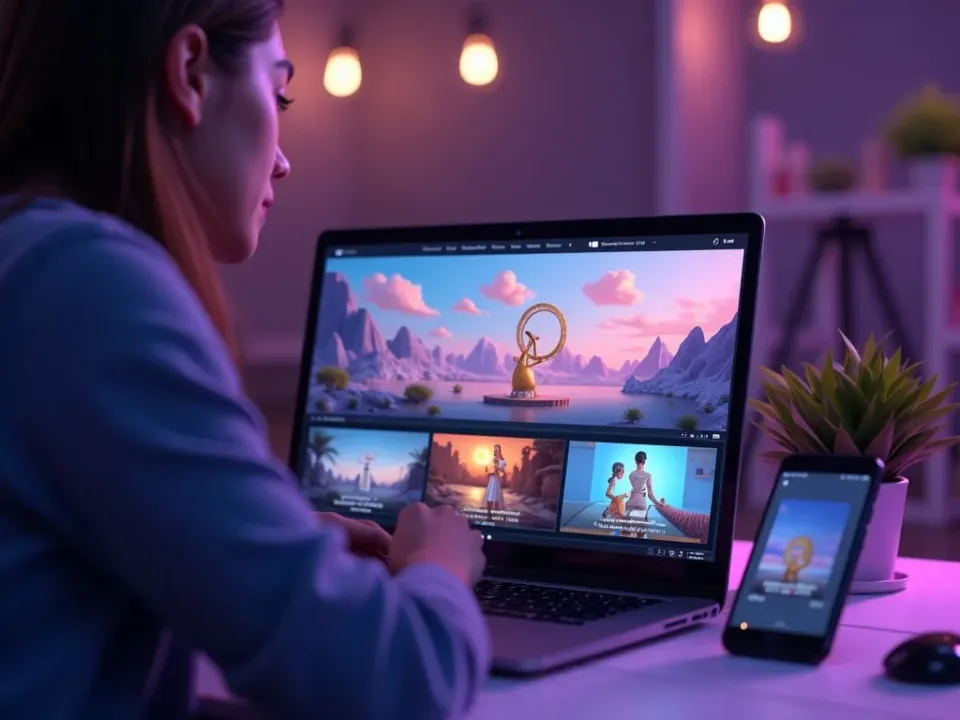
From Template to Your Story
A template is a starting point, not a stock clip. Add your prompt, drop in your text and images, and the animation re-generates around your idea — so two people using the same template get two different videos.
Your prompt, the template's polish.
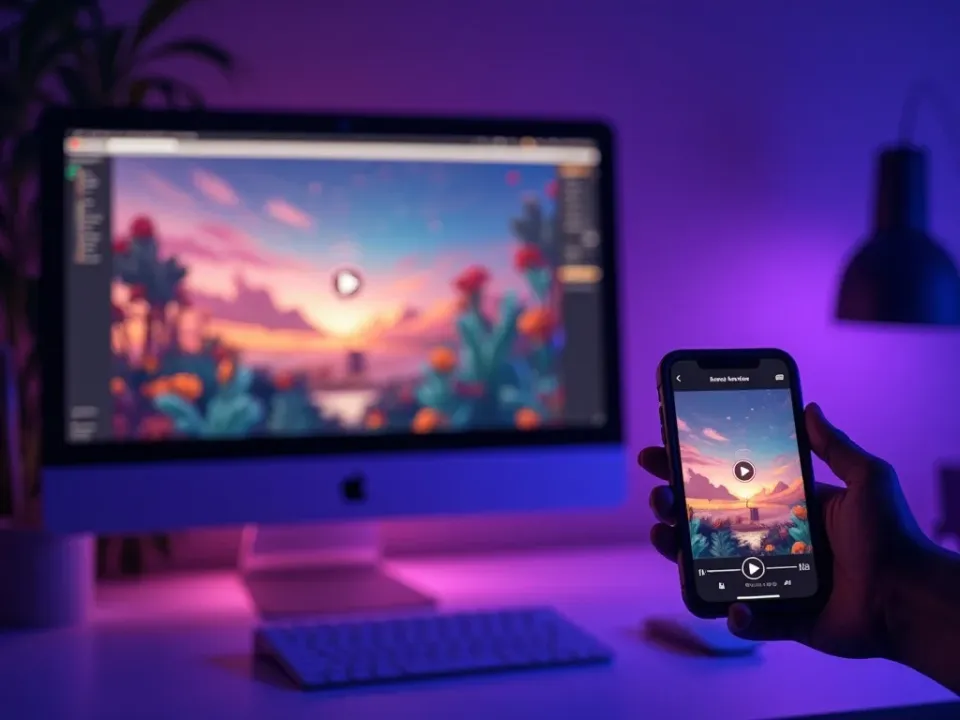
Free, Online, No Watermark
Start from any animation template free — no software to install, no watermark on the export. Customize in the browser and download a finished animated clip for any platform.
Free to try; watermark-free exports on a paid plan.
Everything the Animation Templates Include
Ready-made animation looks you customize and export in minutes.
Who Uses Animation Video Templates?
Anyone who wants animation without the skill curve:

One Free Studio Behind Every Tool
Each utility here is a doorway into the full Vivideo studio — create, edit and localize video in the same place.
Related Searches: Animation Templates
See Animation Templates in Action
Watch an animation template become a finished clip — then make your own free on Vivideo.